
TL;DR
A set of microbenchmarks and memory measurements for CPython 3.14.2 on an M4 Pro Mac Mini shows common operation costs and object sizes. The report highlights where choosing the right data structures, serialization libraries, or web framework can materially affect performance and memory usage.
What happened
The author ran an extensive suite of microbenchmarks on CPython 3.14.2 on a Mac Mini M4 Pro (macOS Tahoe) and published a table of timings and memory footprints for many everyday Python operations and object types. The report includes system information and links the benchmark code on GitHub. Measurements cover memory sizes for basic objects (empty process, strings, ints, floats, collections, class instances including __slots__), nanosecond-level timings for arithmetic, string formatting, list operations, attribute access, and function calls, plus microsecond-level timings for JSON libraries, file I/O, database operations (SQLite and MongoDB), and simple web framework request handling. The write-up emphasizes relative comparisons (for example, set/dict membership versus list membership) and provides aggregated numbers for larger collections and iteration patterns to guide performance-sensitive decisions.
Why it matters
- Benchmarks give concrete, platform-specific costs that help choose data structures and algorithms for performance-sensitive code.
- Memory measurements (e.g., small ints 28 bytes, floats 24 bytes) clarify why object counts matter for RAM usage and when to prefer compact representations.
- Serialization and web framework comparisons show practical trade-offs between throughput and latency for APIs and services.
- Comparing list membership vs set/dict membership illustrates orders-of-magnitude differences in common operations, informing algorithmic choices.
Key facts
- Empty Python process observed at 15.73 MB on the test system.
- Core string object is ~41 bytes; each additional character adds about 1 byte (100-char string ≈ 141 bytes).
- Small and typical large ints measured at ~28 bytes; very large ints (10**100) measured at ~72 bytes; float ≈ 24 bytes.
- Empty list ≈ 56 bytes; list of 1,000 ints ≈ 7.87 KB; list of 1,000 floats ≈ 8.65 KB.
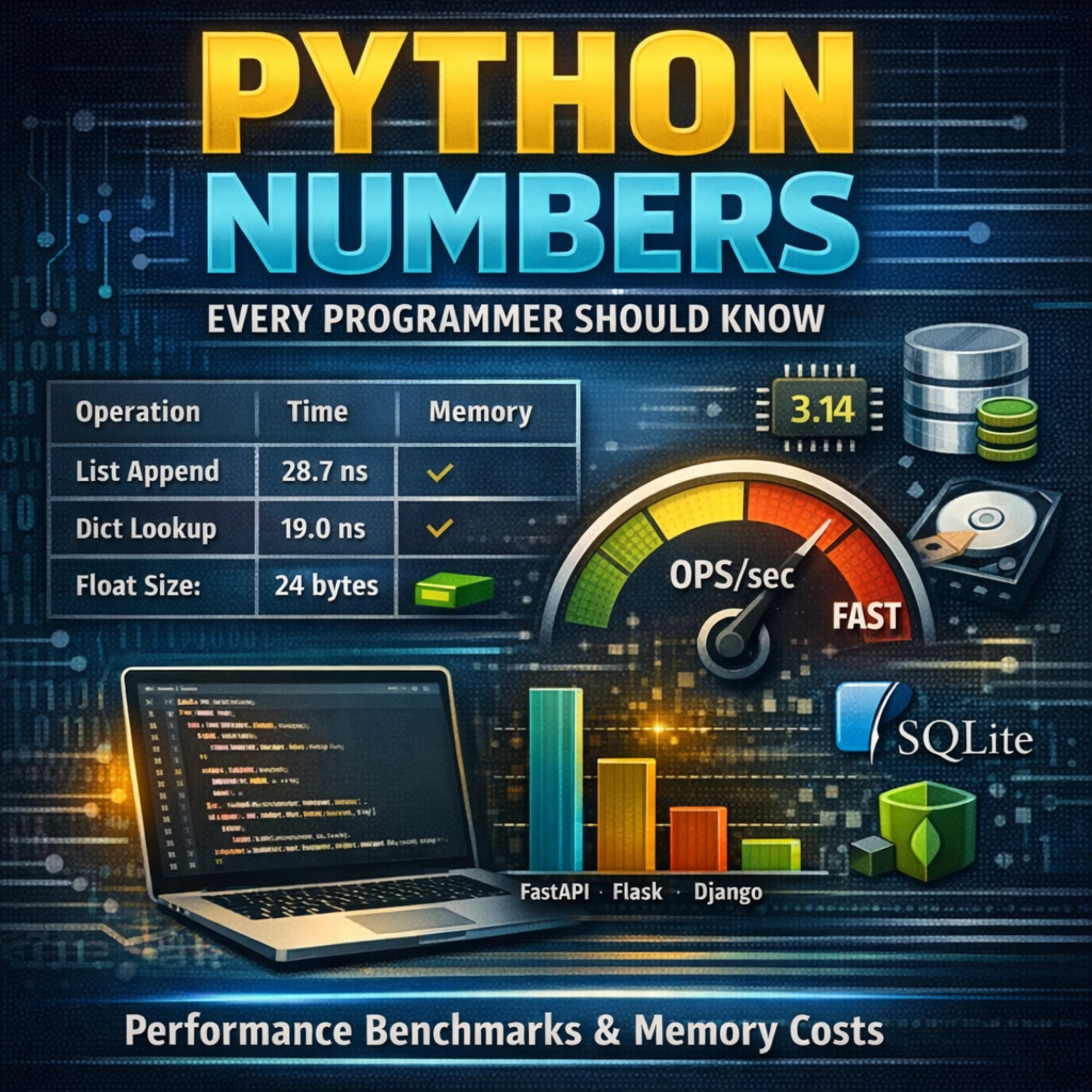
- List append measured at 28.7 ns (~34.8M ops/sec); list comprehension (1,000 items) 9.45 μs vs equivalent for-loop 11.9 μs.
- Dict lookup by key ~21.9 ns; set membership ~19.0 ns; list membership for 1,000 items ~3.85 μs (much slower).
- Attribute read ~14.1 ns for both regular and __slots__ classes; __slots__ provides major memory savings for large collections.
- JSON: json.dumps()/loads (simple) ~708 ns/714 ns; orjson.dumps() (complex) ~310 ns; msgspec encode (complex) ~445 ns.
- Web frameworks (returning JSON): FastAPI ~8.63 μs, Starlette ~8.01 μs, Litestar ~8.19 μs, Flask ~16.5 μs, Django ~18.1 μs.
- File operations: open+close ~9.05 μs; read 1KB ~10.0 μs; write 1KB ~35.1 μs; write 1MB ~207 μs.
What to watch next
- Benchmark code is available on GitHub for review and reproduction: https://github.com/mikeckennedy/python-numbers-everyone-should-know (confirmed in the source).
- How these numbers change on other hardware, OSes, or Python implementations (PyPy, Jython) — not confirmed in the source.
- Differences between microbenchmark results and real-world application performance under load or with different I/O patterns — not confirmed in the source.
Quick glossary
- CPython: The standard and most widely used implementation of the Python programming language, written in C.
- __slots__: A class mechanism that can reduce per-instance memory overhead by preventing the creation of a per-instance __dict__ for attributes.
- Microbenchmark: A small, focused performance test that measures the cost of a tiny operation or code path, often in isolation.
- orjson: A high-performance JSON library for Python implemented in Rust, often used as a faster alternative to the standard json module.
- len(): A built-in Python function that returns the number of items in a container; typically implemented to be O(1) for built-in collections.
Reader FAQ
Which Python version and hardware produced these numbers?
Benchmarks were run on CPython 3.14.2 on a Mac Mini M4 Pro (macOS Tahoe) with 14 CPU cores and 24 GB RAM (confirmed in the source).
Is the benchmark code available to reproduce results?
Yes — the author published the benchmark code on GitHub (confirmed in the source).
Which JSON library was fastest in these tests?
In these measurements, orjson.dumps() (complex) was fastest at ~310 ns; msgspec and orjson were both faster than the standard json module (confirmed in the source).
Do these numbers apply to other Python implementations?
Not confirmed in the source.
Python Numbers Every Programmer Should Know 2025-12-31 performance python 13 min read There are numbers every Python programmer should know. For example, how fast or slow is it to add…
Sources
- Python Numbers Every Programmer Should Know
- Python Performance Tips You Must Know
- High Performance Python
- How much of 'What Every Programmer Should Know About …
Related posts
- Public domain 2026: Betty Boop, Pluto, and Nancy Drew set free
- Build a Simple Deep Learning Library from Scratch with NumPy and Autograd
- Half of U.S. Vinyl Buyers Don’t Own Record Players as Gen Z Drives Return