
TL;DR
The author shifted from treating Google Calendar as a passive schedule to using its built-in time-blocking feature to plan work, breaks and recurring activities. Blocking time alongside meetings made his daily workload more realistic and reduced anxiety about uncompleted tasks.
What happened
Dhruv Bhutani describes changing how he uses Google Calendar by adopting time blocking rather than relying solely on meetings and task lists. Instead of leaving tasks floating on a to-do list, he assigns them explicit blocks on his calendar for focused work, research, writing, admin and breaks. He sets duration, names each block and places those events next to existing meetings; recurring blocks cover daily routines like workouts and research. Bhutani favors intent-based blocks (e.g., “writing time” or “admin”) over minute-by-minute task scheduling and keeps the system simple, typically planning the next day each evening. When unexpected events occur he moves blocks rather than abandoning the method. He reports the approach makes his schedule more realistic, streamlines his workday and reduces anxiety about tracking tasks.
Why it matters
- Time blocking forces tasks to occupy real, scheduled time instead of remaining abstract items on a list.
- Seeing blocks alongside meetings makes it easier to judge whether a plan is overly ambitious.
- Assigning specific time windows encourages timely action and reduces procrastination.
- Recurring blocks protect non-negotiable activities (like workouts or research) from being displaced by meetings.
Key facts
- The feature used is time blocking within Google Calendar, a built-in calendar capability.
- Author Dhruv Bhutani moved from a passive calendar and task lists to actively planning his day with blocks.
- He uses intent-based blocks (e.g., 'writing time') rather than scheduling single tasks in detail.
- Blocks are created quickly by naming an event and setting a duration; they sit alongside existing meetings.
- Recurring blocks are used for daily activities the author considers non-negotiable.
- Blocks can be rescheduled if unexpected events occur, allowing adaptive planning.
- The author says time blocking doesn’t create more hours, but helps make better use of available time.
- The article notes Google Calendar's time-blocking process is simple and frictionless to implement.
- A newsletter is mentioned that offers practical time-blocking tips and techniques.
What to watch next
- Whether individual users need a different cadence or structure than the author’s evening planning routine — not confirmed in the source.
- If intent-based blocks outperform task-specific blocks for other workflows or teams — not confirmed in the source.
- The measurable impact of time blocking on objective productivity metrics across different roles — not confirmed in the source.
Quick glossary
- Time blocking: Scheduling dedicated chunks of time on a calendar to work on specific activities or types of work.
- Intent-based block: A calendar block labeled with a general purpose (e.g., 'writing' or 'admin') rather than a single, specific task.
- Recurring event: A calendar entry that repeats on a set schedule, used to protect regular activities from being displaced.
- To-do list: A list of tasks people plan to complete; typically describes what to do but not when to do it.
- Google Calendar: Google’s calendar application for scheduling events, reminders and time blocks across devices.
Reader FAQ
What is time blocking?
Assigning specific time slots on your calendar to work on activities so tasks have a scheduled window to be completed.
How is time blocking different from a to-do list?
A to-do list records tasks to complete; time blocking assigns those tasks to concrete times so you account for time, not just items.
Do you need a separate app to time block?
Not according to the source — the author uses Google Calendar’s built-in features to create and manage blocks.
Do you have to fill every minute with blocks?
No; the article advises keeping time blocking simple and realistic rather than micromanaging every moment.
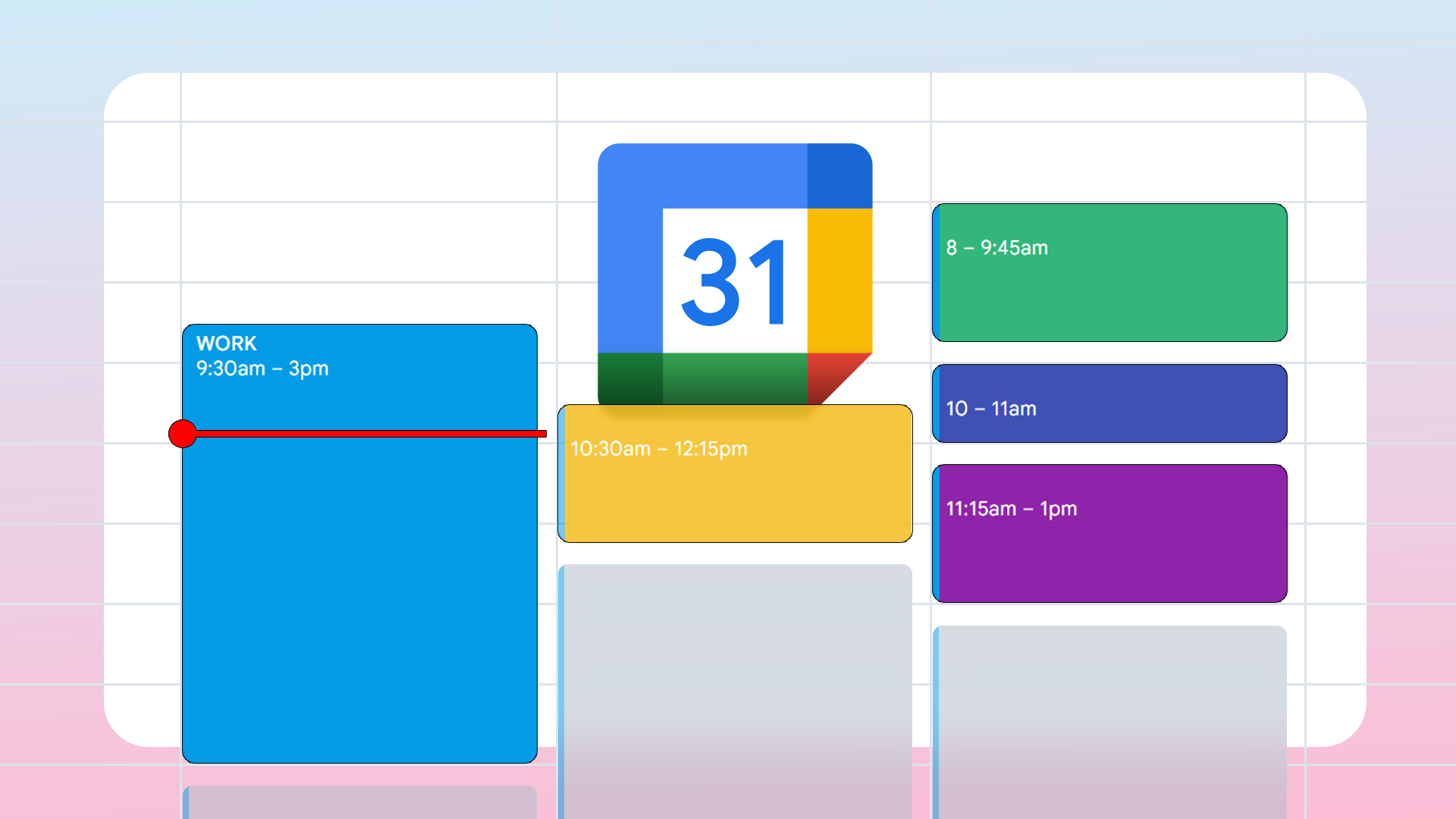
The one Google Calendar feature I use every single day to stay in control Credit: Lucas Gouveia / Android Police By Dhruv Bhutani Published 14 minutes ago Dhruv Bhutani has been…
Sources
- The one Google Calendar feature I use every single day to stay in control
- Reclaim – AI Calendar for Work & Life
- 10 Little-Known Google Calendar Tips That Can Help You …
- Alternative to Google Calendar AI Planner from Reclaim, …
Related posts
- Welcome to the Future of Noise Canceling: R&D Innovations in Audio and Soundproofing
- HPV vaccination cuts HPV16/18 prevalence from 16% to under 1% in Denmark
- Plain-text double-entry accounting for a multi-currency household