
TL;DR
Strings uncovered in the Android Canary 2601 build indicate a forthcoming native App Lock will replace detailed notifications from locked apps with generic text. Google has not confirmed the feature’s inclusion in Android 17 or whether app names and icons will still appear.
What happened
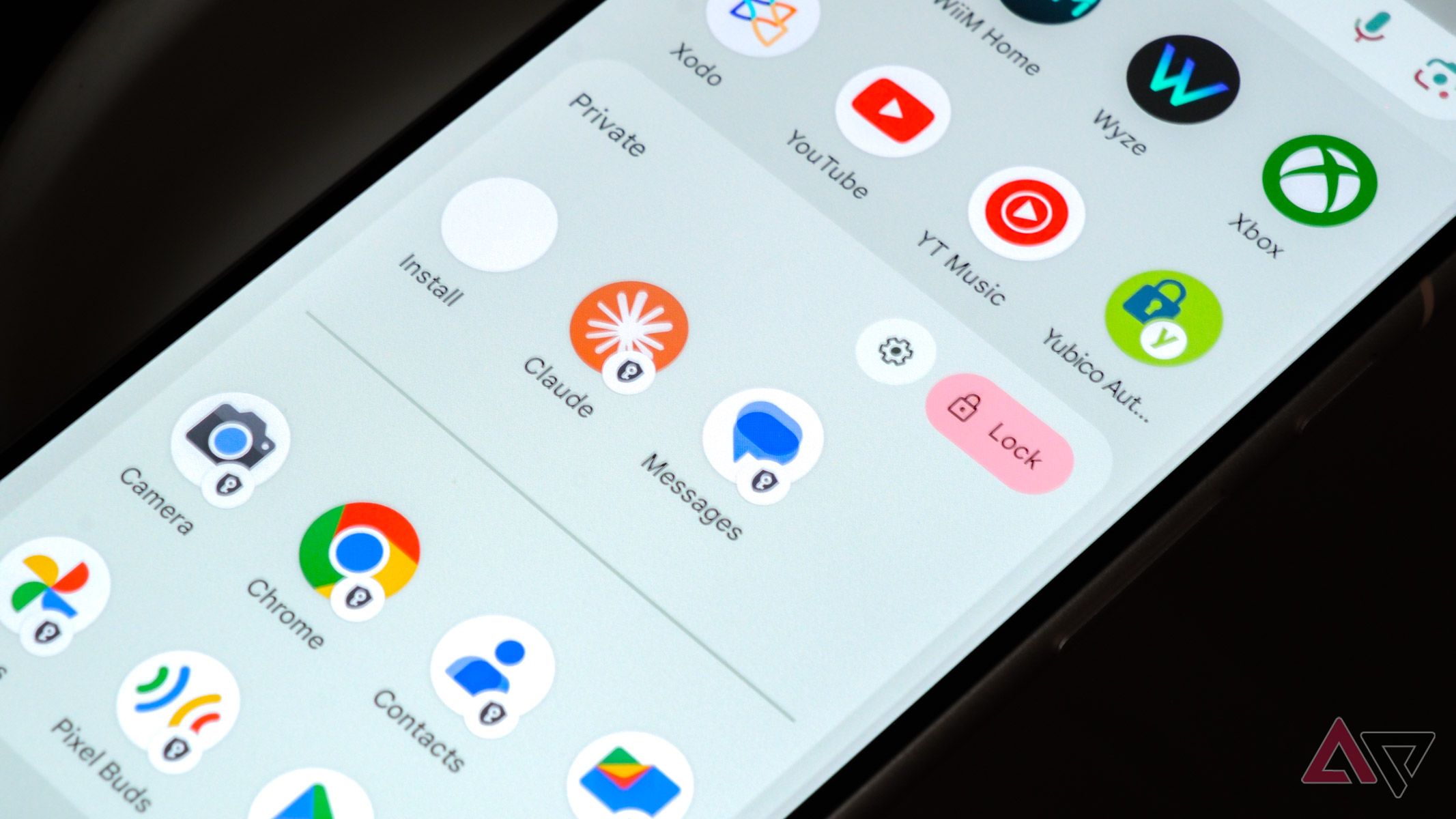
The Android Canary 2601 build exposed code strings that shed light on how a proposed native App Lock might handle notifications. The discovered text suggests notifications originating from locked apps would present generic labels such as "new notification" or "new message" instead of revealing message content. The strings were highlighted by code analysts at Android Authority and reported by Android Police, which also noted that App Lock aims to provide a native way to lock individual apps—a role currently filled by third-party lockers or separate features like Private Space. Android Police said it could not determine from the Canaries whether locked-app alerts would still display app names or icons. App Lock has not appeared in Android 16 QPR3 betas, so Android 17 remains the likely target for the feature, though its inclusion is not guaranteed. The first Android 17 developer preview has not yet been published, and additional details are expected when previews begin.
Why it matters
- Reduces accidental exposure of message content when someone else views your phone or glance at notifications.
- Brings built-in app-specific locking to Android, removing the need for third-party app-lock tools.
- Aligns Android’s native behavior with many OEM implementations and popular third-party lockers.
- Could change how privacy-sensitive apps (messaging, email, finance) present alerts on locked devices.
Key facts
- Android Canary build involved: Canary 2601.
- Code strings found indicate locked-app notifications would show generic labels (e.g., new notification/new message).
- Android Authority surfaced the relevant code strings; Android Police reported the findings.
- App Lock is intended as Android’s native method to lock individual apps, replacing reliance on third-party apps or Private Space for that use case.
- Android 16 QPR3 betas contain no sign of App Lock, per reporting.
- Android Police could not confirm from the code whether app names or icons would still appear with locked notifications.
- Inclusion of App Lock in Android 17 is plausible but not officially confirmed.
- Other potential Android 17 features mentioned in coverage include a Universal Clipboard and full‑screen apps on the always‑on display.
What to watch next
- Whether locked-app notifications will still show the app’s name or icon: not confirmed in the source.
- Official confirmation that App Lock will ship as part of Android 17: not confirmed in the source.
- Timing and content of the first Android 17 developer preview, which should provide definitive details: not confirmed in the source.
Quick glossary
- App Lock: A feature that restricts access to individual apps, typically requiring authentication to open them.
- Android Canary: A very early build of Android software intended for internal testing and early development; can contain features still in development.
- Developer preview: An early release of an operating system version that developers use to test apps and explore upcoming features ahead of public release.
- Notification: An alert presented by an app to inform the user of messages, updates, or events, usually shown on the lock screen or in the system tray.
Reader FAQ
Will App Lock definitely appear in Android 17?
Not confirmed in the source.
Will locked-app notifications hide message content?
Yes — code strings in the Canary build indicate generic labels will be used instead of message content.
Will locked notifications still show app names or icons?
Not confirmed in the source.
Is App Lock present in Android 16 QPR3?
No — the source reports no sign of App Lock in Android 16 QPR3 betas.
Here’s how Android 17’s App Lock will handle notifications By Chethan Rao Published 30 minutes ago Chethan is a reporter at Android Police, focusing on the weekend news coverage for…
Sources
- Here’s how Android 17’s App Lock will handle notifications
- Android 17's App Lock might stop your notifications from …
- Android 17 might block notification previews with App Lock
- Android 17's new App Lock might stop your notifications …
Related posts
- I used Obsidian wrong — the simple single‑vault daily note setup that stuck
- Emoji draft for Unicode 18: pickle, squinting smiley and more likely in iOS 27
- Google Play star ratings are broken — 8 metadata signals I trust