
TL;DR
A third-party Android app called Essentials can enable the Pixel 10–exclusive Google Maps power-saving navigation mode on older Pixels and, according to the developer, some non-Pixel devices. It requires installing Shizuku and sideloading the app from GitHub; results for battery life improvements are not guaranteed.
What happened
In November 2025 Google added a Maps power-saving navigation mode that the company initially limited to the Pixel 10. The mode reduces on-screen graphics and switches to a monochrome look to conserve power during turn-by-turn navigation. Developer Sameera Wijerathna built an app called Essentials that reportedly unlocks that Maps power-saving toggle on older Pixel phones and, per the developer, on certain non-Pixel Android devices such as Samsung handsets. Reddit users have posted success reports. Essentials offers other utilities — a screen-off widget, hardware button remapping, app locking, action linking, and hiding status-bar icons — most of which do not need extra tooling. However, enabling the Maps power-saving toggle requires Shizuku, which in turn needs wireless debugging and an initial pairing step. Essentials must be sideloaded from a GitHub project (it isn’t on the Play Store), and Google Play Protect may block the install unless temporarily disabled. The app can trigger Maps to move to a low-power always-on display while showing navigation, but measurable battery gains are not guaranteed.
Why it matters
- Brings a Pixel 10 software feature to older phones without root, potentially extending usable navigation time.
- Offers a low-power navigation option that could reduce screen energy use by simplifying visuals during routing.
- Requires sideloading and additional tooling (Shizuku), which raises installation friction and potential security considerations.
- Because the feature wasn’t built for older hardware, any battery improvement may vary widely between devices.
Key facts
- Google introduced the Maps power-saving navigation mode in November 2025 and kept it exclusive to the Pixel 10 at launch.
- The Maps power-saving mode uses a monochrome color scheme and simplified on-screen graphics to save power during navigation.
- Essentials is developed by Sameera Wijerathna and includes features like a screen-off widget, hardware button remapping, app lock, action linking, and hiding status bar icons.
- Reddit users have reported success using Essentials to unlock the Maps power-saving mode on older Pixel phones.
- The developer claims Essentials can enable the Maps power-saving mode on some non-Pixel Android devices, including Samsung phones.
- Root access is not required, but enabling the Maps power-saving toggle via Essentials needs Shizuku.
- To run Shizuku you must enable wireless debugging and complete an initial pairing process on the phone.
- Essentials is not distributed through the Google Play Store; it must be sideloaded from a GitHub repository.
- Google Play Protect may block the installation; the article notes temporarily disabling Play Protect to complete the sideload.
- After enabling the toggle, Maps should transition to a low-power AOD-like display while navigating; a first-time prompt may appear to confirm activation.
What to watch next
- Real-world battery impact across different phone models and OS versions — results may vary and are not guaranteed.
- Broader device compatibility beyond current reports and the developer’s claim — not confirmed in the source.
- Whether Google updates Maps or Play Services to restrict or officially roll out the power-saving mode to more devices — not confirmed in the source.
Quick glossary
- Shizuku: A tool that lets apps call Android system APIs via a local service, often used to grant elevated permissions without rooting.
- Sideloading: The process of installing an app from outside an official app store, typically by loading an APK file directly onto the device.
- AOD (Always On Display): A display mode that keeps limited information visible while the screen is mostly off, intended to use less power than a full active screen.
- Google Play Protect: Google’s built-in security service that scans apps for potential harm and can block installations deemed unsafe.
- Wireless debugging: An Android developer option that allows device debugging and developer tools connections over a wireless network instead of USB.
Reader FAQ
Do I need root to use Essentials to enable Maps power-saving?
No — root isn’t required, but enabling the Maps power-saving toggle via Essentials does require Shizuku and wireless debugging.
Can I get Essentials from the Play Store?
No. Essentials must be downloaded and sideloaded from a GitHub project according to the source.
Will this definitely improve my phone’s battery life during navigation?
Not guaranteed. The source says battery gains may vary and the feature might not be fully optimized for older hardware.
Will Google block or remove this workaround?
Not confirmed in the source.
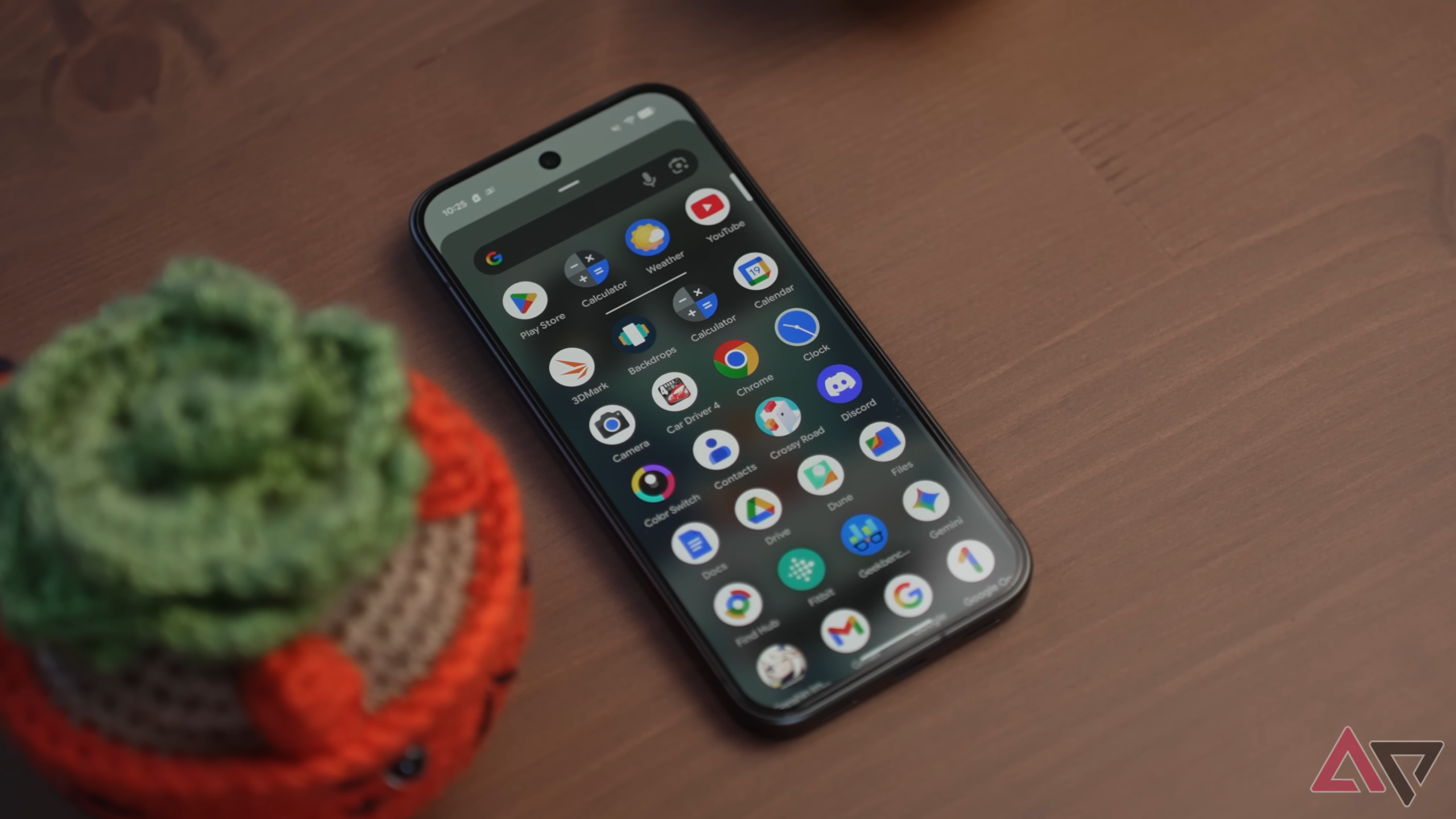
This app brings Pixel 10’s Google Maps power-saving mode to older Pixels By Rajesh Pandey Published 13 minutes ago Rajesh started following the latest happenings in the world of Android…
Sources
- This app brings Pixel 10’s Google Maps power-saving mode to older Pixels
- Google Maps Power Saving Mode Adds 4 Hours to Pixel 10
- Google Maps' New Power Saving Mode Only Works …
- How to extend your Pixel's battery life while using Google Maps
Related posts
- At-home testosterone testing arrives: saliva, a phone app and a $8.25 start
- DoNotNotify — Android app to log notifications and block them intelligently
- Garmin adds nutrition tracking to Connect app for paid subscribers