
TL;DR
A range of third-party Apple Watch apps can extend the device’s built-in Reminders and Calendar features, offering task management, note capture, timers, sleep tracking and habit building. Options reviewed include both free tiers and paid apps with monthly or one-time fees, letting users pick tools that fit their workflow.
What happened
TechCrunch reviewed several Apple Watch apps aimed at boosting everyday productivity beyond the watch’s native Reminders and Calendar. Task managers like Todoist and Things 3 let users create, organize and check off to-dos from the wrist; Todoist supports voice entry and configurable watch-face complications, while Things 3 offers project organization and scheduled repeats. For quick note capture, Drafts fills the gap left by the absence of a native Notes app, syncing an inbox from iPhone and offering multiple input methods. Focus provides a timer-based system of concentrated work “Focus Sessions” with break prompts. Habit tracking and streak maintenance are handled by Streaks. AutoSleep gives sleep quality, heart-rate and readiness metrics in a ring-style clock view. Calendar and task consolidation is available via Fantastical and Structured, the latter combining calendar, tasks and routines into a single timeline. Apps vary in pricing models, from free tiers to monthly subscriptions or one-time purchases.
Why it matters
- Apple Watch can act as a low-distraction interface for task and time management when users want to avoid their phones.
- Dedicated apps add functionality—notes, sleep readiness scores, focused timers and habit tracking—that the built-in watch apps don’t fully provide.
- A mix of free and paid options lets users choose based on budget and the specific productivity features they need.
Key facts
- Todoist: create and manage tasks from the Apple Watch, supports voice and keyboard entry, watch-face options; free with $4/month subscription for extra features.
- Drafts: acts as a notes inbox on the watch, supports voice, Scribble and keyboard entry, syncs drafts from iPhone; free with $1.99/month premium tier.
- Focus: timer-based app that uses “Focus Sessions” and encourages breaks; available for $7.99/month.
- AutoSleep: tracks sleep quality, heart rate, sleep consistency and provides a readiness score; one-time purchase of $5.99.
- Streaks: habit tracker that tracks up to 24 habits and shows progress on the watch; one-time purchase of $5.99.
- Fantastical: calendar app with three watch views (Up Next, List, Tasks), weather integration and alerts; costs $4.99/month.
- Things 3: task and project manager with Areas, tags, calendar integration and scheduled repeats; one-time cost of $9.99.
- Structured: combines calendar, to-dos, habits and routines into a timeline with inbox and sub-tasks; basic features free, $6.49/month for premium including AI drafting.
What to watch next
- Whether more productivity apps add on-device AI features and drafting tools over time — not confirmed in the source.
- Potential changes to subscription pricing and which apps move to or from one-time purchase models — not confirmed in the source.
Quick glossary
- Focus Session: A timed interval for concentrating on a single task, often followed by a short break.
- Scribble: A watchOS input method that lets users write letters on the Apple Watch screen to enter text.
- Watch-face complication: A small widget on an Apple Watch face that shows glanceable app information or shortcuts.
- Streak: A consecutive-day count that tracks repeated completion of a habit or task.
- Readiness score: A summary metric estimating how prepared a user may be for the day based on sleep and recovery signals.
Reader FAQ
Are any of these apps free to use?
Several apps offer free tiers (Todoist, Drafts, Structured basic features) while others require a one-time purchase (AutoSleep, Streaks, Things 3) or a monthly fee (Focus, Fantastical).
Can I capture notes or tasks on the Apple Watch without using voice?
Yes — many apps support multiple input methods including the Scribble feature and the watch keyboard in addition to voice entry.
Do these apps sync with the iPhone or other devices?
Drafts syncs its drafts inbox from iPhone and Structured syncs with Mac, iPhone and iPad; syncing for other apps is not fully detailed in the source.
Is there a built-in Notes app on Apple Watch?
Not confirmed in the source that Apple provides a native Notes app on the watch; Drafts is recommended as an alternative for quick note capture.
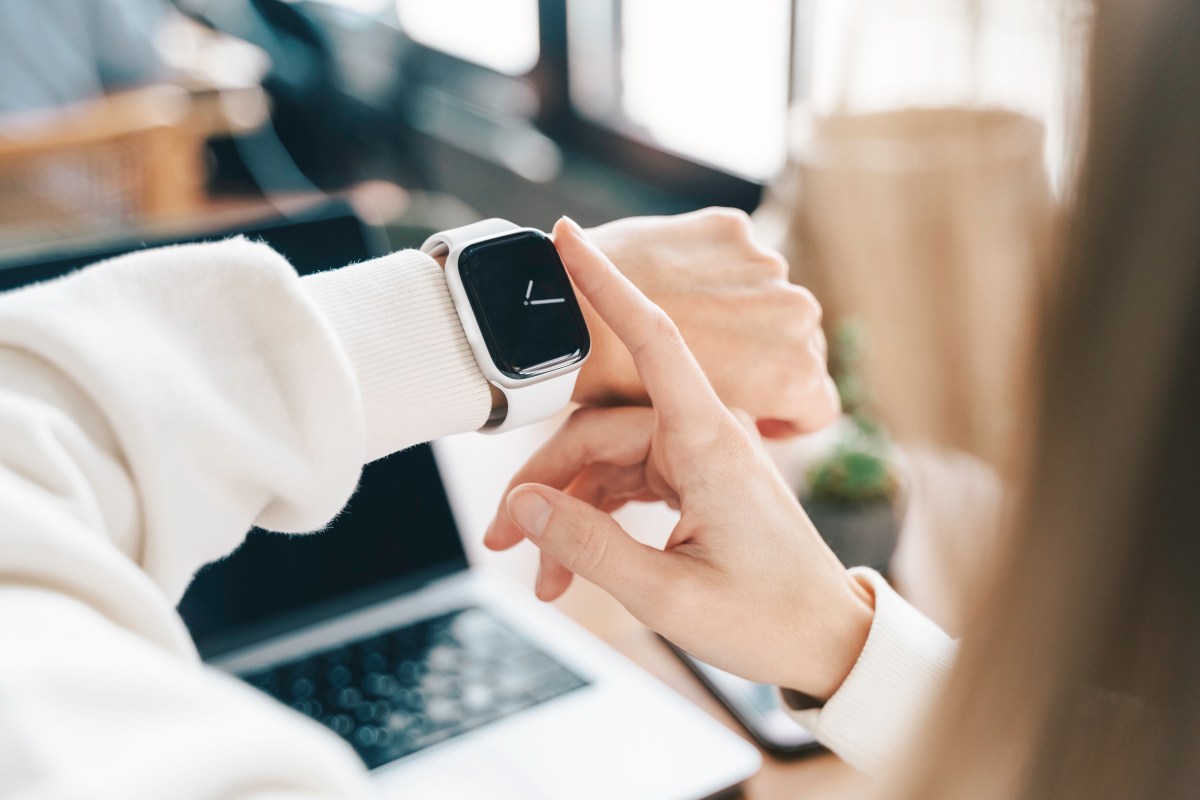
The Apple Watch helps people track their health and fitness, but it can also be a great tool to help people stay productive and get work done. This is especially…
Sources
- Best Apple Watch apps for boosting your productivity
- The best Apple Watch apps to track your life
- TickTick:To-Do List & Calendar – App Store – Apple
Related posts
- Six Apple products reportedly slated for release in 2026 — what to expect
- How Communication Gave Way to Entertainment on Social Platforms
- Cannot Ignore adds full-screen alarms for calendar events on iOS