
TL;DR
Google has introduced a desktop-like bookmark bar to Chrome on Android, making favorite sites accessible directly beneath the address field. The control is currently accessible via a toggle in Settings and appears to be limited to tablets so far; Google has not formally announced the change.
What happened
Observers at Android Authority noticed that Chrome for Android now offers a bookmark bar similar to the one used on Chrome desktop. The bar appears beneath the omnibox and surfaces users' saved sites for quicker access, rather than keeping bookmarks tucked away in the three-dot menu. Users can enable the feature by opening Chrome's Settings, navigating to Appearance, and switching on the Show bookmark bar option. The mobile bookmark bar mirrors desktop behavior in that it does not display every saved entry — an All bookmarks control on the right provides access to the full list. Screenshots accompanying the report show the feature on tablet devices; there is no public statement from Google about the update or whether the bookmark bar will be extended to Android phones in the future.
Why it matters
- Faster access to frequently visited sites reduces taps and navigation time compared with buried menu bookmarks.
- Brings Android browsing closer to the desktop experience, improving cross-device consistency for Chrome users.
- Tablet availability suggests Google may be testing layout and usability before a wider rollout.
- The All bookmarks shortcut retains access to a full bookmark list while keeping the main bar uncluttered.
Key facts
- Feature replicates the bookmark bar that appears below the omnibox in Chrome desktop.
- The change was reported by Android Authority based on screenshots and hands-on observations.
- To enable: Settings > Appearance > Show bookmark bar toggle in Chrome for Android.
- The bookmark bar does not display every bookmarked site; an All bookmarks option is provided on the right.
- Previously, bookmarks on Chrome for Android were reached via the Bookmarks entry in the three-dot menu.
- Images in the report indicate the bookmark bar is present on tablets but not on phones.
- Google has not published an official announcement about the arrival or rollout of the bookmark bar.
- The update appears to have been rolled out without a public changelog entry or formal notice.
What to watch next
- Whether Google will expand the bookmark bar to Android phones: not confirmed in the source
- If and when Google issues an official announcement or changelog for the feature: not confirmed in the source
- Which Chrome versions or update channel (stable, beta, Dev) include the bookmark bar: not confirmed in the source
Quick glossary
- Omnibox: The combined address and search bar at the top of Chrome where users enter URLs or search queries.
- Bookmark bar: A horizontal strip that displays selected bookmarks for quick, one-click access beneath the browser's address field.
- All bookmarks: An option or view that opens the full list of saved bookmarks, including folders and items not shown on the bookmark bar.
- Three-dot menu: Chrome's overflow menu (usually represented by three vertical dots) that contains additional settings and actions.
Reader FAQ
How do I enable the bookmark bar in Chrome for Android?
Open Chrome Settings, go to Appearance, and toggle on Show bookmark bar.
Will the bookmark bar show all my saved bookmarks?
No. The bar shows selected favorites and includes an All bookmarks option for the full list.
Is the bookmark bar available on Android phones?
Not confirmed in the source.
Did Google officially announce this feature?
Not confirmed in the source.
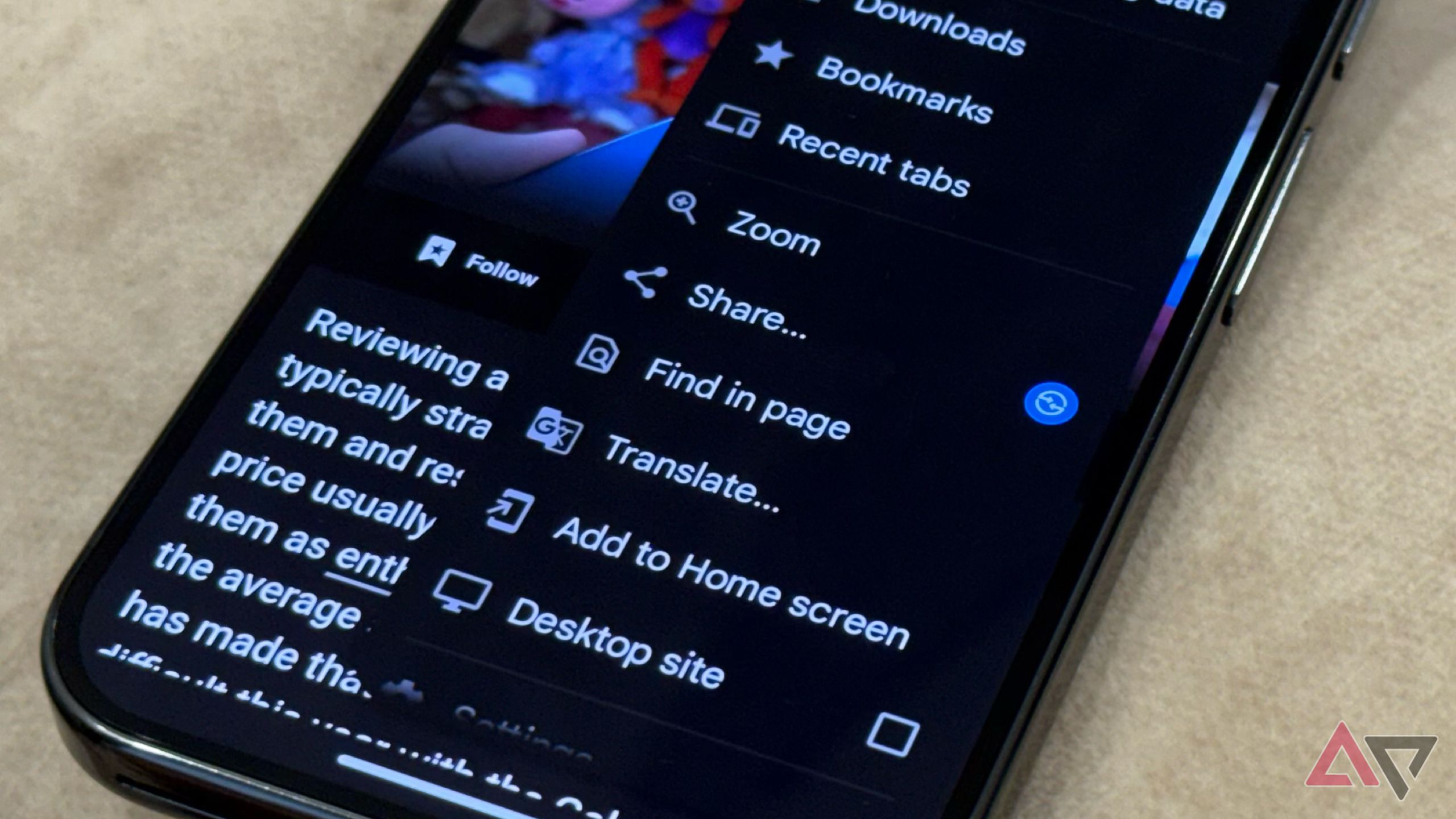
Chrome for Android borrows a genius feature from its desktop counterpart By Rahul Naskar Published 2 minutes ago Rahul Naskar has years of experience writing news and features related to…
Sources
- Chrome for Android borrows a genius feature from its desktop counterpart
- Chrome on Android Is Getting a Bookmarks Bar
- New Chrome for Android experiment adds a bottom tab bar
- Chrome enables desktop mode by default on premium tablets
Related posts
- App lets older Pixel phones use Pixel 10’s Google Maps power-saving mode
- At-home testosterone testing arrives: saliva, a phone app and a $8.25 start
- DoNotNotify — Android app to log notifications and block them intelligently