
TL;DR
Marcus Mendes outlines five apps he installs immediately after setting up a new Mac: Timery, TextExpander, AirBuddy, Keyboard Maestro and Ulysses. Each tool serves a different need — time tracking, text snippets, Bluetooth device shortcuts, automation, and focused writing.
What happened
In a recent roundup, Marcus Mendes lists the five applications he typically installs first on a freshly configured Mac. He uses Timery connected to a Toggl account for fine-grained time tracking, leveraging menu bar controls and widgets to start, stop and review timers and reports. TextExpander remains his go-to for reusable text, citing its variable support and noting the app’s annual subscription. AirBuddy started as an AirPods helper but now manages shortcuts, battery alerts and some automations for multiple Bluetooth devices, including non‑Apple hardware. Keyboard Maestro is the first install for many of Mendes’s automations — examples include automatic QuickTime recordings when a USB‑C microphone is connected and converting Ulysses chapter data into Adobe Audition markers — and he points users toward a Field Guide and an active community. For writing, he prefers Ulysses for its minimal interface, Markdown support and customizable styles.
Why it matters
- Combines tools that address common post‑setup needs: tracking time, speeding text entry, device management, task automation and distraction‑free writing.
- Automations reduce repetitive tasks and can streamline workflows across audio, text and system actions.
- Third‑party apps can extend macOS built‑ins where users need more advanced customization or cross‑device sync.
Key facts
- Article author: Marcus Mendes, a journalist and podcaster who covers Apple.
- Five apps highlighted: Timery, TextExpander, AirBuddy, Keyboard Maestro and Ulysses.
- Timery is used in conjunction with a Toggl account and offers a menu bar presence, widgets and time reports.
- TextExpander is praised for variable support and is described as having a yearly subscription fee.
- AirBuddy began as an AirPods companion and now supports shortcuts, low battery alerts and some non‑Apple Bluetooth devices.
- Keyboard Maestro hosts most of Mendes’s automations and is the first app he installs for configuring a new Mac.
- Examples of Keyboard Maestro automations include starting QuickTime recording when a specific USB‑C microphone is connected and transferring chapter timestamps from Ulysses into Adobe Audition markers.
- Ulysses is preferred by the author for writing because of its minimal interface, Dashboard, writing suggestions, Markdown support and style customization.
- Timery has an iOS app that syncs with the Mac app, and Mendes says Toggl’s recent API limits have not notably affected his use of Timery.
What to watch next
- Whether further changes to Toggl’s API will affect Timery’s functionality and reporting.
- How macOS native features evolve and whether they will reduce reliance on third‑party tools like TextExpander and Keyboard Maestro.
- Future pricing or subscription changes for any of these apps — not confirmed in the source.
Quick glossary
- Menu bar: The horizontal bar at the top of the macOS screen where apps can place status items and quick controls.
- Widget: A compact interface element that displays information or provides quick access to app features outside the main app window.
- Markdown: A lightweight markup language for formatting plain text using simple syntax, often used in writing apps for clean export and conversion.
- Automation: A sequence of actions configured to run automatically or with a shortcut, used to reduce repetitive tasks.
- Clipboard history: A record of recently copied items that lets users access past clipboard entries beyond the most recent one.
Reader FAQ
Are these five apps free?
The source notes TextExpander is a yearly subscription; pricing for the other apps is not confirmed in the source.
Do these apps sync across devices?
Timery is described as having an iOS app that syncs with its Mac app; cross‑device sync for the other apps is not confirmed in the source.
Will macOS replace the need for these apps?
The article mentions some native macOS features (keyboard shortcuts, clipboard history) exist, but whether macOS will fully replace these third‑party tools is not confirmed in the source.
How can I learn to use Keyboard Maestro?
Mendes recommends David Sparks’ Keyboard Maestro Field Guide and points to an active community for help.
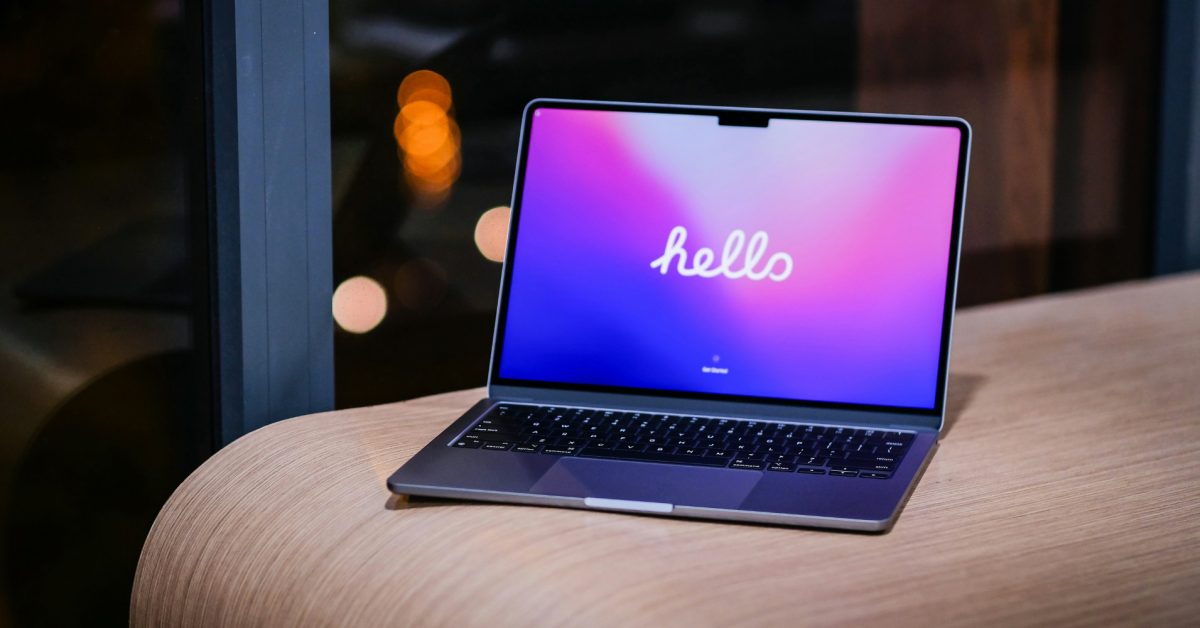
iOS 26 lets you customize Liquid Glass on your iPhone, here’s how Ryan Christoffel Dec 23 2025 MAC MACOS Got a new Mac? Here are five apps I can’t live…
Sources
- Got a new Mac? Here are five apps I can’t live without
- 5 macOS apps I install first on every MacBook I review
- 5 apps I install on every new Mac right away
Related posts
- The best distraction blockers to jumpstart your focus in the new year
- I dislike Galaxy AI, but Samsung’s Now Bar finally won me over
- Setting Up iPhone and Android Phones for Elderly Loved Ones — Practical Steps