
TL;DR
A writer who avoids long-form typing on phones says Gboard’s recently added Undo button removed his biggest worry: accidental deletions. The feature is accessible via Gboard’s menu and also by holding the backspace key to restore deleted sentences, though it has limits for single-word deletions.
What happened
Rahul Naskar, a writer who generally avoids extended on-screen typing, describes how a hidden Gboard feature addressed his main concern when composing on Android devices: accidentally deleting large portions of text with no easy way to recover them. He recalls losing a full paragraph on a Samsung Galaxy S21, which discouraged him from using his phone for article writing. Gboard introduced an Undo control earlier this year; it lives inside the keyboard’s four-square menu on the suggestion bar and also appears as a Redo option after restoring text. Naskar discovered a faster technique: after deleting a sentence, holding the Backspace key a few extra seconds triggers an immediate undo and brings up Redo on the suggestion strip. That shortcut requires practice to time properly and won’t reverse single-word deletions — those require using the menu’s undo button. Overall, Gboard’s feature reduced his fear of losing work while typing on Android.
Why it matters
- Reduces the risk of losing paragraphs during mobile composing, making on-screen typing less intimidating.
- Provides a quick recovery path similar in spirit to desktop Ctrl+Z, improving phone-based editing workflows.
- The hold-backspace shortcut offers a faster undo route without navigating menus once the motion is learned.
- Limitations (such as not working for single-word deletions) mean users still need some manual correction habits.
Key facts
- The piece is written by Rahul Naskar, who generally avoids long-form typing on phones.
- Naskar lost an entire paragraph on a Samsung Galaxy S21, which contributed to his reluctance to write on mobile.
- Gboard added an Undo button earlier this year, available inside the keyboard’s four-square menu in the suggestion strip.
- Gboard shows a Redo option alongside Undo to reverse an undo action.
- Holding the Backspace key for a few extra seconds after deleting a sentence triggers an immediate undo without opening the menu.
- The hold-backspace trick does not work for single-word deletions; those must be restored via the menu Undo.
- Gboard’s autocorrect is described as imperfect but generally effective enough for the author to type with confidence.
- The author prefers cursor placement by tapping the space bar and swiping left or right to correct mistakes rather than tapping a misspelled word.
What to watch next
- Whether Google expands or changes the Undo behavior (timing, scope, or UI) in future updates — not confirmed in the source.
- If other keyboard apps add comparable undo/redo shortcuts or visible controls to match Gboard — not confirmed in the source.
- Potential improvements to handle single-word deletions more smoothly or to provide configurable undo timing — not confirmed in the source.
Quick glossary
- Gboard: Google’s virtual keyboard app for Android and iOS that offers typing, suggestions, emoji, and various editing tools.
- Undo: A command that reverses the most recent text-editing action, restoring deleted or changed content.
- Redo: A command that reapplies an action that was just undone, letting users revert an undo.
- Suggestion strip: The bar above the keyboard that shows word suggestions, shortcuts, and additional keyboard controls.
- Autocorrect: A feature that automatically corrects probable typing errors based on context and a dictionary.
Reader FAQ
How do I access Gboard’s Undo?
Open the keyboard’s four-square menu on the suggestion strip and tap the Undo button; an immediate undo is also possible by holding Backspace after deleting a sentence.
Does the hold-backspace undo work for single-word deletions?
No. The author reports that the shortcut doesn’t restore single-word deletions; use the menu Undo for those.
When did Gboard add the Undo button?
The article says the Undo button launched earlier this year.
Will Gboard prevent all typing mistakes?
No. The author describes autocorrect as imperfect and recommends reviewing text rather than relying solely on it.
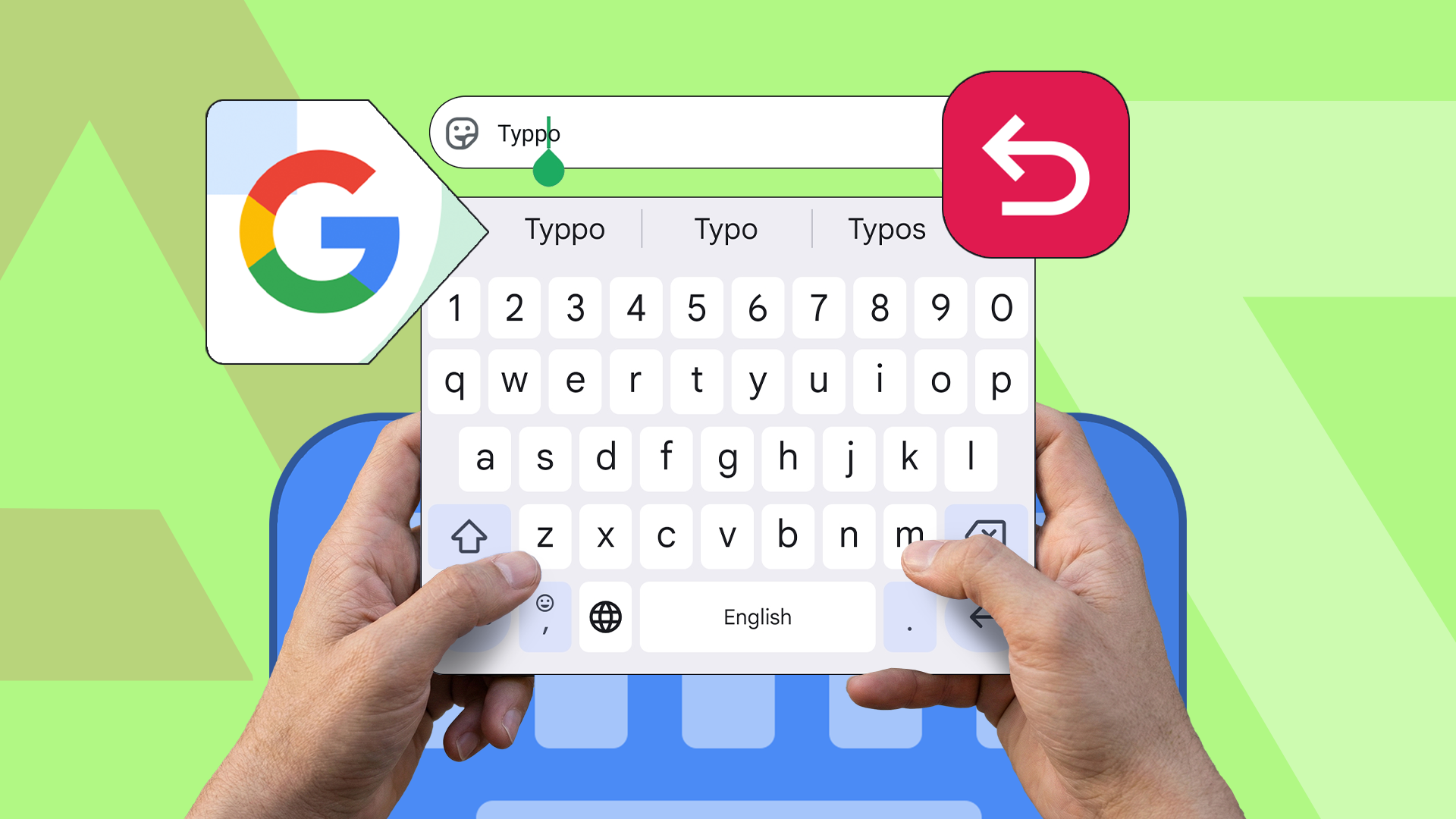
How an underrated Gboard feature fixed my biggest typing fear on Android Credit: Lucas Gouveia / Android Police By Rahul Naskar Published 29 minutes ago Rahul Naskar has years of experience…
Sources
- How an underrated Gboard feature fixed my biggest typing fear on Android
- Gboard for Android Finally Gets Undo, Redo Buttons
- Gboard is finally getting a way to undo your mistakes
- Gboard beta finally gets undo button for easier text …
Related posts
- Best Apple Watch Productivity Apps: Manage Tasks, Focus, Sleep, and Habits
- How Communication Gave Way to Entertainment on Social Platforms
- Cannot Ignore adds full-screen alarms for calendar events on iOS