
TL;DR
Google Classroom introduced a Gemini-powered feature that generates podcast-style audio lessons, letting teachers customize grade level, topics, objectives, speaker count and conversational style. The tool is available to Google Workspace Education Fundamentals, Standard and Plus users; Google asks educators to review and edit any AI-generated content.
What happened
Google has rolled out a new Gemini-powered capability inside Google Classroom that can produce podcast-style audio lessons from teacher-provided inputs. Educators access the feature via the Gemini tab and can set parameters such as grade level, topics, clear learning objectives, number of speakers and conversational formats (examples listed include interviews, roundtables and casual dialogues). The company positions the format as a way to reach students who consume podcasts and to support reviewable, replayable lesson content. The feature is currently accessible to subscribers of Google Workspace Education Fundamentals, Standard and Plus. Google notes teachers should practice responsible AI use by checking and, when necessary, editing generated material. The announcement follows earlier Gemini for Classroom additions since its 2024 debut and broader updates rolled out last June to help with lesson planning and content customization.
Why it matters
- Matches a popular media format to student habits: many Gen Z listeners consume podcasts, which could increase engagement.
- Provides replayable audio that may help comprehension and review outside class time.
- Offers teachers quick ways to generate alternate lesson formats, potentially saving prep time.
- Raises oversight needs: AI-generated lessons require review to ensure accuracy and classroom appropriateness.
Key facts
- The audio lesson generator is powered by Google’s Gemini and accessed from the Gemini tab in Google Classroom.
- Teachers can customize grade level, topics, learning objectives, number of speakers and conversational styles (interview, roundtable, casual dialogue).
- Feature availability: Google Workspace Education Fundamentals, Standard and Plus subscribers.
- Google recommends teachers review and edit AI-generated content to ensure accuracy and fit with local policies.
- Research cited: an estimated 35 million Gen Z monthly podcast listeners in the U.S., highlighting the format’s reach among students.
- Gemini for Classroom first launched in 2024; Google released significant updates last June to assist lesson planning and material customization.
- Podcast-style lessons are presented as replayable resources that could encourage independent study or review.
- Some teachers express concerns about increased student reliance on generative AI tools like ChatGPT when using AI in classrooms.
What to watch next
- Ongoing teacher uptake and real-world classroom use of podcast-style lessons (not confirmed in the source).
- Whether Google adds verification or editing tools inside the feature to support accuracy and safety (not confirmed in the source).
- Any published usage or adoption metrics from Google about how widely the tool is used in classrooms (not confirmed in the source).
Quick glossary
- Gemini: Google’s family of AI models used to generate text and other modalities; here it powers an audio-lesson generator integrated into Classroom.
- Google Classroom: A learning management platform from Google that teachers use to organize coursework, distribute materials and communicate with students.
- Google Workspace for Education: A suite of Google productivity and collaboration tools offered in tiers for educational institutions, including Fundamentals, Standard and Plus.
- Generative AI: AI systems that produce new content—text, audio, images or video—based on prompts or input data.
- Podcast-style lesson: An audio presentation formatted like a podcast—often conversational or interview-based—used here to present instructional content.
Reader FAQ
Who can access the Gemini podcast-style lesson feature?
It is available to users subscribed to Google Workspace Education Fundamentals, Standard and Plus.
What customization options are available when creating an audio lesson?
Teachers can set grade level, topics, learning objectives, number of speakers and choose conversational styles such as interviews, roundtable discussions or casual dialogues.
Does Google recommend reviewing AI-generated lessons?
Yes. Google advises educators to practice responsible AI use and to review and edit generated content for accuracy and appropriateness.
Is pricing or a free tier for this feature detailed?
not confirmed in the source
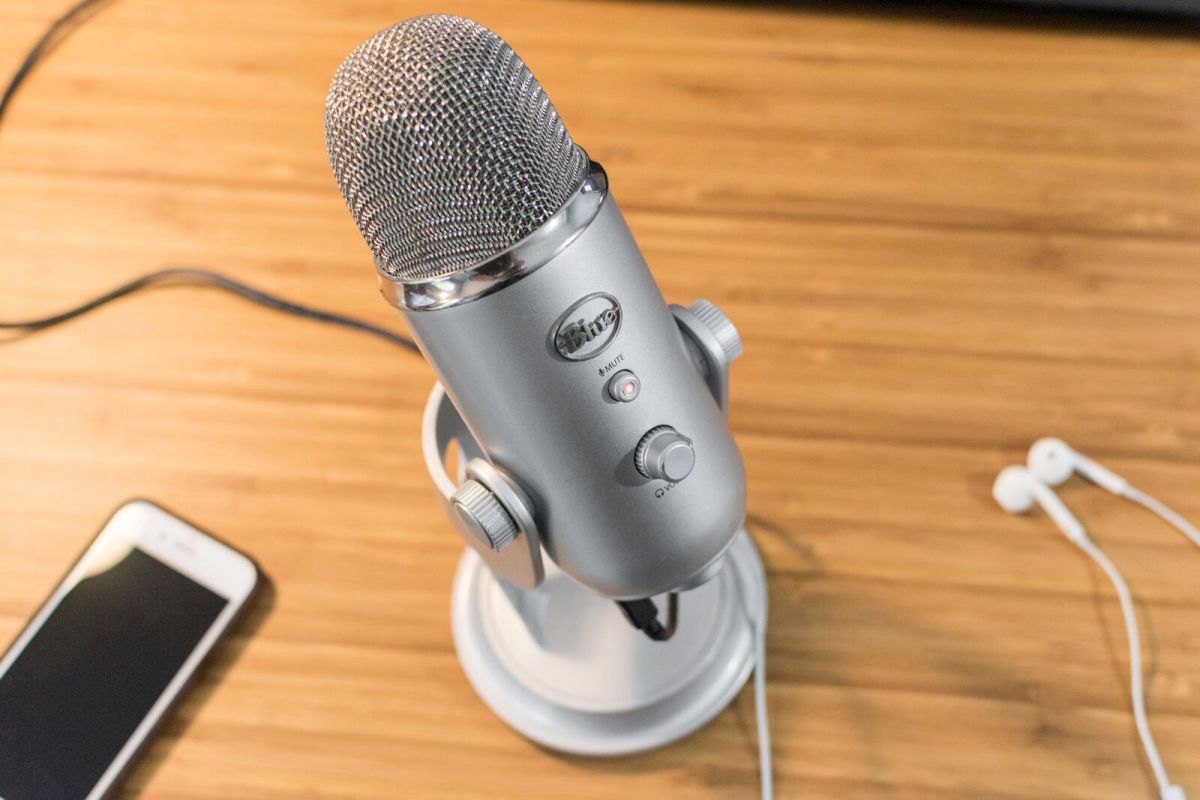
Google has introduced a new way to grab the attention of students who are avid podcast listeners. Now available in Google Classroom, teachers can use a new Gemini-powered tool that…
Sources
- Google Classroom’s new tool uses Gemini to transform lessons into podcast episodes
- Generate podcast-style audio lessons in …
- Google Classroom's new tool uses Gemini to transform …
- Transform Your Classroom with Google Workspace AI Tools
Related posts
- How NVIDIA’s Open Models Power Ultra-Low-Latency Voice Agents at Scale
- Tailwind Labs says it cut about 75% of its engineering staff amid downturn
- LLM Failure Modes Now Seen in Human Conversation, Author Observes