
TL;DR
Google is testing a change to the Gemini overlay that preserves an active conversation when the overlay is minimized by adding a small floating action button (FAB). The capability was spotted in an Android beta and aims to let users return to the same overlay chat instead of starting a fresh session.
What happened
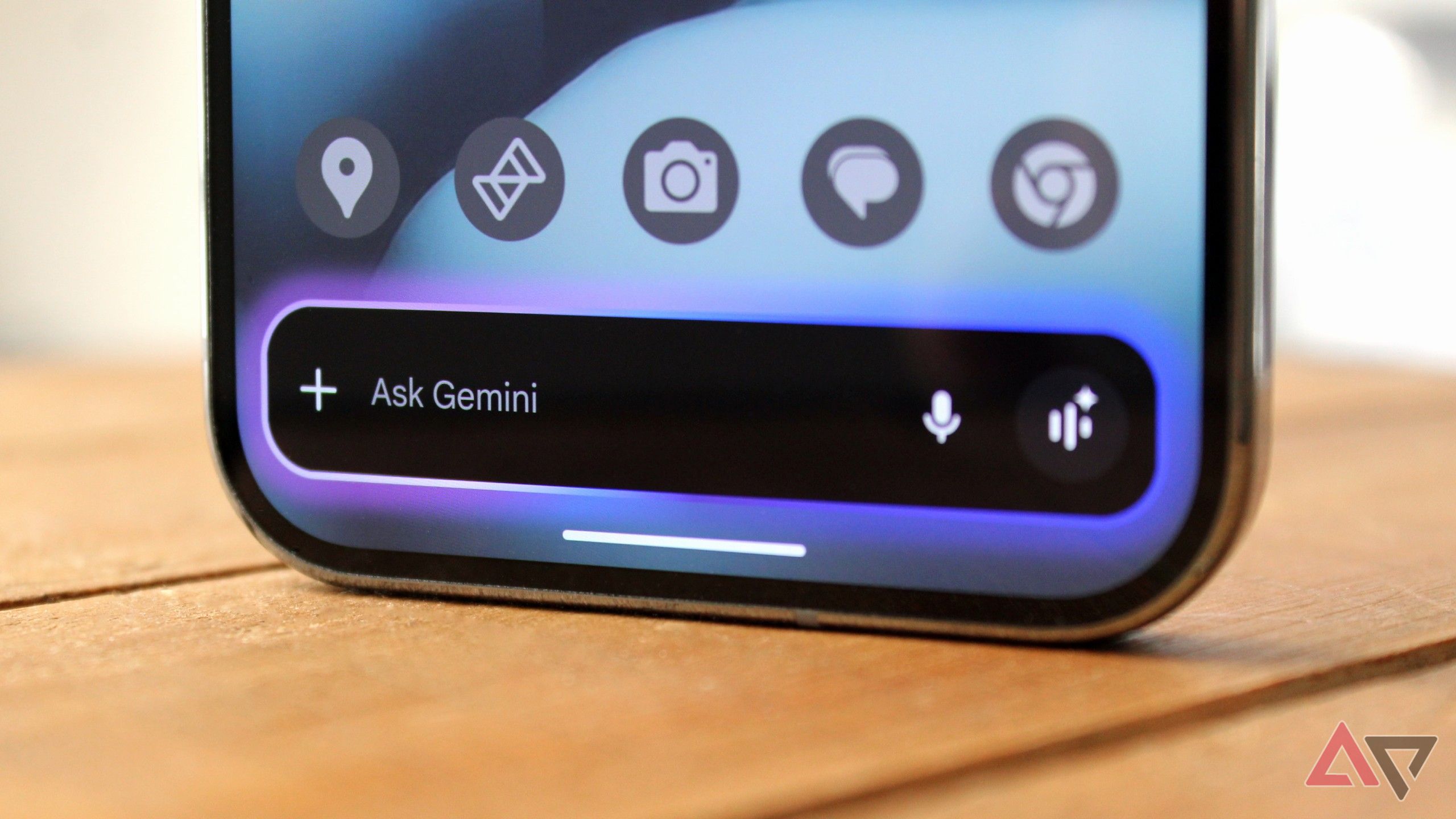
Android Authority’s teardown of a Google app beta (version 16.51.52.sa.arm64) uncovered code and a demonstration indicating a user-interface change for the Gemini overlay. At present, minimizing or tapping away from the overlay ends the visible assistant session, and reopening it launches a new chat. The new behavior shown in the beta displays a compact Gemini Floating Action Button (FAB) after the overlay is minimized; tapping that FAB restores the prior overlay conversation so users can continue where they left off. The updated flow also includes a gesture to dismiss the session: swiping the FAB or the overlay back will end the conversation and close Gemini. The feature appears in the Android beta and is not yet widely available, though its presence in beta suggests a broader rollout may follow.
Why it matters
- Restoring overlay state lets users move between apps and the Gemini overlay without losing chat context.
- It narrows the usability gap between the full Gemini app (which retains session state) and the overlay experience.
- A persistent FAB could speed workflows that involve copying context into Gemini, checking responses, and returning to the original app.
- Preserving conversation state reduces repetitive re-prompting when conducting multi-step comparisons or research across apps.
Key facts
- The change was identified in Google app beta build 16.51.52.sa.arm64 by Android Authority.
- Currently, minimizing the Gemini overlay causes it to lose the active chat; reopening starts a new conversation.
- The proposed update introduces a small Gemini Floating Action Button (FAB) that appears after minimization.
- Tapping the FAB restores the previous overlay conversation so users can continue the same chat.
- Swiping back will end the conversation and close Gemini, according to the beta behavior.
- The full Gemini app already maintains session state across multitasking on desktop, Android, and iOS; the overlay previously did not.
- The feature was shown in beta and is not yet available to the general public.
What to watch next
- Timing for a public rollout of the overlay-resume feature: not confirmed in the source.
- Whether the same FAB-based resume behavior will be implemented for iOS and desktop overlays: not confirmed in the source.
- Any official changelog or Google announcement confirming the feature and its availability: not confirmed in the source.
Quick glossary
- Gemini overlay: A lightweight, on-screen interface for Google’s Gemini assistant that appears over other apps to provide quick access to AI chat and tools.
- Floating Action Button (FAB): A small, circular button that floats above app content and typically provides a primary or quick action for the interface.
- Beta build: A pre-release version of software distributed for testing that may include new features not yet available in the stable release.
- Multitasking: The ability to switch between apps or run several apps simultaneously without losing progress in each.
- Session state: The stored context and history of an interaction, such as an ongoing chat, that allows continuity when switching views or returning later.
Reader FAQ
What problem is this change addressing?
It prevents the Gemini overlay from discarding an active conversation when minimized, allowing users to return to the same chat.
Is the feature available now?
No. The behavior was observed in an Android beta and is not yet widely available.
Which platforms showed this change?
The change was spotted in an Android Google app beta (version 16.51.52.sa.arm64); wider platform availability is not confirmed in the source.
How do you close the Gemini overlay once resumed?
According to the beta behavior, swiping back will end the conversation and close Gemini.
Google is fixing the Gemini overlay's biggest annoyance By Karandeep Singh Oberoi Published 15 minutes ago Karandeep Singh Oberoi is a Durham College Journalism and Mass Media graduate who joined…
Sources
- Google is fixing the Gemini overlay's biggest annoyance
- Google is giving Gemini a big multitasking upgrade
- Gemini Apps' release updates and improvements
- Google Gemini Live Upgrades to Floating Overlay for …
Related posts
- MIT symposium explores how generative AI might evolve and be governed
- MIT’s generative AI diversifies virtual training grounds for robots
- MIT researchers develop speech-to-reality system that fabricates objects