
TL;DR
The author, an experienced Onyx Boox user, says the Note Air5 C is a capable color E Ink tablet that truly clicked after installing a handful of Android apps. Kindle, Kobo, Instapaper and Slack are highlighted as apps that make better use of its color display, sync features and productivity potential.
What happened
A long-time Onyx Boox user who already relies on a Boox Go 10.3 for daily note-taking tested the company’s color E Ink tablet, the Note Air5 C. He describes the device as snappy and capable, with the usual limitations of an E Ink display, and says it has found a place in his everyday carry for note-taking and organization. Because the tablet runs a full version of Android, he was able to install familiar apps to improve content access and productivity. Installing reading apps such as Amazon Kindle and Rakuten Kobo made better use of the color panel for magazines, comics and other content; Instapaper gave him a lightweight, syncable reading queue that mirrors a desktop Chrome extension; and Slack proved to be a smooth, usable option for work messaging. The author notes the tablet lacks a 3.5mm headphone jack but does include speakers and Bluetooth for audio, and that color resolution still falls short of ideal despite the device’s usefulness.
Why it matters
- Running full Android broadens what E Ink tablets can do by allowing mainstream apps rather than relying only on native readers.
- Installing common reading and productivity apps can make premium color E Ink hardware feel more valuable.
- E Ink tablets can be effective as distraction-reduced work devices while still supporting essential communication tools.
- Simple app choices can streamline getting content onto the device for users who find manual transfer workflows awkward.
Key facts
- Author is an experienced Onyx Boox user and continues to use a Boox Go 10.3 for daily notes.
- Onyx Boox Note Air5 C is a color E Ink tablet described as snappy and capable but with E Ink display limitations.
- The Note Air5 C runs a full version of Android, enabling installation of third-party apps.
- Apps the author highlights: Amazon Kindle, Rakuten Kobo, Instapaper and Slack.
- Amazon Kindle and Kobo are noted as fast ways to get books, magazines and comics onto the device.
- The author uses Kobo Plus and mentions its catalog and audiobooks as useful contributors to content value.
- Instapaper paired with a Chrome extension provides a lightweight, syncable reading queue that uses little battery and data according to the author.
- Slack ran smoothly on the device with solid typing, and the author found it useful for checking work references without picking up a phone.
- The Note Air5 C lacks a 3.5mm headphone jack but includes speakers and Bluetooth connectivity for audio.
- The author feels the color resolution is not ideal, but with appropriate apps the color option is worthwhile.
What to watch next
- Whether software or firmware updates improve the Note Air5 C's color rendering and overall E Ink performance — not confirmed in the source.
- Any expansions in official app support or storefront options for Boox devices that make installing content easier — not confirmed in the source.
Quick glossary
- E Ink: A display technology that mimics paper by using tiny capsules of ink; favored for low power use and improved readability but generally slower refresh rates than LCD/OLED.
- Android: A mobile operating system developed by Google that supports installation of third-party apps and services.
- Amazon Kindle (app): An app and ecosystem for buying and reading ebooks, magazines and comics from Amazon.
- Instapaper: A service and app that saves web articles for later reading in a stripped-down, readable format with cross-device syncing.
- Rakuten Kobo: A bookselling platform and app offering ebooks, magazines and subscription services such as Kobo Plus.
Reader FAQ
Is the Note Air5 C good for note-taking?
Yes — the author says it’s excellent for note-taking and has become part of his everyday carry.
Does the Note Air5 C have a headphone jack?
No. The tablet does not have a 3.5mm headphone jack but includes speakers and supports Bluetooth audio.
Are mainstream apps easy to install on the device?
The device runs full Android so it supports installing apps, but the author notes getting content onto Boox devices isn’t always straightforward for everyone.
Does the color display match typical LCD or OLED quality?
The author says the color resolution is not ideal, though he still finds the color option useful with the right apps.
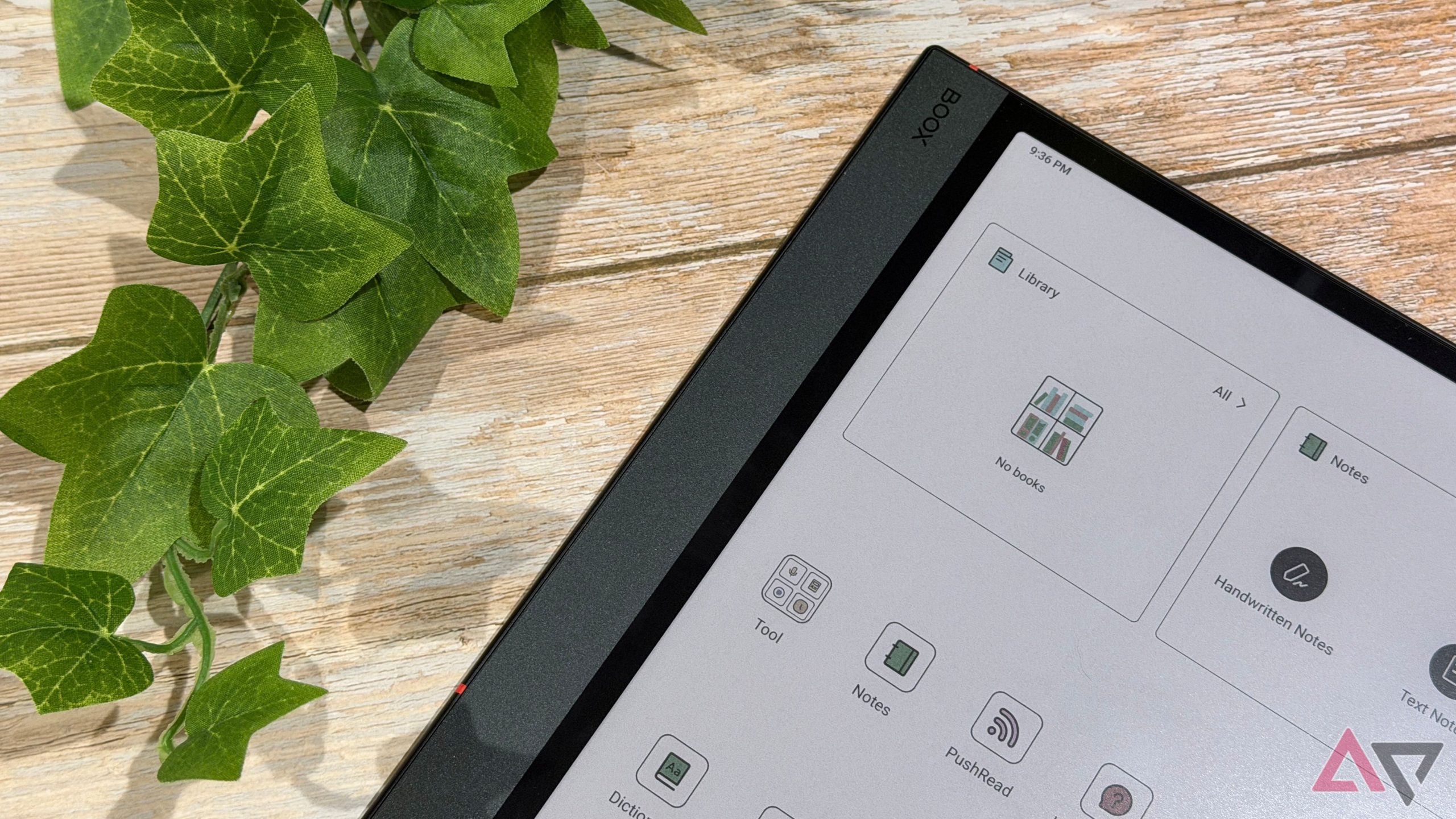
I love the Boox Note Air5 C, but it didn't click until I installed these apps By Stephen Radochia Published 9 minutes ago When Mitsubishi made your first cellphone, you…
Sources
- I love the Boox Note Air5 C, but it didn't click until I installed these apps
- Onyx Boox Note Air 5C Review – A Solid E-Notebook
- Boox Note Air5 C: Full & Detailed Review
- Onyx BOOX Note Air5 C: Iterative Upgrade with Android 15 …
Related posts
- Best Plant-Based Meal Delivery Services and Kits of 2025 — Reviewed
- Seville hotel swaps blue skies for a classic Windows Blue Screen of Death
- Therabody and Theragun promo codes and deals — save up to 30% now