
TL;DR
A writer tested whether modern flagship phones can serve as retro emulation consoles after buying a $150 Android handheld. He ran multiple emulators on a Pixel 10 Pro and a Galaxy Z Fold 5, finding mixed results: PS2 and older systems worked well, Switch emulation was hit-or-miss, and app compatibility varied.
What happened
The author first bought a Retroid Pocket 4 Pro, loaded it with PS1 and PS2 classics, and then wondered whether a modern flagship phone could do the same job. He tested emulators for PlayStation 2, Nintendo Switch, Steam (via GameHub), and streamed Red Dead Redemption from Netflix using two phones: a Google Pixel 10 Pro and a Samsung Galaxy Z Fold 5. For TV output he used a USB-C hub to connect HDMI and charging at the same time and paired Bluetooth controllers for input. The Pixel 10 Pro handled PS2 emulation and the Netflix-streamed Red Dead Redemption well but struggled with Switch emulation and failed to download games via GameHub. The Z Fold 5 ran PS2 and Switch emulation much more smoothly, aside from some visual artifacts; GameHub remained unreliable. The writer concluded the approach works in principle but, for his needs, didn’t replace purpose-built hardware.
Why it matters
- Modern flagship phones have CPU and GPU performance that can exceed older dedicated consoles, enabling local emulation of classic systems.
- A phone can be repurposed as a living-room retro console with simple accessories (USB-C hub, Bluetooth controller) rather than buying new specialized hardware.
- Compatibility varies by device and app: emulator performance depends on processor architecture and emulator maturity, so results are not uniform.
- For users who already own dedicated devices (Steam Deck, Switch, handheld emulators), a phone may be redundant; for others it offers a low-cost way to play older titles on a TV.
Key facts
- The author purchased a Retroid Pocket 4 Pro and used it as a reference Android handheld for emulation.
- Phones tested: Google Pixel 10 Pro and Samsung Galaxy Z Fold 5.
- Emulators and sources tried included PS2 emulation, Nintendo Switch emulation, GameHub for Steam titles, and Red Dead Redemption via Netflix streaming.
- The Pixel 10 Pro ran PS2 emulation and Netflix streaming of Red Dead Redemption well but struggled with Switch emulation and GameHub downloads failed.
- The Galaxy Z Fold 5 ran PS2 and Switch emulation smoothly aside from minor visual artifacts; GameHub was still problematic.
- Setup for TV play used a basic USB-C hub to provide HDMI output and charging simultaneously, plus Bluetooth controllers.
- The writer notes that PS3 and Switch emulation remain unstable in places due to early-stage emulator development, while PS2 and earlier generations perform reliably.
- A Snapdragon-equipped older flagship can potentially serve as a retro console tethered to a TV.
- The author still prefers purpose-built devices (Steam Deck, Switch, Retroid Pocket) for day-to-day use.
What to watch next
- Support and compatibility differences tied to phone processor architecture (the Pixel's custom chip vs more common Snapdragon chips).
- Progress in Switch and PS3 emulation maturity, which the author describes as still unstable.
- GameHub's reliability and app-side issues — the author experienced download failures and suspects the app rather than the phones.
- not confirmed in the source
Quick glossary
- Emulator: Software that imitates the hardware of a game console so games for that system can run on a different device.
- USB-C hub: A dongle that expands a phone’s USB-C port to provide extra connections such as HDMI, USB-A, and charging passthrough.
- Snapdragon 8 Elite: A high-end mobile system-on-chip used in some flagship phones; it combines multiple CPU cores and an integrated GPU.
- GameHub: An app referenced by the author intended to provide access to Steam-like game downloads on Android; its behavior was inconsistent in the tests.
Reader FAQ
Which phones were tested?
Google Pixel 10 Pro and Samsung Galaxy Z Fold 5.
Did Switch games run well on the phones?
Switch emulation ran well on the Z Fold 5 with some visual artifacts but struggled or failed on the Pixel 10 Pro.
Is the setup plug-and-play?
No — it requires emulators, possible configuration, a USB-C hub for TV output, and a Bluetooth controller; the author says it can be fiddly but achievable.
Should you replace a Steam Deck or Switch with a phone?
Not according to the author’s experience—he finds dedicated hardware still preferable for daily use.
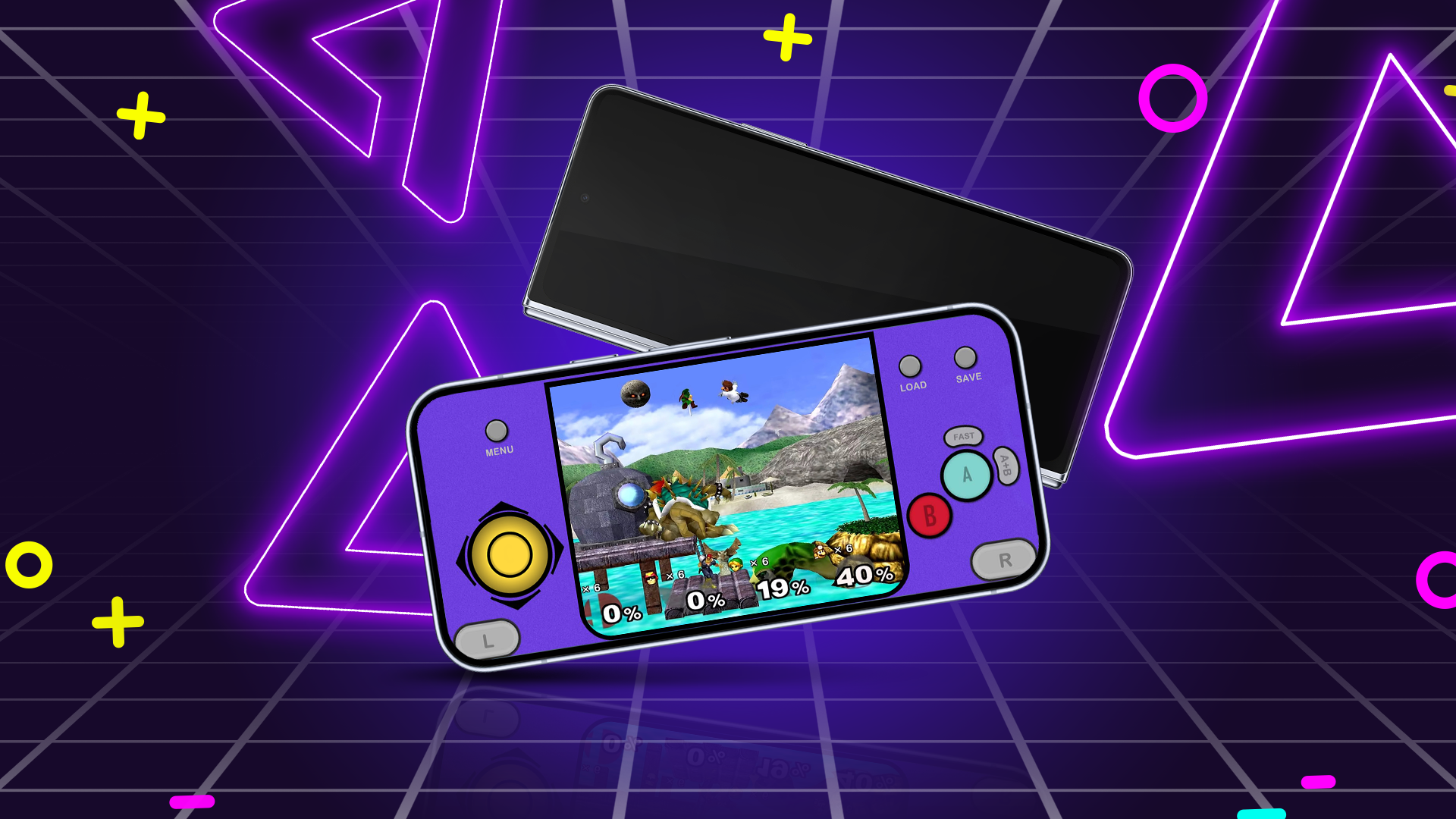
I turned my flagship phone into a powerful retro gaming console, and you can too Credit: Lucas Gouveia / Android Police By Mark Jansen Published 34 minutes ago Mark has almost…
Sources
- I turned my flagship phone into a powerful retro gaming console, and you can too
- Turn your smartphone into a retro gaming console – ASUS
- Turn Your Smartphone Into a Classic Gaming Console
- How I turned my smartphone into a fantastic gaming …
Related posts
- Google Chrome’s Android Reading Mode revamped for easier, persistent use
- F-Droid replaces core server with donated hardware to speed builds
- Honey’s Dieselgate: Techniques apps use to detect and mislead testers