
TL;DR
A hidden option in the Android Auto app lets you add one-tap shortcuts to the car launcher for specific contacts and custom Google Assistant actions. That change replaces many slow or unreliable voice interactions with instant taps and reduced distraction while driving.
What happened
The author reports finding a low-profile customization inside the Android Auto settings on their phone that reshaped how they use the system. In the Android Auto app, under Display > Customize Launcher, there are options to add a 'Call contact' shortcut or an 'Assistant action' to the car's app drawer. The contact shortcut places a named icon (with photo) on the head unit for one-tap dialing. The Assistant action lets you type the exact voice command you would normally speak, give it a short label, and save it as a launcher button. After creating shortcuts, the author moved them to the top of the launcher list so they appear immediately when the phone is connected. Practical examples include dedicated speed-dial icons for frequent callers and a single-tap routine that opens navigation to Home and drafts a text message for confirmation — replacing multi-step voice exchanges with a single, reliable tap.
Why it matters
- Reduces reliance on voice recognition, which can fail in noisy cabins or require repeated prompts.
- Speeds up common in-car tasks (calls, navigation, messaging) by collapsing multi-step sequences into one tap.
- Helps drivers keep their eyes on the road by minimizing menu navigation and conversational pauses with the assistant.
- Leverages existing Android Auto settings without needing third-party apps or hardware changes.
Key facts
- The customization is found in the Android Auto app on your phone, not on the car's head unit.
- Path reported: Android Auto app → Display → Customize Launcher.
- Customize Launcher offers two shortcut types: 'Call contact' and 'Assistant action'.
- Assistant actions are created by typing the assistant command and assigning a short label so it fits on the screen.
- Shortcuts can be reordered in the Customize Launcher; items placed near the top appear first in the car's launcher.
- Example use: a single shortcut that starts navigation home and composes a text to a contact, prompting for send confirmation.
- The author noted voice commands can be slow or unreliable under noise (A/C, child crying), motivating the change.
- The author described setting up shortcuts as a quick, roughly 30-second tweak that reduced in-car friction.
- Google's broader replacement of Assistant with Gemini has not yet taken place on Android Auto (per the article).
What to watch next
- Whether Google rolls Gemini into Android Auto and how that affects assistant-driven shortcuts.
- Not confirmed in the source: whether Google will expand or relocate the Customize Launcher controls in future updates.
- Not confirmed in the source: whether additional built-in automations or shortcut types will be added to Android Auto.
Quick glossary
- Android Auto: A Google platform that mirrors select phone apps and interfaces on compatible vehicle head units to provide navigation, media, and communication features.
- Google Assistant: Google's voice-activated virtual assistant that can perform tasks, answer queries, and control compatible apps via spoken commands.
- Launcher: The screen or drawer on a device or head unit that displays app icons and shortcuts for quick access.
- Shortcut: A single-tap icon configured to launch a specific app function, contact, or automated routine.
- Gemini: Google's next-generation AI assistant platform that is intended to replace or augment Google Assistant across products.
Reader FAQ
How do I add a one-tap shortcut to Android Auto?
Open the Android Auto app on your phone, go to Display → Customize Launcher, choose 'Call contact' or 'Assistant action', configure and save, then reorder so it appears at the top.
Can I create multistep automations (like navigate + text) as a shortcut?
Yes — the article describes typing a combined Assistant command (for example, navigate home and text someone) and saving it as an Assistant action shortcut.
Does this setting appear in the car’s head unit settings?
No — the customization is accessed in the Android Auto app on your phone rather than through the head unit menu.
Is Gemini already available on Android Auto?
Not confirmed in the source.
Will this work with wireless Android Auto connections?
Not confirmed in the source.
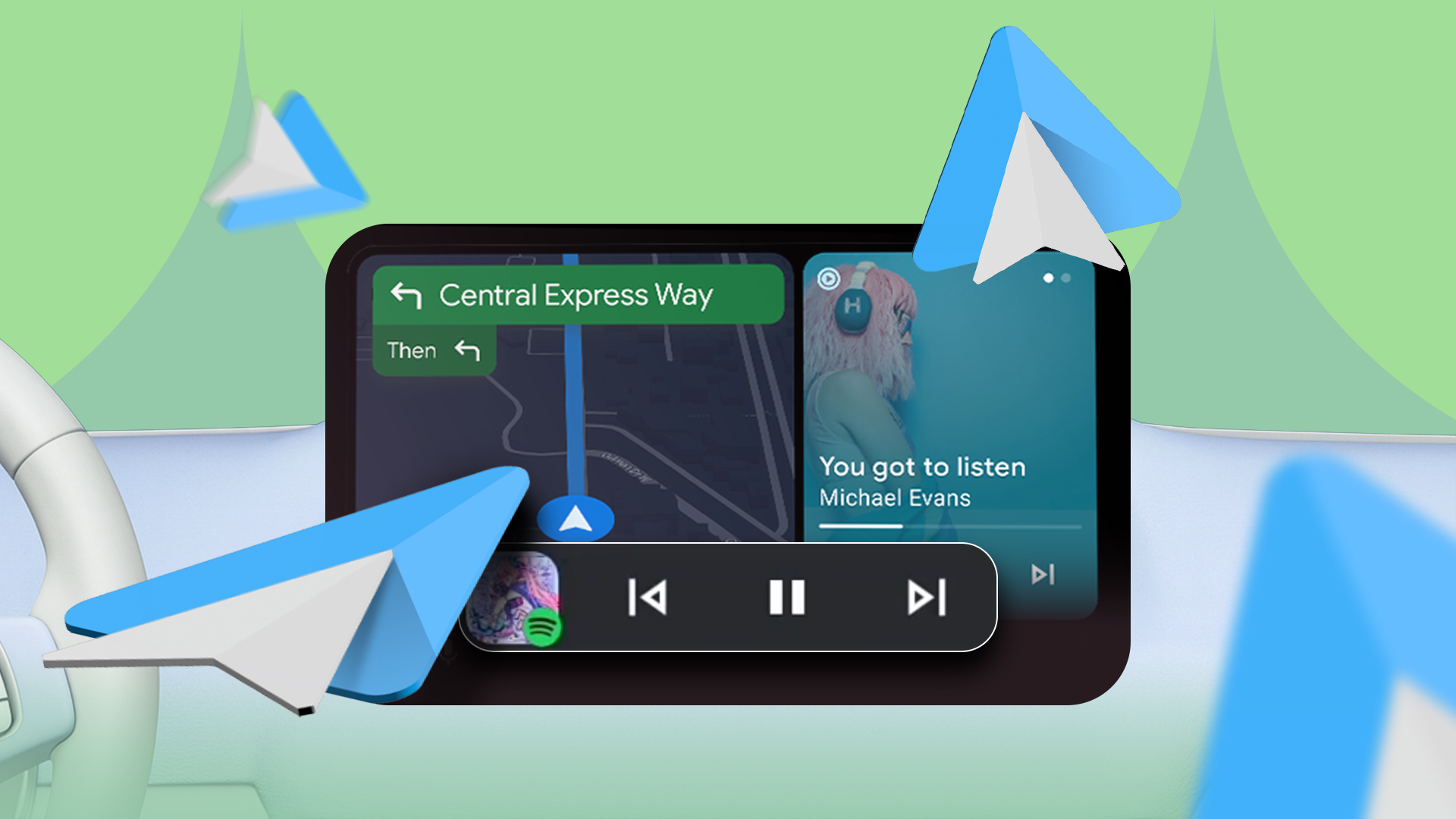
The tiny tweak that changed how I use Android Auto in my cars Credit: Lucas Gouveia / Android Police By Parth Shah Published 8 minutes ago Parth is a technology analyst…
Sources
- The tiny tweak that changed how I use Android Auto in my cars
- The hidden Android Auto feature that transformed my …
- Gemini AI is coming to Android Auto and it could change …
- Android Auto gets a small but brilliant update that improves …
Related posts
- DoNotNotify: Log and Intelligently Block Android Notifications App
- Samsung One UI 8.5 beta may prompt you to call family members
- Gmail to end POP3 mail fetching and Gmailify support in Jan 2026