
TL;DR
A 100TB+ DIY NAS using TrueNAS SCALE can deliver enterprise-grade ZFS features at a fraction of cloud or pre-built costs. The guide recommends eight 18–22TB CMR drives, a Supermicro X12STH-F style motherboard, 32–64GB ECC RAM, an LSI 9300-8i HBA flashed to IT mode, and 10GbE networking for serious throughput, with total build costs around $2,500–3,500 for 100TB usable.
What happened
A practical how-to was published showing how to assemble a 100TB-plus network-attached storage system using TrueNAS SCALE. The guide walks readers through OS choice (SCALE over CORE for new builds), drive selection (enterprise 18–22TB CMR drives preferred), motherboard and CPU options (Supermicro X12STH-F and Ryzen 5 or Xeon classes), ECC memory sizing, HBAs (LSI 9300-8i flashed to IT mode), enclosure selection, PSU and UPS sizing, and networking (10GbE recommended). It covers ZFS pool design and RAIDZ trade-offs, warns about the dangers of wide RAIDZ vdevs and SMR drives, and notes OpenZFS 2.3’s new RAIDZ expansion capability while cautioning it remains recent. The article also includes sample builds and estimated pricing, explains caching and dataset best practices, and lists common mistakes and future-proofing considerations for large home or small-lab storage deployments.
Why it matters
- Cost: DIY 100TB NAS builds can be materially cheaper over five years than cloud services or many pre-built systems.
- Control: Own hardware, upgrade path, and security rather than relying on third-party cloud providers.
- Data protection: ZFS provides advanced integrity, snapshots, and replication tools useful for large datasets.
- Performance and use cases: Suitable for heavy workloads like 4K video editing, large photo libraries, Plex servers, and AI datasets where local throughput matters.
Key facts
- Recommended OS: TrueNAS SCALE (Linux-based, active development) is recommended for new builds over TrueNAS CORE.
- Drive advice: Use CMR enterprise drives (18–22TB) such as Seagate Exos X20, WD Ultrastar HC560, or Toshiba MG series; avoid SMR for RAID/ZFS pools.
- Typical 100TB components: eight 18–22TB drives, Supermicro X12STH-F motherboard, Ryzen 5 5600G or Intel Xeon E-2300 series, and 32–64GB ECC DDR4.
- HBA: Broadcom/LSI 9300-8i is the community-recommended HBA; flash to IT mode for ZFS passthrough.
- Networking: Gigabit is often insufficient; 10GbE SFP+ is recommended for serious throughput.
- Cost estimate: A 100TB usable build is listed around $2,500–3,500 upfront, with sample builds provided at varying capacities and prices.
- ZFS cautions: Once a pool is created you generally cannot remove vdevs; OpenZFS 2.3 introduces RAIDZ expansion but it is still new.
- Power: Plan for spin-up and operating draw; recommended PSU ~500W 80+ Gold and a suitably rated UPS (800–1500VA depending on load).
- Caching guidance: Use ARC in RAM, consider L2ARC and SLOG SSDs for specific workloads; RAM recommendations scale with cache and VM use.
What to watch next
- Maturity and adoption of OpenZFS 2.3 RAIDZ expansion — the feature exists but is still new and should be monitored before relying on it.
- The TrueNAS roadmap and the planned unification into a TrueNAS Community Edition (25.04 “Fangtooth”) as iXsystems evolves CORE and SCALE.
- Drive selection risks when shucking externals — check for SMR models and known hardware issues (e.g., 3.3V pin) before buying.
Quick glossary
- ZFS: A combined file system and logical volume manager that provides data integrity features, snapshots, and compression.
- vdev: A virtual device in ZFS made from one or more physical drives; vdevs are the building blocks of a ZFS pool.
- RAIDZ: A ZFS implementation of RAID-like parity that provides single or multi-disk failure protection (RAIDZ1, RAIDZ2, etc.).
- ECC RAM: Error-Correcting Code memory that detects and corrects single-bit memory errors; recommended for data integrity with ZFS.
- HBA (Host Bus Adapter): An adapter card that provides additional SATA/SAS ports to connect multiple drives to a system; commonly flashed to IT mode for ZFS.
Reader FAQ
Should I choose TrueNAS SCALE or CORE for a new 100TB build?
TrueNAS SCALE is recommended for new builds because it is actively developed and offers Linux-based containers, Kubernetes support, and newer OpenZFS features.
How many drives and what capacity are typical for a 100TB usable pool?
The guide recommends using eight 18–22TB enterprise CMR drives as a common approach to reach ~100TB usable, depending on RAID/ZFS configuration.
Can I use SMR drives to save money?
Avoid SMR drives for ZFS pools and RAID rebuilds because their write behavior can cause slowdowns and rebuild failures.
Is ECC memory required?
ECC is strongly recommended for ZFS to reduce the risk of data corruption, though the guide notes it is not absolutely mandatory.
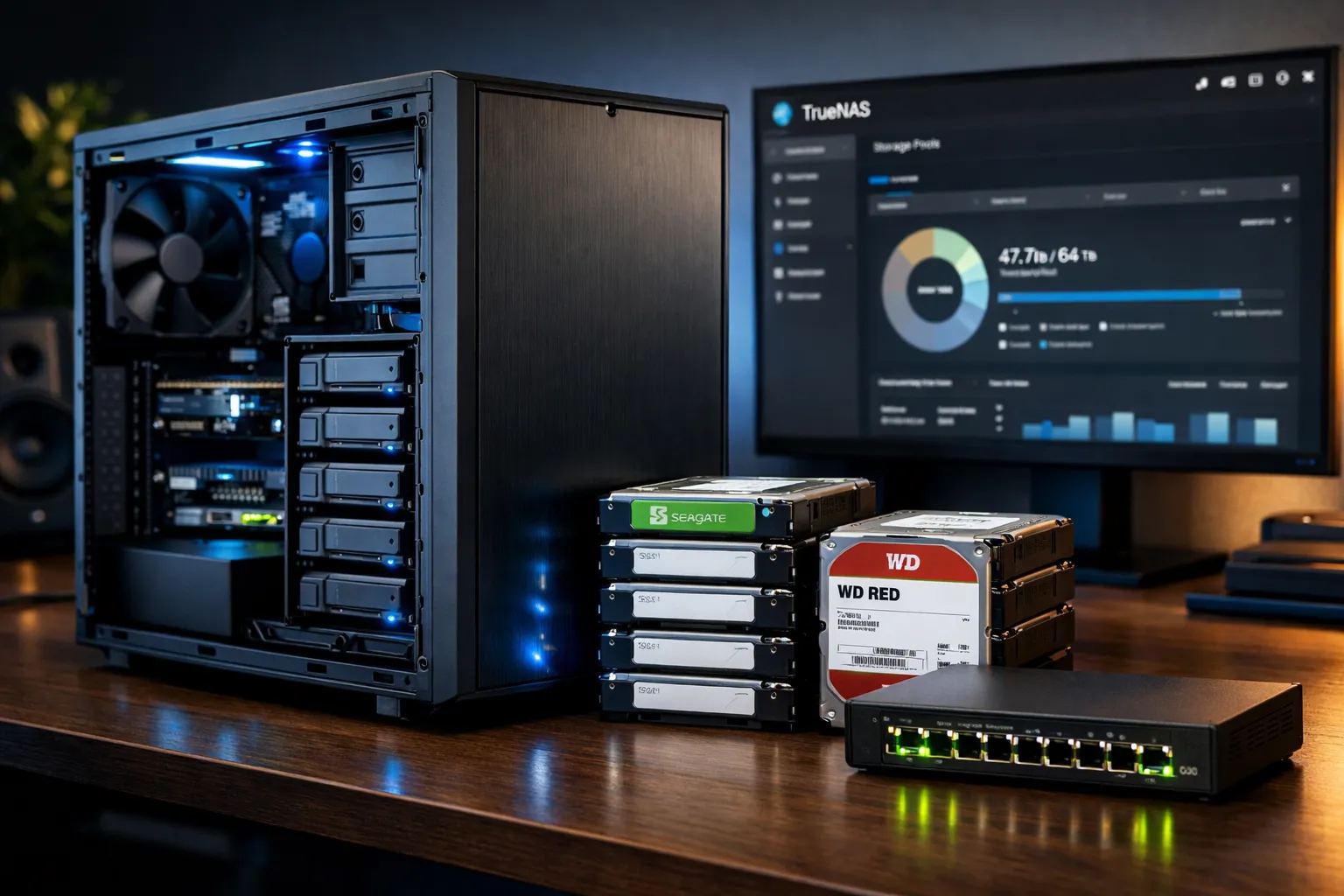
Home » Posts Build Your Own 100TB NAS in 2025: Complete TrueNAS Storage Guide Step-by-step guide to building a DIY 100TB+ NAS with TrueNAS SCALE. Compare hardware options, ZFS configurations,…
Sources
Related posts
- Google TV Streamer drops to $80, undercutting its $100 launch price
- How Spaced Repetition Boosts Long-Term Memory: A Review of the Evidence
- UniFi Travel Router brings your UniFi network experience on the road