
TL;DR
Nintendo Switch 2 uses the same eShop-based process as the original Switch to redeem 16-character download codes. You can enter codes directly on the console or via a browser through your Nintendo Account; redeemed games attach to that account and can be downloaded to any linked device.
What happened
Nintendo’s Switch 2 retains the familiar eShop workflow for activating digital download codes. Users must sign into a Nintendo Account and have the console online to redeem most codes, which are typically 16-character letter-and-number strings found on cards, receipts or emails. On the console, open the eShop, select the user profile you want to receive the content, then choose Redeem Code from the left navigation and enter the code with the on-screen keyboard; a confirmation page appears before finalizing redemption and the download normally begins immediately. Alternatively, you can sign into your Nintendo Account on a phone, tablet or computer, go to the eShop code redemption page, paste or type the code and redeem it there — the title is then linked to your account for later download. If a game offers separate Switch and Switch 2 builds, the system will prompt which version to download.
Why it matters
- Redemption links purchases to a Nintendo Account, letting titles appear on any compatible device tied to that account.
- Keeping the same redemption flow as the original Switch reduces friction for users upgrading or owning multiple consoles.
- Online redemption lets users claim codes away from their console and still access downloads later on the Switch 2.
- Version selection (Switch vs Switch 2) and cloud-save compatibility affect how the installed build and saved data behave.
Key facts
- A Nintendo Account is required to redeem codes and the Switch 2 must be connected to the internet for on-device redemption.
- Most download codes contain sixteen characters made up of letters and numbers and must be entered exactly as supplied.
- Each code can be redeemed only once and becomes linked to the Nintendo Account used during the process.
- On-console redemption: open eShop, choose the receiving user profile, select Redeem Code in the left navigation, enter code and confirm.
- Online redemption: sign in to your Nintendo Account in a browser, navigate to the eShop code redemption page, enter and redeem the code.
- If the game has separate Switch and Switch 2 versions, the system will prompt you to choose which build to download.
- If a download does not start, check the All Software or Download Management screens for queued or active downloads.
- Auto-downloads while the console is in sleep mode can start a redeemed title immediately if enabled.
What to watch next
- Enter characters exactly — similar-looking letters and numbers can cause input errors.
- If a code fails, confirm you’re entering a download code (not a control number) and that the code matches your account region.
- Check Download Management or All Software if a redeemed title does not begin downloading on the home screen.
Quick glossary
- Nintendo Account: A user account that stores purchase history, links devices and manages digital ownership across Nintendo services.
- eShop: Nintendo’s digital storefront on Switch consoles used to buy, download and redeem games and other content.
- Download code: A sequence of characters provided by retailers that redeems a digital copy of a game or other content.
- Download Management: The console section that shows queued, active and completed downloads for software tied to a Nintendo Account.
- Cloud backup: Online save-data storage provided by Nintendo Switch Online for supported games to sync saves across devices.
Reader FAQ
Do codes redeemed on Switch appear on Switch 2?
Yes — content tied to a Nintendo Account appears on any compatible device signed into that account.
Can a code be redeemed more than once?
No — each download code can be used only once and becomes linked to the account that redeems it.
What should I do if a code doesn’t work?
Check character accuracy, ensure it’s a download code (not a control number), and confirm region compatibility.
Will DLC codes work without the base game?
DLC codes require the base game on the destination console.
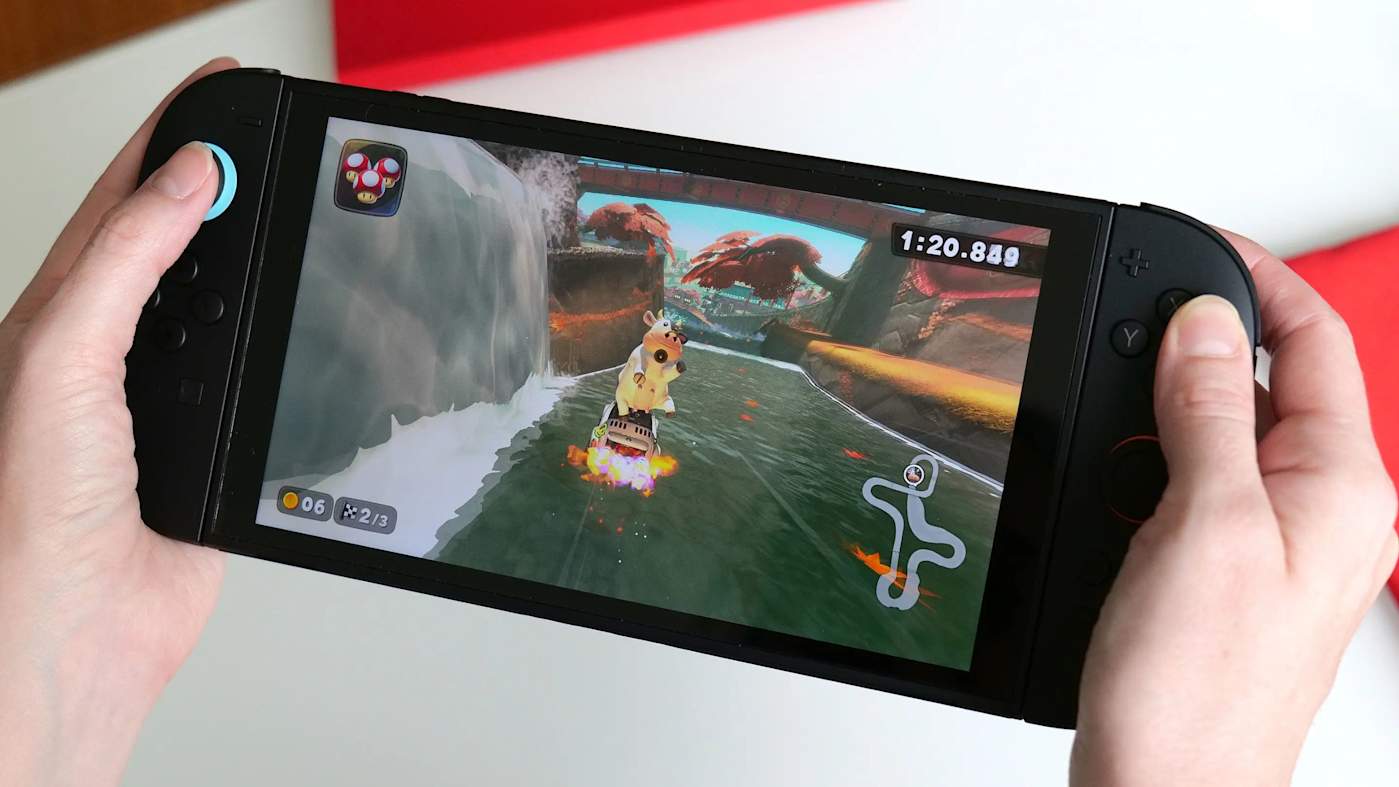
GamingNintendo How to redeem game codes on the Nintendo Switch 2 Get digital games quickly by following simple steps to redeem game codes either on your Switch 2 or online….
Sources
- How to redeem game codes on the Nintendo Switch 2
- How to Redeem a Download Code on Nintendo eShop
- How to Redeem a Nintendo eShop Download Code Online
Related posts
- IO Interactive pushes 007 First Light launch back two months to May 27, 2026
- 30 discounted tech gifts still on sale and likely to arrive by Christmas
- Generative AI Became a Lightning Rod for Gamers and Developers in 2025