
TL;DR
Android lacks a true system-wide Spotlight-style search on many devices. Pixel Search, a free third-party app, fills that gap and has been revived with new updates adding key features like fuzzy search, contextual actions and widget improvements.
What happened
Android still does not offer a consistent, system-wide search experience comparable to iOS Spotlight, a gap the author finds frustrating. For years, third-party apps such as Sesame Search provided a unified search across apps, contacts, messages and services, but Sesame’s development stalled after it was acquired by analytics firm Branch; its last update landed in November 2022. In 2023 Pixel Search appeared as a free alternative that brought Pixel Launcher–style search to any Android phone, but its developer later abandoned the project. Earlier this month the developer resumed work, releasing Pixel Search 2.0 with a redesigned UI, enhanced widget customization, custom search engine and URL support, and contextual popups for quick actions. Version 2.1 is rolling out with fuzzy search, faster indexing and Perplexity AI as an integrated option; the home widget now also supports quick calculations. The author now installs Pixel Search first on any new Android handset.
Why it matters
- Restores a fast, unified search across apps, contacts, messages and shortcuts that many Android devices lack.
- Saves time by surfacing direct actions (call, message, navigate or open specific apps) from search results.
- Offers features Pixel users may lose as Google shifts Pixel Launcher search toward an AI-powered Google app.
- Remains free to use while receiving renewed development and feature updates.
Key facts
- Pixel Search is free to use according to the article.
- Sesame Search was acquired by Branch and its last Play Store update occurred in November 2022.
- Pixel Search first became available in 2023 and works on non-Pixel Android devices.
- Developer updates resumed earlier this month after almost two years of inactivity.
- Pixel Search 2.0 introduced a revamped design, more widget customization, custom search engines and URL support, plus contextual result popups.
- Pixel Search v2.1 adds fuzzy search, faster app indexing and Perplexity AI as a built-in search engine option.
- The home-screen widget can double as a calculator in recent Pixel Search updates.
- Pixel Search supports direct actions from results, including launching WhatsApp chats, starting navigation in Google Maps, and initiating searches in services like ChatGPT, Gemini or YouTube Music.
- Google is replacing the Pixel Launcher’s built-in home-screen search with a Google app–powered experience focused on AI mode; the article says this replacement cannot search settings, contacts, messages or app shortcuts and is slower than the Pixel Launcher.
What to watch next
- Ongoing development and feature rollouts for Pixel Search (confirmed in the source).
- Whether Google reverses or modifies its move to an AI-driven Google app search on Pixel devices (not confirmed in the source).
- Adoption of Pixel Search or similar universal search apps across more Android manufacturers and user bases (not confirmed in the source).
Quick glossary
- Unified search: A search function that returns results from multiple on-device sources — apps, contacts, messages, files and web — in one place.
- Pixel Launcher: Google's home-screen launcher for Pixel phones that historically included a built-in search box to find apps and on-device content quickly.
- Fuzzy search: A search technique that finds results despite typos or approximate spellings by allowing inexact matches.
- Widget: A small, interactive component placed on an Android home screen that provides quick access to app functions or information.
- Contextual popup: A short menu or panel that appears when interacting with a search result to offer quick, relevant actions such as calling or navigating.
Reader FAQ
Is Pixel Search free?
Yes — the article states Pixel Search remains free to use.
Will Pixel Search work on non-Pixel Android phones?
Yes — Pixel Search was described as bringing Pixel Launcher–style search to any Android device.
What happened to Sesame Search?
Sesame Search was acquired by Branch and its last Play Store update was in November 2022; subsequent maintenance issues were reported.
Is Google restoring the Pixel Launcher’s original search behavior?
Not confirmed in the source.
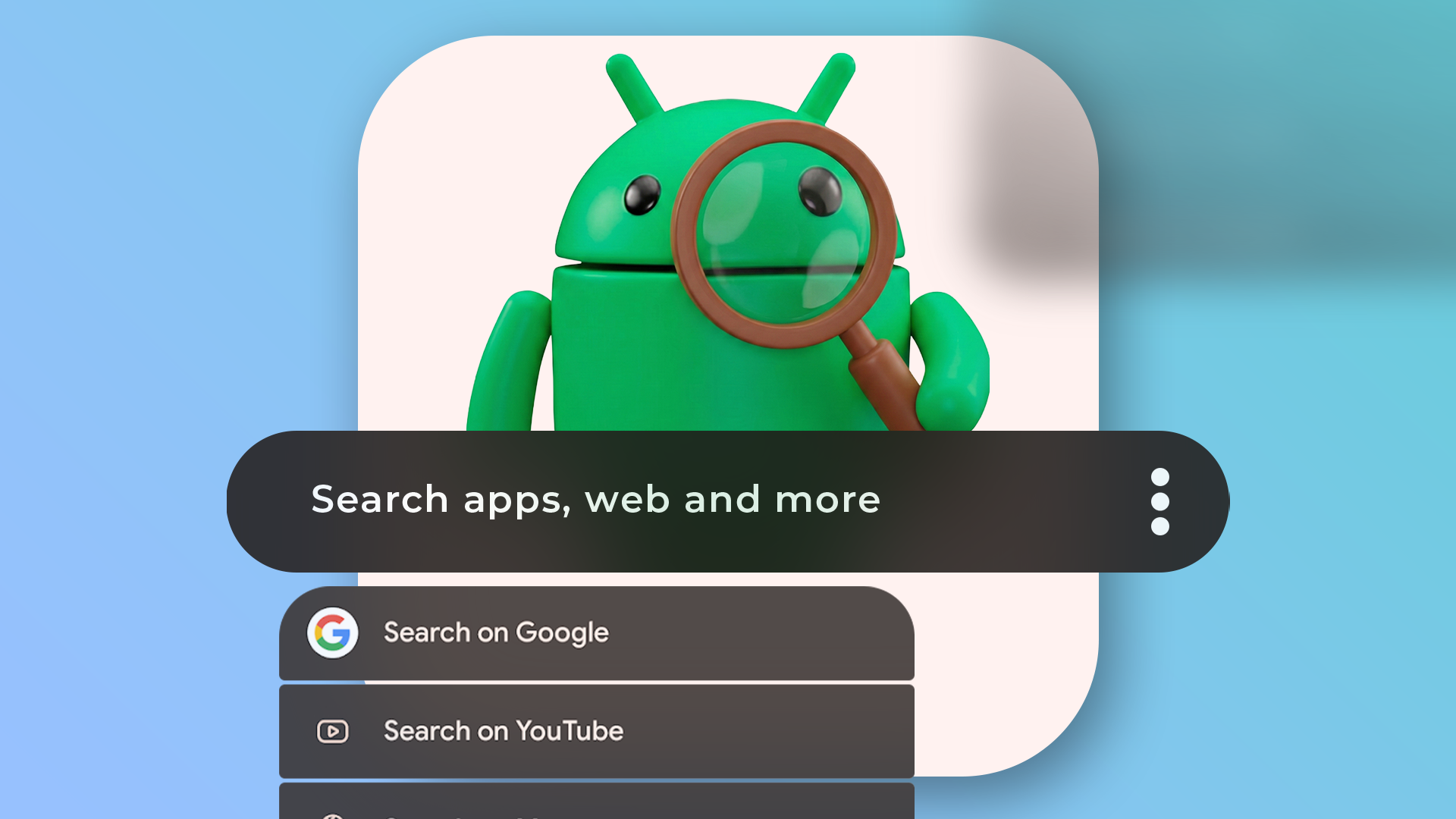
I refuse to use a new Android phone without installing this free app first Credit: Lucas Gouveia / Android Police By Rajesh Pandey Published 24 minutes ago Rajesh started following the…
Sources
- I refuse to use a new Android phone without installing this free app first
- How to Set Up Your New Android Phone (2025)
- How to set up a new Android without using Google
- How to Set Up & Transfer Data to Your New Device – Android
Related posts
- Using Google Maps features to make daily commutes less stressful
- Handheld PC Community Forums: Latest Activity, Support Boards & Stats
- The Subtle Red of Hacker News: Community Praises Minimalist, Elegant Look