
TL;DR
iOS 26 expands the types of system apps iPhone users can replace and adds region-specific options. To change defaults, open Settings → Apps → Default Apps; availability varies by country due to local regulations.
What happened
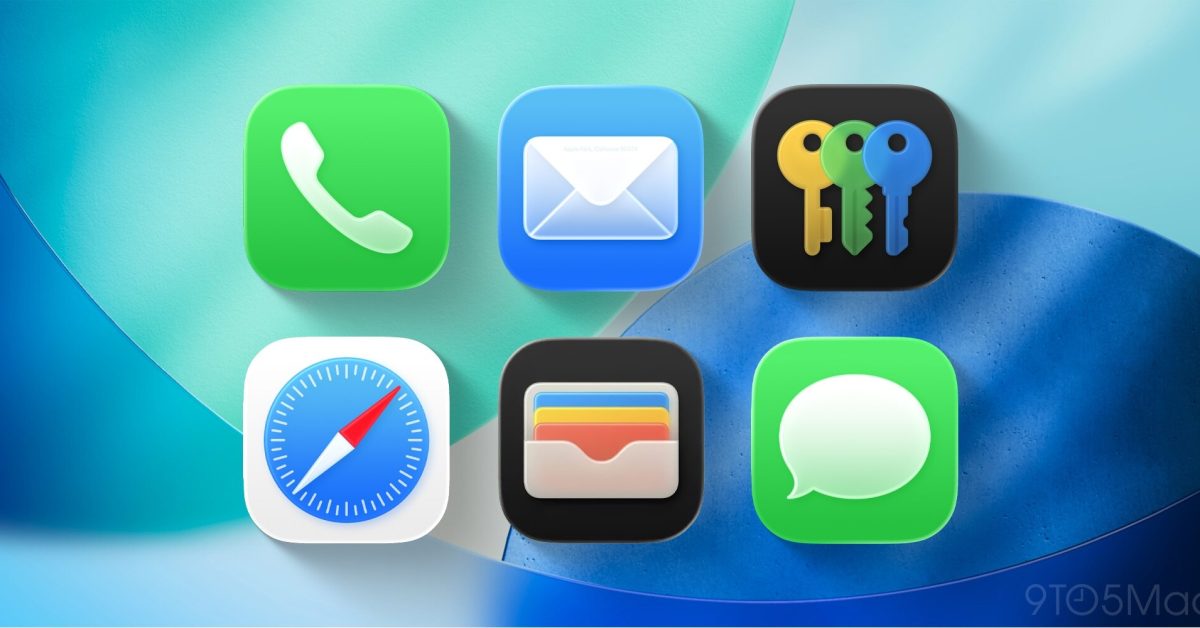
Apple’s iOS 26 continues the platform’s gradual opening to third-party apps by expanding the list of system categories that users can set as defaults. The Settings app now includes a Default Apps section (Settings → Apps → Default Apps) with descriptions of each category and what switching will change. Some categories — including browser, calling, call filtering, email, keyboards, messaging for instant messages, passwords & codes, and translation — are available to all iPhone users. Additional options appear for many global users, notably a Contactless Apps choice for tap-to-pay transactions in dozens of countries and territories. The update also introduces region-limited choices: in the EU and Japan users can pick an alternate app marketplace and a non-Apple navigation app, while the EU alone gains broader replacements for native phone and SMS/RCS message handling. Apple’s rollout reflects differing government rules across markets.
Why it matters
- Gives users more control over which apps handle core tasks like browsing, calling, and messaging.
- Could open new opportunities for competing browsers, wallets, and messaging apps to integrate more deeply.
- Region-specific options reflect and respond to local regulatory pressure on app distribution and platform defaults.
- Contactless app support may affect how mobile payments and transit passes are offered and used in many countries.
Key facts
- To change defaults, go to Settings → Apps → Default Apps and follow the descriptions for each category.
- Categories available to all iPhone users include: Browser, Calling (Phone/FaceTime alternatives), Call Filtering, Email, Keyboards, Messaging (instant messages), Passwords & Codes, and Translation.
- A Contactless Apps option — for making contactless transactions with the device’s built-in technology — is available to users in the European Economic Area and many other countries, including the US, UK, Japan, Canada, Australia, and more.
- In the EU and Japan, iOS 26 lets users select an alternate app marketplace instead of the App Store as the default.
- In the EU and Japan, users can also choose a non-Apple navigation app to open location links.
- In the European Union specifically, iOS 26 allows replacing the Phone app for dialing and call history and replacing Messages for SMS and RCS send/receive.
- iOS has supported changing default apps for years; iOS 26 continues that trend by adding further categories and regional options.
- Availability of specific default-app options depends on local regulations, so offerings differ by country.
What to watch next
- Whether major app developers quickly update their apps to integrate with the newly supported default categories — not confirmed in the source.
- How alternative app marketplaces roll out and whether they appear outside the EU and Japan — not confirmed in the source.
- Any follow-up changes from Apple or regulators that alter which categories can be replaced in additional markets — not confirmed in the source.
Quick glossary
- Default app: An application the operating system automatically uses to handle a particular type of action, such as opening web links or sending email.
- RCS: Rich Communication Services, an upgraded messaging protocol intended to replace SMS with features like typing indicators, read receipts, and higher-quality media sharing.
- Contactless payments: Transactions made by tapping or waving a device near a terminal using NFC or similar technologies, often managed by a digital wallet app.
- App marketplace: A digital storefront where users discover, download, and update apps; examples include the App Store and third-party alternatives.
Reader FAQ
How do I change default apps on iOS 26?
Open Settings, go to Apps, then Default Apps and choose replacements for available categories.
Can I replace the App Store as my default marketplace?
Only in the EU and Japan can you choose an alternate app marketplace as the default according to Apple’s documentation.
Is contactless payment app replacement available everywhere?
Contactless app selection is available in the European Economic Area and a long list of other countries and territories; exact availability depends on your location.
Will replacing Messages handle SMS and RCS globally?
Replacing Messages for SMS and RCS is listed as available in the EU only.
Rumor Replay: iPhone Fold’s crease-free display, and more Ryan Christoffel Jan 8 2026 APPS IOS 26 iOS 26 lets you change your default iPhone apps, here’s how Ryan Christoffel | Jan…
Sources
Related posts
- Democrats Ask Apple and Google to Pull X Over Grok’s Nonconsensual Deepfakes
- They Saw a Protest: Cognitive Illiberalism and the Speech–Conduct Distinction
- DHS Proposal Would Expand Biometric Collection, Including Americans’ DNA