
TL;DR
If you just got AirPods Pro, take a few minutes to set them up beyond pairing: run the ear tip fit test, explore listening modes (including Adaptive Audio), and try accessibility and mic features. Other useful tools include Find My integration, audio sharing, Live Translation and hands-free controls.
What happened
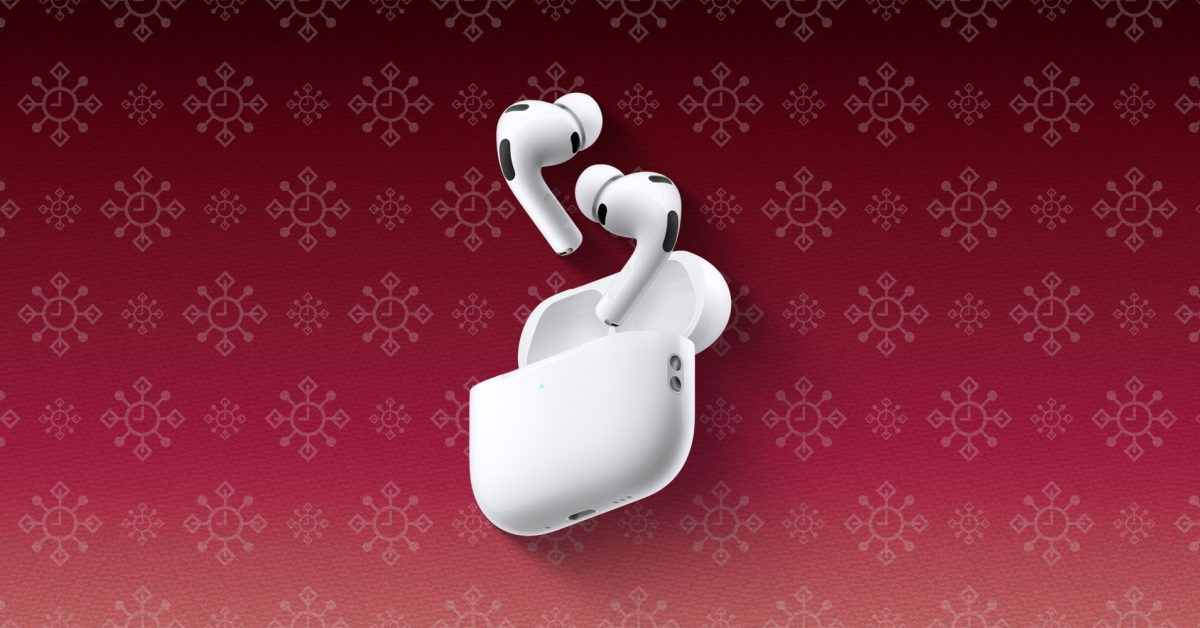
New AirPods Pro include several built-in tools and settings that improve fit, sound control and accessibility beyond simply playing audio. Start with the Ear Tip Fit Test in Settings to confirm which of the provided tips gives the best seal — the AirPods Pro 3 ships with multiple tip sizes. The earbuds offer multiple listening modes: Active Noise Cancellation, Transparency, and Adaptive Audio, which can now be tuned on iOS 18. Controls include a Force Sensor on the stem for playback and volume gestures, and optional head gestures for accepting or declining calls and notifications. Apple added hearing-health features that let users take a hearing test and use the buds as a hearing aid for certain degrees of hearing loss. Microphone modes (Automatic, Standard, Voice Isolation and Wide Spectrum) are selectable during calls. Additional conveniences include Find My integration, audio sharing with other AirPods and supported Beats devices, and Live Translation via iOS 26.
Why it matters
- Proper ear tip fit directly affects noise cancellation effectiveness, comfort and microphone performance.
- Multiple listening and mic modes let users tailor audio and call quality to changing environments.
- Hearing-test and hearing-aid functionality extends the product’s role into hearing-health assistance for some users.
- Find My and audio sharing add practical value by helping locate lost buds and sharing audio without pairing hassles.
Key facts
- Ear Tip Fit Test is available in Settings when AirPods Pro are connected and will recommend alternate tip sizes if needed.
- AirPods Pro 3 include multiple ear tip sizes (five sizes are noted) to swap for a better seal.
- Listening modes: Active Noise Cancellation, Transparency Mode, and Adaptive Audio; Adaptive Audio can be customized on iOS 18 and newer.
- You can switch listening modes by holding the force sensor on the stem, via the Settings app, or from Control Center’s volume slider.
- Conversation Awareness reduces audio playback and amplifies voices in front of you while you speak, then restores volume when the conversation ends.
- Force Sensor controls support play/pause, next/previous track, answer calls, and swipe gestures for volume adjustments; these functions are customizable in Settings.
- Head gestures let you nod to accept/reply or shake to decline/dismiss; these are enabled in the AirPods menu in Settings.
- Apple added hearing features that allow a hearing test and the option to use AirPods Pro as a hearing aid for mild to moderate hearing loss.
- Microphone modes available during calls or recordings include Automatic, Standard, Voice Isolation, and Wide Spectrum.
- AirPods Pro appear in the Find My app’s Devices tab where you can play a sound and enable notifications to avoid leaving them behind.
What to watch next
- Whether Conversation Awareness matches your preferences — the feature elicits mixed reactions from users.
- Live Translation performance across languages and real-world accuracy is not confirmed in the source.
- Long-term effectiveness of AirPods Pro as a hearing aid for different environments and severities of hearing loss is not confirmed in the source.
Quick glossary
- Active Noise Cancellation (ANC): A technique where outward-facing microphones detect external sounds and the device generates 'anti-noise' to reduce what you hear.
- Transparency Mode: A listening setting that lets outside sound in so you can hear ambient noise and conversations while wearing earbuds.
- Adaptive Audio: A mode that dynamically adjusts noise-cancellation levels based on your surroundings; on recent iOS it can be customized.
- Find My: Apple’s location service that helps locate devices on a map, play a sound, and set notifications to prevent leaving them behind.
- Voice Isolation: A microphone mode that prioritizes the user’s voice and reduces ambient noise during calls.
Reader FAQ
How do I run the Ear Tip Fit Test?
With AirPods Pro connected, open Settings, tap the AirPods name, select Ear Tip Fit Test and press play to evaluate seal and fit.
How do I switch listening modes?
Press and hold the force sensor on the stem, change modes in Settings, or long-press the volume slider in Control Center.
Can AirPods Pro act as hearing aids?
Apple provides a hearing test and the option to use AirPods Pro as a hearing aid for mild to moderate hearing loss.
Does Live Translation work automatically?
Live Translation is available with iOS 26 and can be started from the Translate app, by pressing both stems, or by asking Siri.
Got a new Mac? Here are five apps I can’t live without Marcus Mendes Dec 25 2025 AIRPODS PRO Just unwrap new AirPods Pro? Here are the must-try features Chance…
Sources
- Just unwrap new AirPods Pro? Here are the must-try features
- AirPods Just Got Even Better Here's How to Use the Latest …
- AirPods Pro 3
Related posts
- Cyberpunk 2077 Ultimate Edition and Nintendo games discounted up to 50%
- Treat yourself: Best smart glasses to spend your holiday gift money on
- Apple Wallet gains two practical upgrades in iOS 26: AI order tracking and Digital ID