
TL;DR
This guide walks buyers through choosing a laptop by first defining use case and budget, then matching an operating system and hardware to those needs. It includes updated chip developments from Intel, notes on an incoming memory shortage, and the evolving role of ChromeOS.
What happened
A comprehensive laptop buying guide updated in December 2025 lays out a step-by-step approach for selecting a new laptop. It urges buyers to start by identifying how they will use the machine and what they can afford — a $1,000 retail threshold is highlighted as the point where laptops tend to feel premium. The guide compares operating systems (Windows, macOS, ChromeOS and Linux) and explains how OS choice can determine software compatibility and hardware constraints. It also documents the current chip landscape, describing Intel’s Core Ultra Series 2 (15th gen) naming and the distinctions among V, U, H and HX suffixes for power and core counts, while noting Intel has announced a successor (Core Ultra Series 3/’Panther Lake’). The update also flags an incoming memory shortage and outlines the longer-term direction for ChromeOS and Chromebooks.
Why it matters
- Choosing the right OS and hardware prevents overspending on unnecessary performance or features.
- Chip architecture and power envelopes materially affect battery life and sustained performance.
- A potential memory shortage could limit availability or affect prices for some laptops.
- ChromeOS developments and new Intel chips may change value and performance trade-offs in the year ahead.
Key facts
- Start laptop shopping by defining your primary use case (office work, gaming, content creation, or portability).
- $1,000 is identified as the price level where laptops typically feel premium and avoid major compromises.
- If your budget is $500 or less, a Chromebook is often a better practical choice than a low-end Windows laptop.
- Four major CPU competitors are highlighted in the laptop market: Intel, AMD, Apple and Qualcomm.
- Intel’s current 15th-generation laptop lineup is labeled Core Ultra Series 2; SKUs use a leading number and a suffix letter to indicate generation and power tier.
- Intel suffix meanings in the guide: V-series (Lunar Lake) targets efficiency with ~8 GPU and CPU cores at a ~17W envelope; U-series targets lower power (~15W); H and HX target higher performance (28W and 55W respectively) with more CPU cores.
- Some V-series chips are fabricated by TSMC and aim to balance good battery life with stronger integrated graphics.
- Intel has announced Core Ultra Series 3 (Panther Lake), which the company says will use the A18 process and aim to combine strong performance with high efficiency.
- ChromeOS has been evolving: Chromebook Plus was introduced in 2023 to denote higher-end models, and a reported merger of ChromeOS and tablets (referred to as Aluminium OS) is expected in 2026.
- Interest in Linux on laptops has grown, partly due to devices like the Steam Deck and as an alternative for users resisting a Windows 11 upgrade.
What to watch next
- Intel’s Core Ultra Series 3 (Panther Lake) — further details and demonstrations are expected at CES.
- The incoming memory shortage and how it may affect laptop availability and pricing.
- Google’s roadmap for ChromeOS and the reported 2026 merging with tablet software (Aluminium OS).
Quick glossary
- CPU (processor): The central processing unit executes software instructions and strongly influences overall system performance.
- Integrated graphics: A GPU built into the same chip as the CPU, sufficient for basic games, video playback, and many productivity tasks but generally weaker than dedicated graphics cards.
- Chromebook: A laptop that runs ChromeOS, often optimized for web-based tasks and typically cheaper and more battery-efficient than many Windows laptops.
- RAM (memory): Short-term system memory used to hold running applications and data; more RAM improves multitasking and performance for demanding tasks.
Reader FAQ
Do I need to spend $1,000 to get a good laptop?
The guide says $1,000 is where laptops generally start feeling premium and avoiding major compromises; lower budgets can work depending on needs.
Are Chromebooks a good choice for budget shoppers?
Yes — Chromebooks are recommended for tight budgets, and are often preferable to sub-$500 Windows laptops.
Should I pick macOS or Windows?
The guide advises choosing the OS you’re most familiar with and that supports the software you need.
Will Intel’s next chips solve the performance-versus-efficiency trade-off?
Intel claims Core Ultra Series 3 (Panther Lake) will combine Arrow Lake-level performance with Lunar Lake-level efficiency; further verification was expected at upcoming announcements.
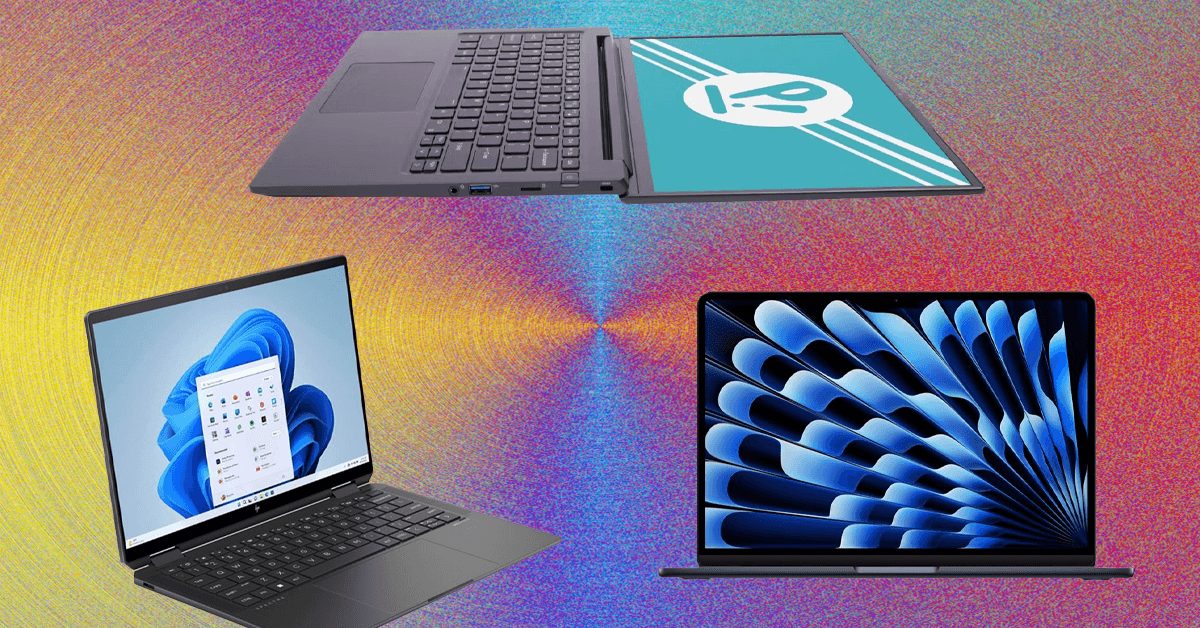
LUKE LARSEN SCOTT GILBERTSON GEAR DEC 23, 2025 8:00 AM How to Choose the Right Laptop: A Step-by-Step Guide Shopping for a laptop can be infuriating. Here’s how to sift…
Sources
- Laptop Buying Guide (2025): How to Choose the Right PC (Step-by-Step Guide)
- Laptop Buying Guide (2025): How to Choose the Right PC …
- How to Choose the Best Laptop for Your Needs in 2025
- PC and Laptop Buying Guide: Find the Right Computer
Related posts
- WIRED’s Picks: The 50 Best Shows on HBO Max Right Now (Dec 2025)
- Which Unlimited Phone Plan Is Best? Comparing T‑Mobile, AT&T, and Verizon
- Current Shark Promo Codes: Save Up to $100 on Vacuums and Gear