
TL;DR
A frequent NotebookLM user says the AI notebook is already useful but could be markedly better with five additions: bulk YouTube imports, Google Drive folder sync, richer export options, a Trash folder, and notebook-wide instructions. These changes aim to improve productivity, interoperability, and content recovery.
What happened
A writer who uses Google's NotebookLM daily for tasks ranging from reading phone reviews to personal journaling outlined five feature requests that would substantially improve the service. While the author reports no bugs and praises existing YouTube and Google Drive integrations, they identify gaps: NotebookLM lacks a native way to bulk-import YouTube URLs or playlists, and Drive files must be reuploaded after edits rather than synched automatically. Export capabilities are limited to Docs/Sheets and image downloads for mind maps, with no built-in PDF, Word, Excel, or notebook-wide export and sharing from the home view. The piece also calls for an optional Trash folder to allow recovery of deleted notebooks, and a notebook-wide instruction mechanism so global rules apply to every response. The writer notes browser extensions and scripts can work around some limits but argues native features would better serve users.
Why it matters
- Bulk import and folder sync would speed ingestion of learning and research materials, saving manual steps.
- Expanded export formats and notebook-level sharing would improve interoperability with other tools and workflows.
- A Trash folder would reduce the risk of accidental data loss and provide flexible deletion policies.
- Notebook-wide instructions could eliminate repetitive prompting and make output more consistent across a notebook.
Key facts
- The author uses NotebookLM almost every day for review consumption and as a personal journal.
- Current YouTube and web URL integrations exist, but there is no native bulk YouTube import.
- Google Drive can be added as a source, but changes to Drive files require reuploading to update the notebook.
- Export options are primarily Google Docs and Sheets; mind maps download only as images.
- There is no native PDF, Microsoft Word, or Excel export option documented in the piece.
- The author requests a Trash folder with an optional permanent-delete setting rather than enforcing one behavior.
- Notebook-wide instructions are requested to apply user-defined rules across all responses in a notebook.
- Workarounds via browser extensions and scripts exist but are described as imperfect and sometimes hard to use.
- NotebookLM offers a paid 'Plus' tier, but the author says the free tier handles most tasks.
What to watch next
- Bulk YouTube playlist or multi-URL import being added to NotebookLM — not confirmed in the source
- A Google Drive folder link and automatic sync feature for NotebookLM — not confirmed in the source
- Expanded native export formats (PDF, Word, Excel, notebook-wide export/share) — not confirmed in the source
- Introduction of an optional Trash/recovery setting and notebook-wide instruction rules — not confirmed in the source
Quick glossary
- NotebookLM: Google's AI-powered notebook service that ingests documents, web links, and media to generate summaries, answers, and study aids.
- Bulk import: The ability to add many files or URLs at once rather than one-by-one.
- Google Drive integration: A feature that lets an app access files stored in a user's Google Drive as sources for processing or summarization.
- Export formats: File types (PDF, DOCX, XLSX, images) that allow users to download or transfer content to other applications.
- Notebook-wide instructions: Persistent, notebook-level rules or prompts that the system applies to every generated response within that notebook.
Reader FAQ
Does NotebookLM support bulk importing YouTube videos?
Not currently; the author says NotebookLM requires adding YouTube URLs one at a time and lacks native bulk import.
Will edits in Google Drive automatically update notebooks?
No; the article explains Drive files must be reuploaded to apply changes in a notebook.
Can you export NotebookLM content to PDF or Word?
Not by default; exports are mainly to Google Docs or Sheets and mind maps download as images.
Is there a Trash folder for recovering deleted notebooks?
No; the author requests an optional Trash feature because it is not currently available.
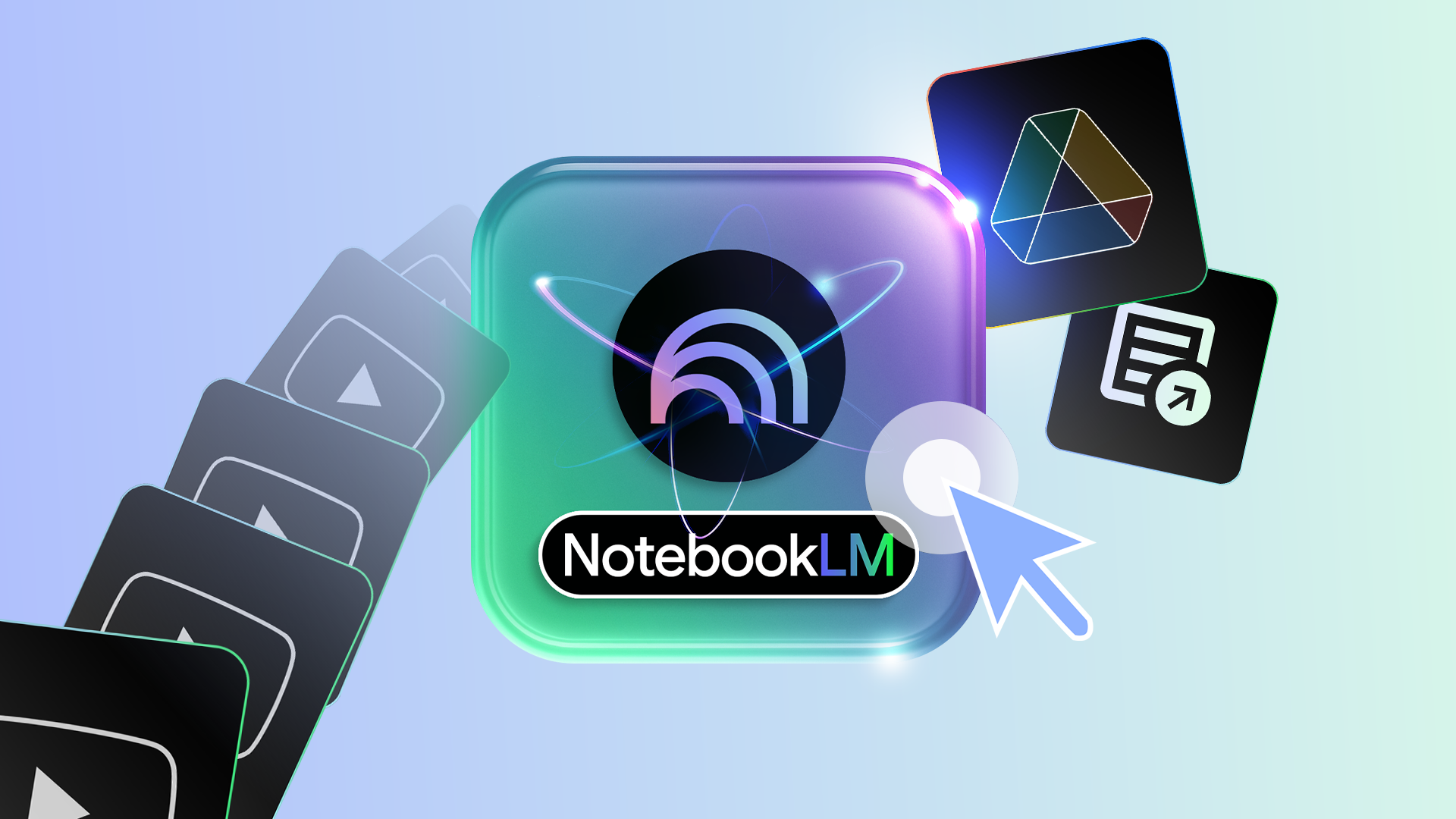
NotebookLM is powerful, but these 5 features would make it unstoppable in 2026 Credit: Lucas Gouveia / Android Police By Rahul Naskar Published 26 minutes ago Rahul Naskar has years of…
Sources
- NotebookLM is powerful, but these 5 features would make it unstoppable in 2026
- NotebookLM could soon turn your study notes into …
- I started using NotebookLM with Affinity, and it's been a …
- 5 NotebookLM power features every PMM should steal
Related posts
- Google moves to fix Android’s long-standing Do Not Disturb syncing issue
- MailPilot: Email-enabled local TUI that lets AI agents keep working
- Report: Apple to pay billions to Google for Gemini; OpenAI reportedly opted out