
TL;DR
Samsung’s One UI 8.5 beta for the Galaxy S25 introduces new LockStar options that let users change lock‑screen unlock animations and manually set Always On Display brightness. These additions are part of a wider set of Good Lock module updates that are being prepared alongside One UI 8.5.
What happened
Samsung has been piloting One UI 8.5 on the Galaxy S25 for over a month while also updating several Good Lock modules. The most recent LockStar update tied to One UI 8.5 introduces an “Unlock Animations” feature that lets users alter the lock‑screen unlock effect. Controls allow adjustments to animation type, duration, shape and linearity, similar to the customization previously added to the Home Up module. The LockStar release also adds a manual Always On Display (AOD) brightness control on compatible devices; users can disable automatic brightness and pick a lower AOD level. These LockStar options only appear when the phone is running One UI 8.5, so Galaxy S25 owners enrolled in the beta will see them. While the updated LockStar package is reportedly available on the Galaxy Store, people on One UI 8 who install the app will not see the new options unless they are on One UI 8.5.
Why it matters
- Expands customization: unlock animations become a configurable part of a phone’s visual identity rather than a fixed system effect.
- More control over AOD brightness may help with battery usage and night‑time viewing on supported models.
- These changes signal Samsung’s intent to deepen Good Lock integration with One UI updates, appealing to users who heavily customize UI behavior.
- Rollout is limited to the One UI 8.5 beta for now, so the impact is confined to enrolled Galaxy S25 devices.
Key facts
- Samsung has been testing One UI 8.5 for the Galaxy S25 for more than a month.
- The updated LockStar module adds an “Unlock Animations” feature for the lock screen.
- Unlock animation settings include controls for type, time (duration), shape and linearity.
- LockStar now offers manual Always On Display (AOD) brightness adjustment on compatible devices.
- The new LockStar features are available only on devices running One UI 8.5; they do not appear on One UI 8.
- Galaxy S25 users enrolled in the One UI 8.5 beta are the group currently able to use these options.
- The updated LockStar build should be available on the Galaxy Store; if it does not appear, sideloading the APK is an option.
- Samsung has been updating other Good Lock modules alongside One UI 8.5, including a recent Camera Assistant build with additional camera controls.
What to watch next
- Whether Samsung will push the LockStar unlock animation and manual AOD features to non‑S25 models outside the beta: not confirmed in the source.
- The timetable for a public One UI 8.5 release and broader rollout of Good Lock enhancements: not confirmed in the source.
- If Samsung expands similar customization options to other Good Lock modules or system areas in later updates: not confirmed in the source.
Quick glossary
- One UI 8.5: A version of Samsung’s Android skin that includes visual and functional updates to the system and companion apps.
- Good Lock: A set of modular apps from Samsung that lets users customize various parts of the Galaxy software experience.
- LockStar: A Good Lock module focused on customizing lock‑screen appearance and behavior.
- Always On Display (AOD): A display mode that shows limited information such as time and notifications while the screen is otherwise off.
- Beta program: A pre‑release testing phase that gives users early access to software features before a general public rollout.
Reader FAQ
Which phones can use the new LockStar unlock animations?
The source states these features are available only to Galaxy S25 devices enrolled in the One UI 8.5 beta.
Can I get the unlock animation options on a phone running One UI 8?
You can install the updated LockStar app, but the new unlock animation and manual AOD settings will not appear unless the device is running One UI 8.5.
How can I install the updated LockStar build?
The update should be live on the Galaxy Store; the source also notes you can sideload the APK if it doesn’t show up.
When will these features reach all Galaxy phones?
not confirmed in the source.
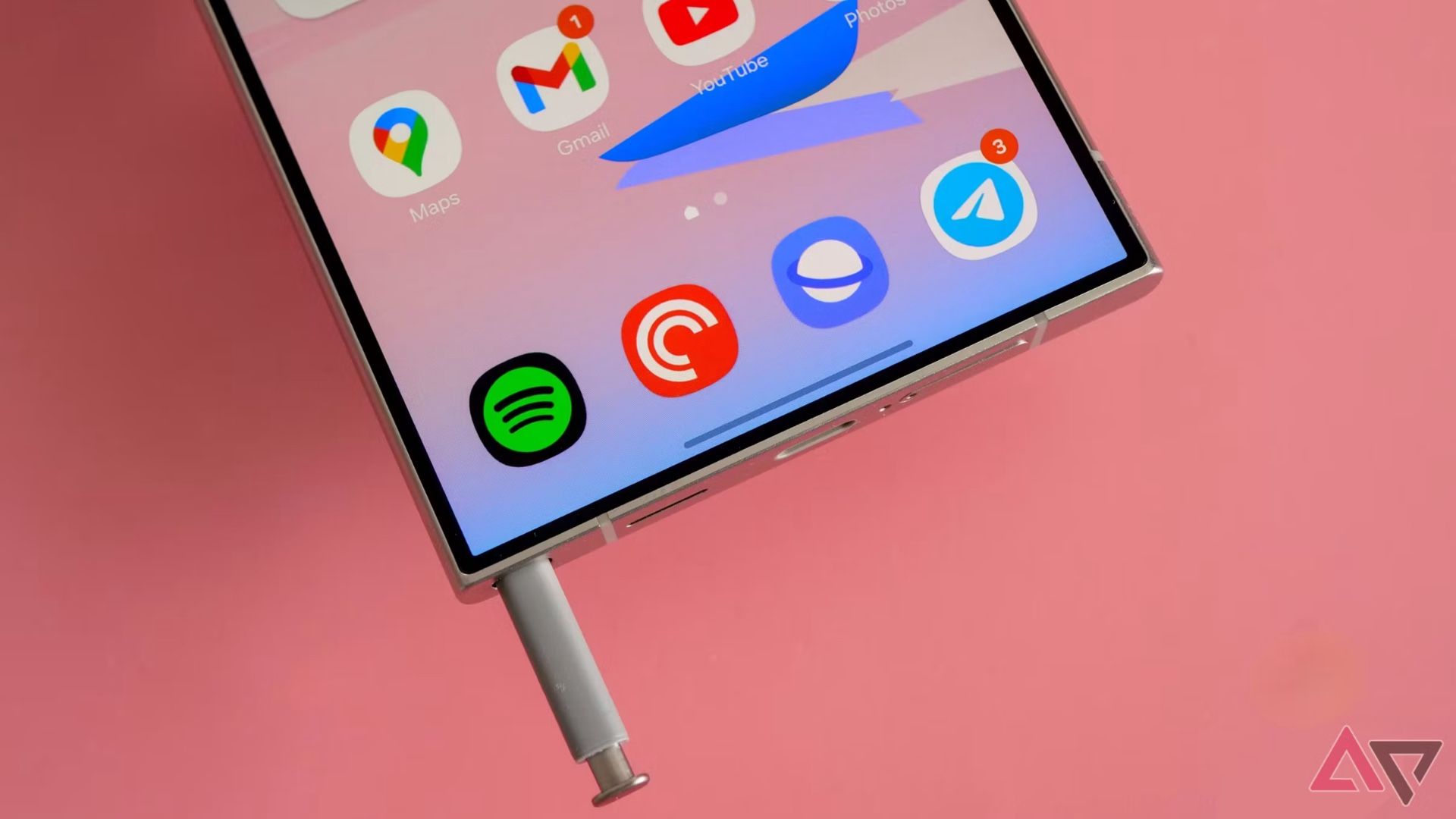
One UI 8.5 will bring lock screen animation customization to Galaxy phones By Rajesh Pandey Published 11 minutes ago Rajesh started following the latest happenings in the world of Android…
Sources
- One UI 8.5 will bring lock screen animation customization to Galaxy phones
- New LockStar update brings several screen unlock effects …
- One UI 8.5 LockStar introduces new unlock animations …
- One UI 8.5 Updates LockStar with Unlock Animations and …
Related posts
- Target Promo Codes: Get $50 Off and Up to 50% Sitewide — Jan 2026
- Android 17 leak indicates split notification shade will be default on foldables
- How IRC Amplifies Social Interaction Compared with Real Life