
TL;DR
Users and commentators say OneDrive can start backing up files without a clear opt-out and may remove local copies during sync. Those affected report that restoring files can trigger repeated deletions unless complex steps are followed.
What happened
A recent report describes a failure mode in Microsoft's OneDrive where Windows updates or settings enable OneDrive backup without an obvious, plain-language opt-out. According to the account cited, OneDrive begins uploading files from the machine to Microsoft's servers quietly, sometimes noticed only when bandwidth is constrained or cloud storage fills. When users try to turn off backup, they discover local files have been removed and a desktop message like "Where are my files?" appears. The report says users can re-download files from Microsoft's cloud, but asking Microsoft to remove its copies then causes those files to be deleted again from the local machine. Commentators describe the sequence as indistinguishable from a ransomware event and say disabling the behavior requires following obscure, unofficial tutorials rather than an intuitive UI option.
Why it matters
- Potential unexpected loss of local files can disrupt personal and professional workflows.
- Opaque controls and buried settings reduce user agency over where files are stored.
- The behavior can create panic and confusion, resembling the effects of ransomware.
- Users on metered or slow connections can incur bandwidth and storage issues without clear consent.
Key facts
- The account says OneDrive can be enabled by updates without a plain-language warning or easy opt-out.
- Users reportedly notice the issue when uploads slow their internet or when OneDrive storage runs out.
- A described failure mode results in local files being deleted while copies remain on Microsoft's servers.
- Restoring files from the cloud is possible, but deleting Microsoft’s copies has been reported to remove the local copies again.
- Commentators in the source liken the experience to a ransomware attack because of the sudden disappearance of files.
- Disabling the sync behavior allegedly requires following detailed external tutorials rather than intuitive menu options.
- The article notes Microsoft says 30% of its code is generated by large language models, and its CEO pushed back against calling generative AI 'slop'.
- The source asserts Microsoft aggressively pushes OneDrive to Windows users and that Windows contains ads, upsells and bundled software according to the author.
What to watch next
- Microsoft's official statement or remediation steps on this reported behavior — not confirmed in the source
- Whether Microsoft issues a software update or clearer UI changes to make backup and deletion behavior explicit — not confirmed in the source
- Independent reports or investigations quantifying how many users are affected and under what conditions — not confirmed in the source
Quick glossary
- OneDrive: Microsoft's cloud-based file storage and sync service that integrates with Windows and other Microsoft products.
- Cloud backup: A service that stores copies of files on remote servers to enable recovery and access from multiple devices.
- Dark pattern: A user interface design that manipulates or misleads people into making choices they might not otherwise make.
- Ransomware: Malicious software that encrypts or holds data hostage, often accompanied by demands for payment to restore access.
- Large language model (LLM): A class of AI models trained on large text datasets to generate or assist in producing text and code.
Reader FAQ
Can OneDrive remove files from my PC?
The sourced account reports that enabling OneDrive backup led to local files being deleted while copies remained in the cloud.
Is this behavior confirmed by Microsoft?
not confirmed in the source
Can I recover files if OneDrive deletes them locally?
The report says files could be re-downloaded from Microsoft's servers, but deleting the cloud copies reportedly caused local deletion again.
Are there simple settings to stop OneDrive doing this?
The source states disabling the behavior required following detailed external tutorials and that the options are not presented in plain English.
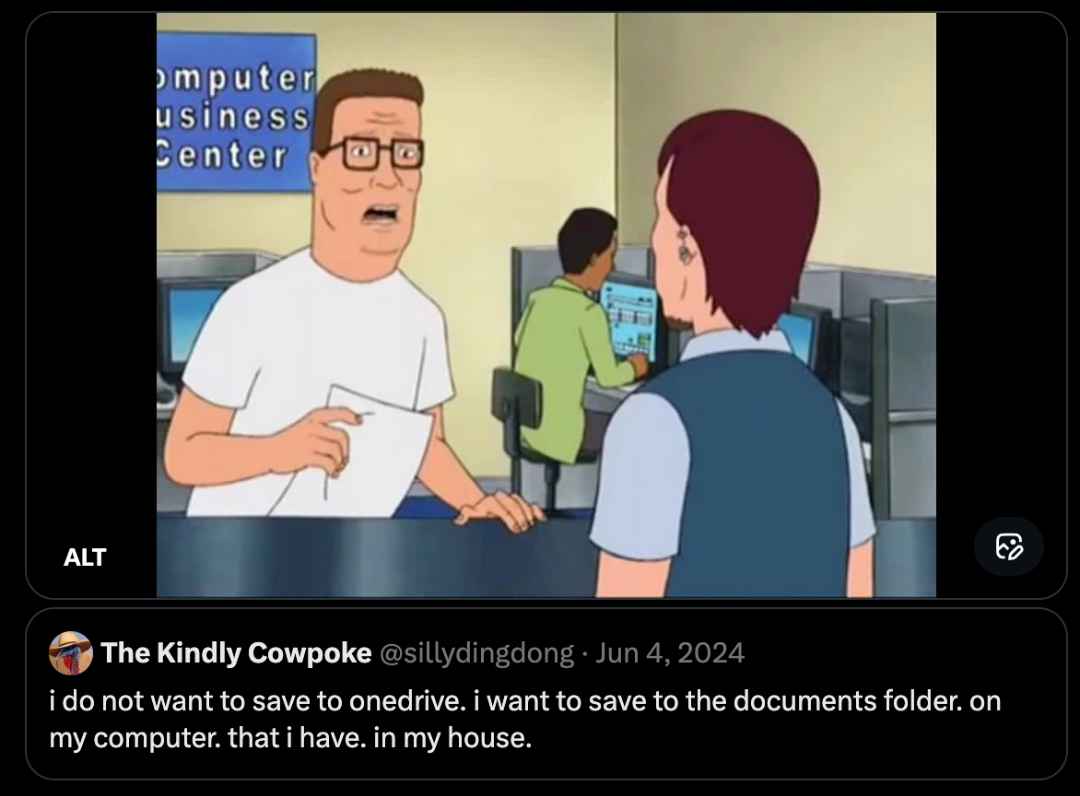
Everyone hates OneDrive, Microsoft's cloud app that steals then deletes all your files ROB BESCHIZZA 4:52 AM MON JAN 5, 2026 OneDrive user finds out OneDrive is Microsoft's cloud-based storage…
Sources
- Everyone hates OneDrive, Microsofts cloud app that steals and deletes files
- Everyone hates OneDrive, Microsoft's cloud app that steals …
- Onedrive apparently grabbed all my folders that I wanted …
- Stop OneDrive from being able to delete locally stored files
Related posts
- Logitech mice on macOS broke after an expired certificate; company issued a fix
- HSBC mobile app blocks access when Bitwarden is sideloaded via F‑Droid
- Researcher says HackerOne ignored him for months over $8,500 bounty