
TL;DR
Google has pushed a rebuilt Panorama mode to Pixel 8 devices via a Pixel Camera app update discovered by 9to5Google. The feature, borrowed from the Pixel 9, adds guided panorama capture and supports Night Sight for low-light wide shots.
What happened
A recent update to Google's Pixel Camera app has brought a revamped Panorama mode to Pixel 8 handsets. The change, first noticed by 9to5Google, ports the Panorama experience introduced on the Pixel 9 to the Pixel 8. Users who install Pixel Camera version 10.2 from the Play Store should see a new UI when they open Panorama: a small sphere with a horizon line to help position the phone while sweeping across a scene. Like conventional panorama modes, the app captures multiple frames and stitches them into a single wide image, but this iteration can also use Google's Night Sight processing to improve results in low-light conditions. To access the feature, Pixel 8 owners simply need to update the camera app and select the Panorama setting in the app.
Why it matters
- Software updates can extend the practical lifespan and capabilities of existing phones without new hardware.
- The new Panorama mode makes it easier to capture large, high-quality landscapes with guided framing.
- Night Sight support in panoramas may improve low-light wide shots beyond what hardware alone can achieve.
- Accessing the feature requires only an app update rather than a full system upgrade, making it widely reachable for current Pixel 8 users.
Key facts
- The Panorama update for Pixel 8 was identified by 9to5Google.
- This Panorama mode is derived from the version introduced on the Pixel 9.
- Pixel Camera app version 10.2 is the build that includes the new Panorama UI and functionality.
- Users should update the Pixel Camera app through the Google Play Store to enable the feature.
- The Panorama capture stitches multiple frames into a single wide image, similar to traditional panorama modes.
- The updated mode can use Google's Night Sight processing to improve low-light panorama images.
- A new on-screen guidance element — a small sphere with a horizon line — helps with repositioning during capture.
- The Pixel 8 is noted in the source as still receiving software updates that add features over time.
What to watch next
- Whether the rebuilt Panorama mode will be extended to other Pixel models (for example, Pixel 8 Pro) is not confirmed in the source.
- Timing for a broader rollout to all Pixel 8 units or regions beyond those reported is not confirmed in the source.
- Comparative image quality and performance versus the Pixel 9's Panorama implementation are not confirmed in the source.
Quick glossary
- Panorama mode: A camera mode that captures multiple overlapping frames while you sweep the camera across a scene, then stitches them into a single wide image.
- Night Sight: Google's software-based low-light photography feature that combines multiple exposures and processing to reduce blur and bring out details in dark scenes.
- Pixel Camera app: The default camera application developed by Google for Pixel phones; functionality can be updated independently via app updates.
- Software update: A distribution of new or modified software components that can add features, fix bugs, or improve performance on a device.
Reader FAQ
How do I get the new Panorama mode on my Pixel 8?
Update the Pixel Camera app from the Google Play Store to version 10.2; then open the app and select Panorama.
Does the new Panorama mode work in low light?
Yes — the updated Panorama mode can use Google's Night Sight processing to improve low-light panorama shots.
Is this feature exclusive to the Pixel 9?
No. The Panorama mode originated on the Pixel 9 but has been brought to the Pixel 8 via the camera app update.
Will other Pixel models get this Panorama update?
not confirmed in the source
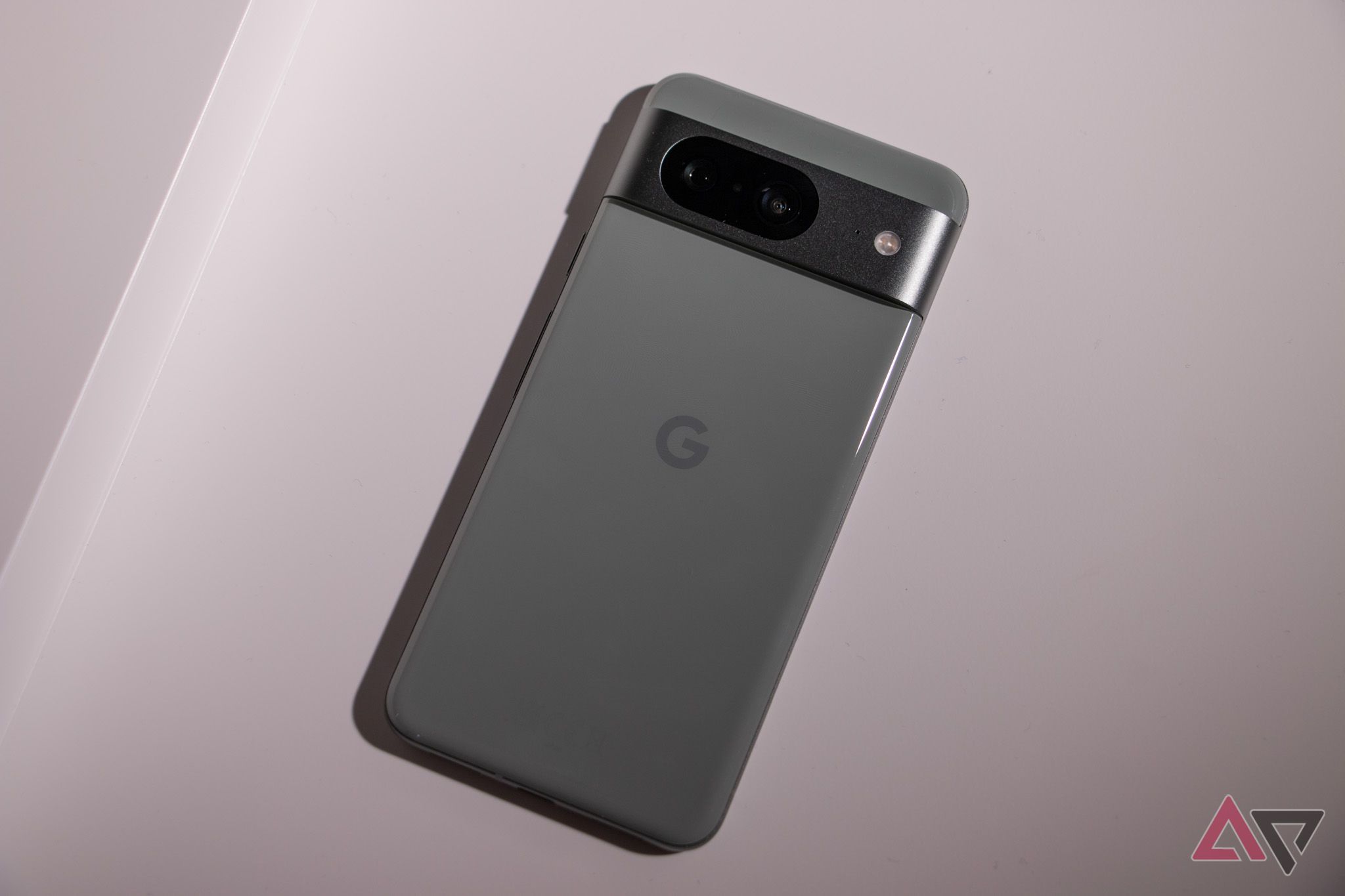
The Pixel 8 just got a camera upgrade you're going to want to try By Timi Cantisano Published 22 minutes ago Timi is a news and deals writer who's been…
Sources
- The Pixel 8 just got a camera upgrade you're going to want to try
- 4 tips on using Pixel's upgraded panorama mode
- The Pixel 9's panorama mode has really redeemed itself
- Pixel 9 camera adds 8K video, enhanced Panorama mode …
Related posts
- How I Left YouTube: An Engineer’s Account of Promotion Limits and Exit
- Who Watches the Waymos? YouTuber Vincent Woo Says He Tracks Waymo Vehicles
- Who Watches the Waymos? I Do — Video by Vincent Woo (YouTube, 2025)