
TL;DR
Google has adjusted Pixel Launcher's app-drawer search so typing and pressing Enter launches the highlighted app instead of performing a web search. The change is rolling out via a Google Play Services update and appears on Pixel models dating back to the Pixel 6a.
What happened
Less than a month after Google replaced the Pixel Launcher's built-in home-screen search with Google Search, the company quietly introduced a small but useful modification to the Launcher’s app-drawer behavior. When you swipe up to open the app drawer and have the keyboard option enabled, the keyboard now appears immediately; typing and pressing Enter will launch the currently highlighted app. If multiple apps match the query, the first suggested app opens by default. Previously, pressing Enter initiated a web search rather than launching an app. The change is appearing in stages via the latest Google Play Services update and has been observed on a Pixel 8 Pro running Android 16 QPR3 Beta 1. Observers note this keyboard-first quick-launch approach has long been available in several third-party Android launchers, and Google previously tested similar behavior in 2023 but did not release it at the time.
Why it matters
- Restores faster app launching on Pixel devices after the home-screen search swap reduced local search capabilities.
- Enables one-handed, keyboard-first app launches, reducing friction for users who type to find apps.
- Brings Pixel Launcher closer to features offered by third-party launchers that prioritized keyboard-driven searches.
- Rollout via Google Play Services suggests the tweak can reach a broad set of Pixel phones without a full OS update.
Key facts
- Google swapped Pixel Launcher's built-in home-screen search for Google Search less than a month ago.
- Google Search on the home screen cannot search installed apps, contacts, and shortcuts like the old built-in search could.
- New quick-launch behavior: swipe up to the app drawer, keyboard appears (if the option is enabled), type, then press Enter to open the highlighted app.
- If multiple apps match a query, Pixel Launcher opens the first suggested app by default.
- Previously, pressing Enter from the app-drawer search triggered a web search instead of launching an app.
- Google is rolling out the change in stages through a Google Play Services update.
- The quick-launch tweak has been observed on a Pixel 8 Pro running Android 16 QPR3 Beta 1.
- Google was earlier seen developing similar quick-launch behavior in 2023 with Android 13 QPR2 but did not release it then.
- Pixel Search remains an alternative for users who want a unified device search experience.
What to watch next
- Whether Google will restore a full unified device search on the home screen: not confirmed in the source.
- Timing and completion of the staged rollout to all Pixel models: not confirmed in the source.
- Whether the quick-launch behavior will be enabled by default or require a manual setting change on each device: not confirmed in the source.
Quick glossary
- Pixel Launcher: The default home-screen and app-drawer interface used on Google Pixel phones.
- Google Play Services: A background Android component that delivers core Google functionality and updates independently of the operating system.
- App drawer: The part of an Android launcher that lists all installed apps, typically accessed by swiping up from the home screen.
- Unified device search: A search feature that looks through local content on the device—apps, contacts, and shortcuts—as well as web results.
- Pixel Search: Google’s separate search experience for Pixel devices that offers broader unified search capabilities across device and web content.
Reader FAQ
How do I use the new quick-launch behavior?
Swipe up to open the app drawer, let the keyboard appear (if that option is enabled), type to highlight an app, then press Enter to launch the highlighted app.
Is this available on my Pixel phone?
The update is rolling out via Google Play Services and has been seen on Pixel devices; it was observed on a Pixel 8 Pro running Android 16 QPR3 Beta 1 and is said to reach devices back to the Pixel 6a.
Does this restore the old home-screen unified search?
Not confirmed in the source.
Do I need to install an OS update to get this?
Google is rolling out the change through Google Play Services, suggesting a full OS update may not be required.
Where can I enable the keyboard appearing in the app drawer?
Not confirmed in the source.
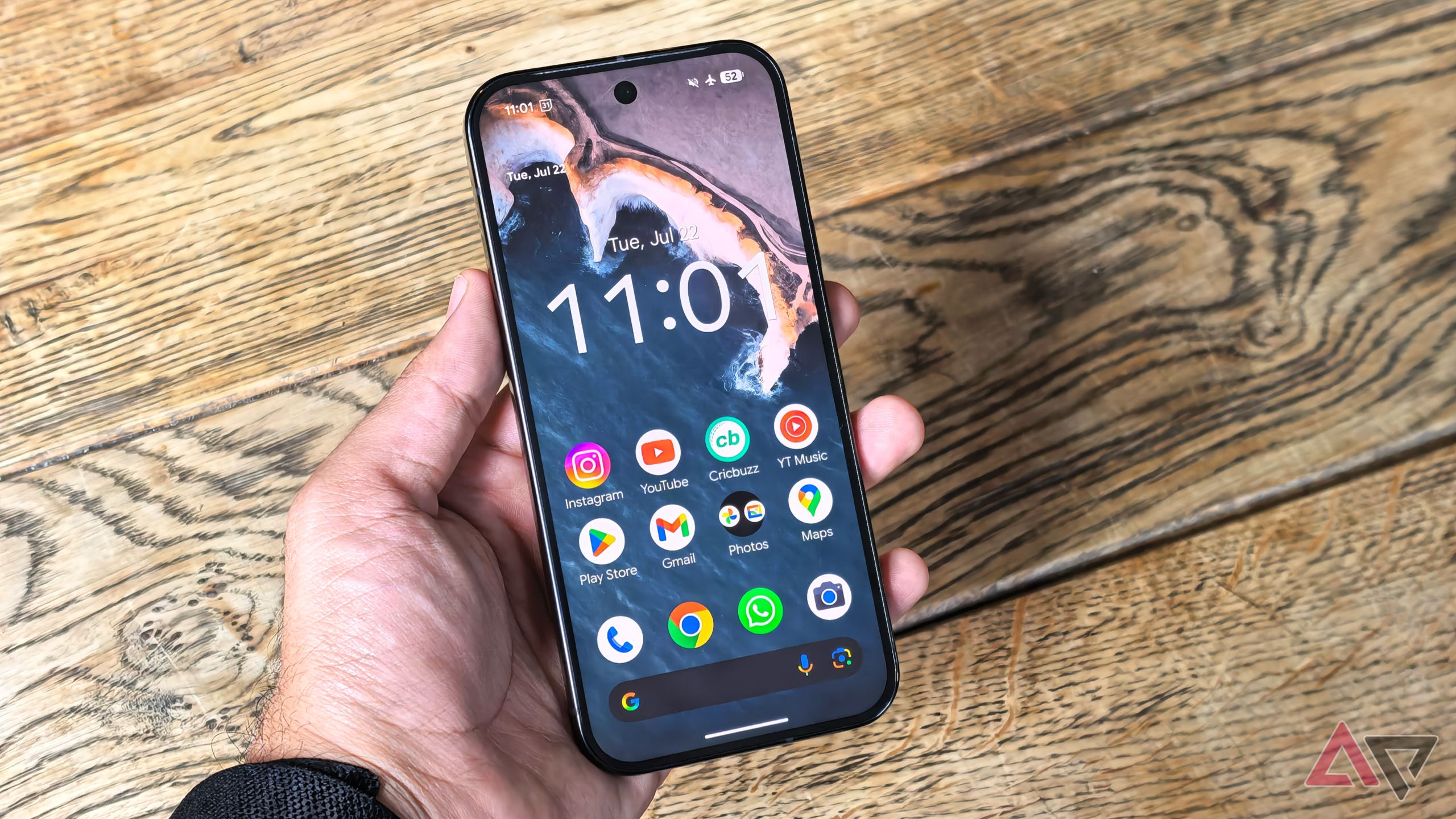
Pixel Launcher just got a tiny upgrade that saves you real time By Rajesh Pandey Published 12 minutes ago Rajesh started following the latest happenings in the world of Android…
Sources
- Pixel Launcher just got a tiny upgrade that saves you real time
- Pixel Launcher: Faster App Opening with Enter – FindArticles
- Pixel Launcher search bringing back ability to quickly open …
- Google experiments with faster app launch shortcut on Pixel
Related posts
- Google sues SerpApi, alleging unlawful scraping that bypasses protections
- Waymo Rebrands Zeekr RT Robotaxi as ‘Ojai’ Ahead of Public Rollout
- Disney Plus plans TikTok-style vertical video feed arriving later in 2026