
TL;DR
Ripple is a TypeScript-first, compiler-driven UI framework that emphasizes direct reactivity with minimal boilerplate. It uses track() and @ syntax for state, avoids a virtual DOM, and relies on compile-time analysis to optimize DOM updates and CSS.
What happened
A new UI framework called Ripple positions itself as a compiler-first, fine-grained reactive framework for TypeScript applications. The framework introduces reactive primitives—track() for state and the @ token for reads/writes—so components can express reactivity without hooks, refs, or signal APIs. Ripple shifts work to the compiler, which performs DOM dependency analysis, scoped CSS handling and dead-CSS removal, and code transformations to enable granular updates where only affected DOM nodes are mutated. The project bundles a small runtime and promotes low cognitive load by reducing the number of primitives developers must learn. The documentation includes a quick start (npx create-ripple-app), an example todo app showing reactive collections (#[ ] and #{ }), inline control flow, and component syntax. A comparison chart contrasts Ripple’s model with React, Vue 3 and Svelte on state model, DOM updates and boilerplate.
Why it matters
- Compiler-driven optimizations can reduce runtime overhead by moving analysis and code transforms to build time.
- Direct reactivity (track() + @) aims to simplify state handling and cut boilerplate compared with hooks or signals.
- Granular DOM updates promise smaller, more targeted mutations instead of whole-component re-renders.
- Scoped CSS and dead-style removal during compilation could shrink bundle sizes and limit stylesheet bloat.
Key facts
- Reactive variables are created with track(); reads and writes use the @ token.
- Reactive collections use #[ ] for arrays and #{ } for objects in examples.
- Ripple is described as having no virtual DOM—updates are fine-grained and applied only to changed nodes.
- The compiler performs DOM dependency analysis, scoped styling, dead CSS removal, and code transformation.
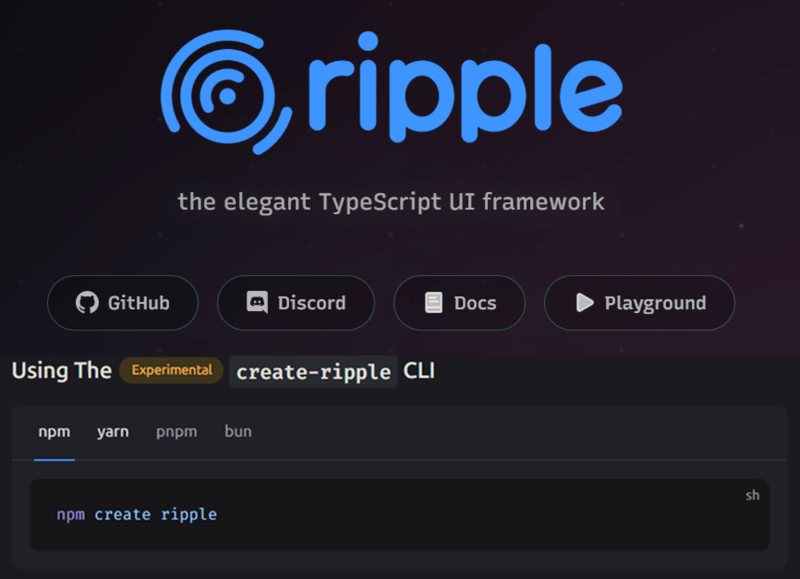
- Quick-start command: npx create-ripple-app ripple-todo-app; manual install via npm install ripple ripple-compiler ripple-dom.
- Project structure examples show .ripple components under src/ and a ripple.config.ts alongside tsconfig.json.
- Documentation includes a Todo demo illustrating add, toggle and remove operations on a reactive todos collection.
- A comparison table contrasts Ripple with React, Vue 3 and Svelte across state model, DOM updates, boilerplate, CSS scoping and runtime size.
What to watch next
- Real-world adoption and production usage across teams and companies — not confirmed in the source.
- Benchmark performance comparisons against major frameworks in representative apps — not confirmed in the source.
- Ecosystem and third-party tooling (libraries, DevTools, integrations) availability — not confirmed in the source.
Quick glossary
- Compiler-first: An approach where a build-time compiler analyzes and transforms code to optimize runtime behavior and output artifacts.
- Reactive variable: A value tracked by the framework so that reads and writes automatically update dependent UI without manual subscription.
- Virtual DOM: An in-memory representation of the DOM used by some frameworks to calculate updates before applying them to the real DOM.
- Scoped CSS: Styles that are limited to a component or module to prevent leakage and collisions with other styles.
- Fine-grained reactivity: A model where updates affect only the smallest necessary parts of the UI, rather than re-rendering whole components.
Reader FAQ
How do you create reactive state in Ripple?
Reactive state is created with track(), and the @ token is used to read and write tracked values.
Does Ripple use a virtual DOM?
No — the framework is described as operating without a virtual DOM and applying fine-grained DOM updates.
How do I start a new Ripple project?
The documented quick start uses npx create-ripple-app; alternatively, packages can be installed with npm install ripple ripple-compiler ripple-dom.
Is Ripple production-ready?
not confirmed in the source
Ripple: A Modern TypeScript UI Framework January, 11th 2026 3 min read Table of Contents Why the Frontend World Needs Ripple in 2026 What is Ripple? Ripple’s Design Goals 1….
Sources
- Ripple: The Elegant TypeScript UI Framework
- Ripple-TS/ripple: the elegant TypeScript UI framework
- Ripple over React? Evaluating the newest JS framework
- Ripple, the elegant TypeScript UI framework.
Related posts
- The Concise TypeScript Book — Free, Open-Source Guide to TypeScript 5.2
- PrintReadyBook: AI tool that generates print-ready books with cover art
- Sisyphus Now Lives in Oh My Claude: Multi-agent orchestration for Claude Code