
TL;DR
Samsung Calendar is a preinstalled app on Galaxy phones that emphasizes mobile-first design and deep system integration. It offers S Pen handwriting, natural-language event entry, tight links with Samsung Reminder, widgets and lock-screen glanceability that many users overlook.
What happened
Many Galaxy owners tuck Samsung’s preinstalled apps into a ‘bloatware’ folder during setup, but the Calendar app deserves a second look. Built specifically for One UI, the calendar emphasizes mobile interactions over a generic, cross-device approach. Users with S Pen-enabled models can write directly on the calendar canvas and have drawings anchored to specific dates. The app surfaces reminders created in Samsung Reminder alongside scheduled events, and it hooks into Modes and Routines so calendar information can feed other system behaviors. Widgets—customizable in transparency and available on home, lock and Always On displays in One UI 7—make agendas visible without opening the app. Natural-language Quick Add parses casual text into structured events, including recurring schedules, and month-view stickers or emojis let users add visual cues and simple mood tracking. The result is a calendar designed to feel more like a living planner than a plain database.
Why it matters
- System-level integrations reduce app switching by showing reminders and events together.
- S Pen handwriting and persistent doodles turn the calendar into an interactive planner for supported devices.
- Quick Add’s natural-language parsing speeds event creation and reduces friction.
- Lock-screen, Always On Display, and widget support make schedules glanceable across the device ecosystem.
Key facts
- Samsung Calendar is preinstalled on Galaxy phones.
- Write on Calendar mode lets S Pen users annotate dates and have drawings pinned to specific days (noted for Ultra and Note models).
- Events created in Samsung Reminder automatically appear in the calendar view.
- The app integrates with Modes and Routines to surface schedule-related information across the system.
- Home screen widgets support adjustable transparency and One UI 7 adds lock-screen widgets and Always On Display glanceability.
- Calendar entries and agendas can be viewed on other Galaxy surfaces such as Galaxy Watch and Flip Cover screens.
- Quick Add accepts natural-language input and parses times, contacts and repeat schedules.
- Month view supports stickers and emojis for quick visual labeling or simple mood tracking.
- The article frames Samsung Calendar as optimized for Galaxy devices rather than a one-size-fits-all calendar.
What to watch next
- Whether Samsung will expand Calendar features to non-Galaxy platforms — not confirmed in the source
- Potential enhancements to Quick Add’s natural-language parsing in future One UI updates — not confirmed in the source
- Any additional third-party calendar interoperability or sync improvements beyond what’s described — not confirmed in the source
Quick glossary
- One UI: Samsung’s custom Android interface layer that modifies visual elements and system features to provide a cohesive user experience on Galaxy devices.
- S Pen: A stylus accessory for certain Samsung devices that enables handwriting, drawing and precise touch input.
- Widget: A small interactive app view placed on a home or lock screen to surface information or provide quick controls without opening the full app.
- Always On Display: A display mode that shows limited information like time, notifications or widgets while the device is locked and the screen is otherwise off.
- Natural-language input: An input method that interprets casual, human-style phrases (e.g., 'Dinner with Mom at 7') and converts them into structured data.
Reader FAQ
Is Samsung Calendar installed on Galaxy phones by default?
Yes — the app comes preinstalled on Galaxy devices.
Can I use handwriting with Samsung Calendar?
Write on Calendar mode supports S Pen handwriting and pinned doodles on compatible devices such as Ultra and Note models.
Does Samsung Calendar replace Google Calendar on my phone?
Not confirmed in the source.
Can I type a casual phrase to create events?
Yes — the Quick Add feature parses natural-language input into structured events, including recurring entries.
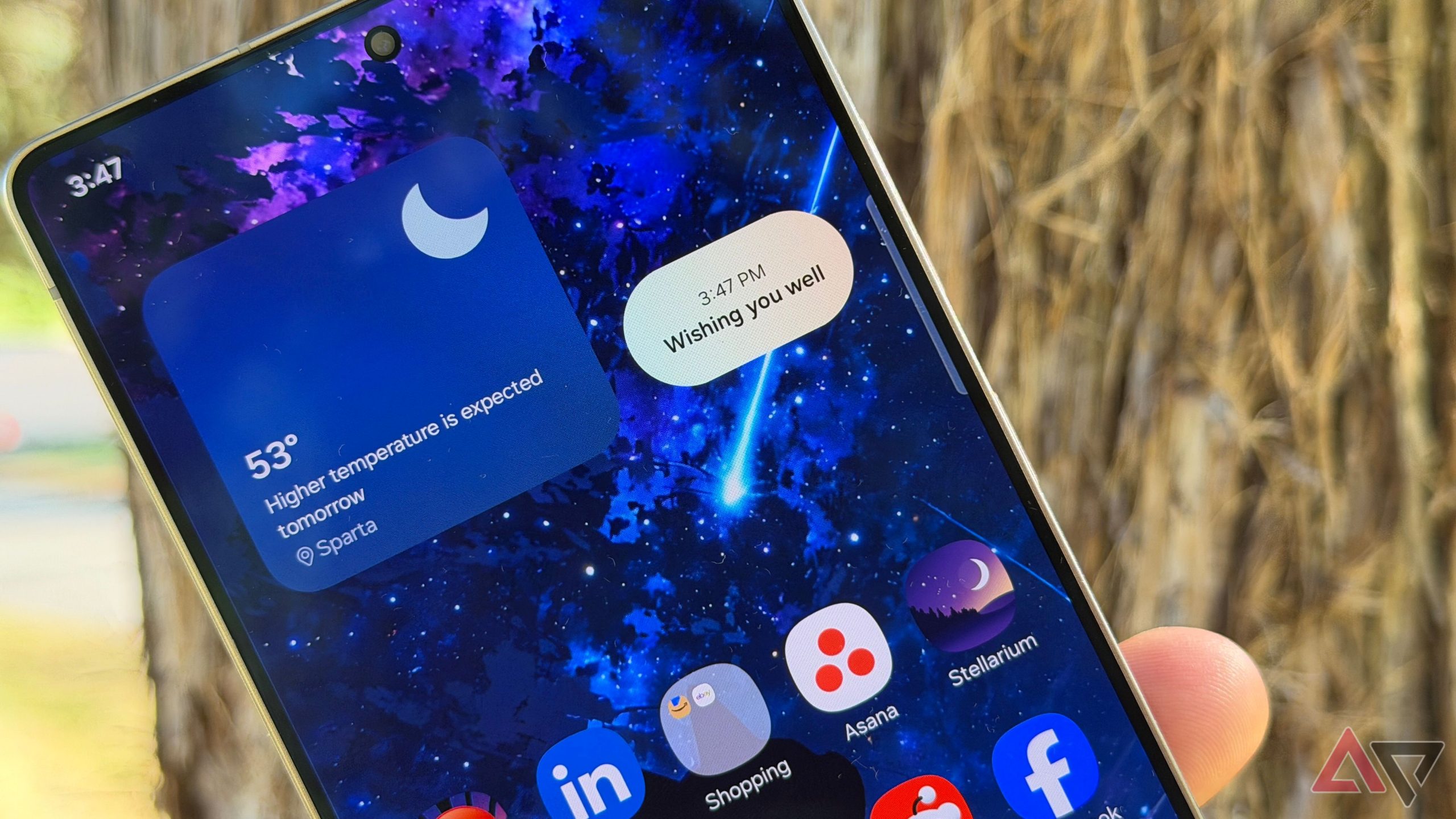
This overlooked One UI app is the unsung hero on Samsung Galaxy phones By Parth Shah Published 24 minutes ago Parth is a technology analyst and writer specializing in the…
Sources
- This overlooked One UI app is the unsung hero on Samsung Galaxy phones
- Use your Galaxy phone's tools to stay organized
- One UI 8.5 Adds Practical Upgrades to Samsung Calendar, …
- A Complete Guide to Samsung Calendar
Related posts
- ChatGPT conversations still lack timestamps despite years of user requests
- How One UI’s hidden volume-bar shortcut became my top 2025 pick
- The Program 2025 review — How much revenue did an audio drama podcast earn?