
TL;DR
Google added a Power Saving Mode to Maps that shows a black-and-white overlay on the always-on display during navigation. In hands-on tests on a Pixel 10 Pro Fold, the author measured roughly 8% battery use per hour in light mode, 5% in dark mode, and 3% with Power Saving Mode enabled.
What happened
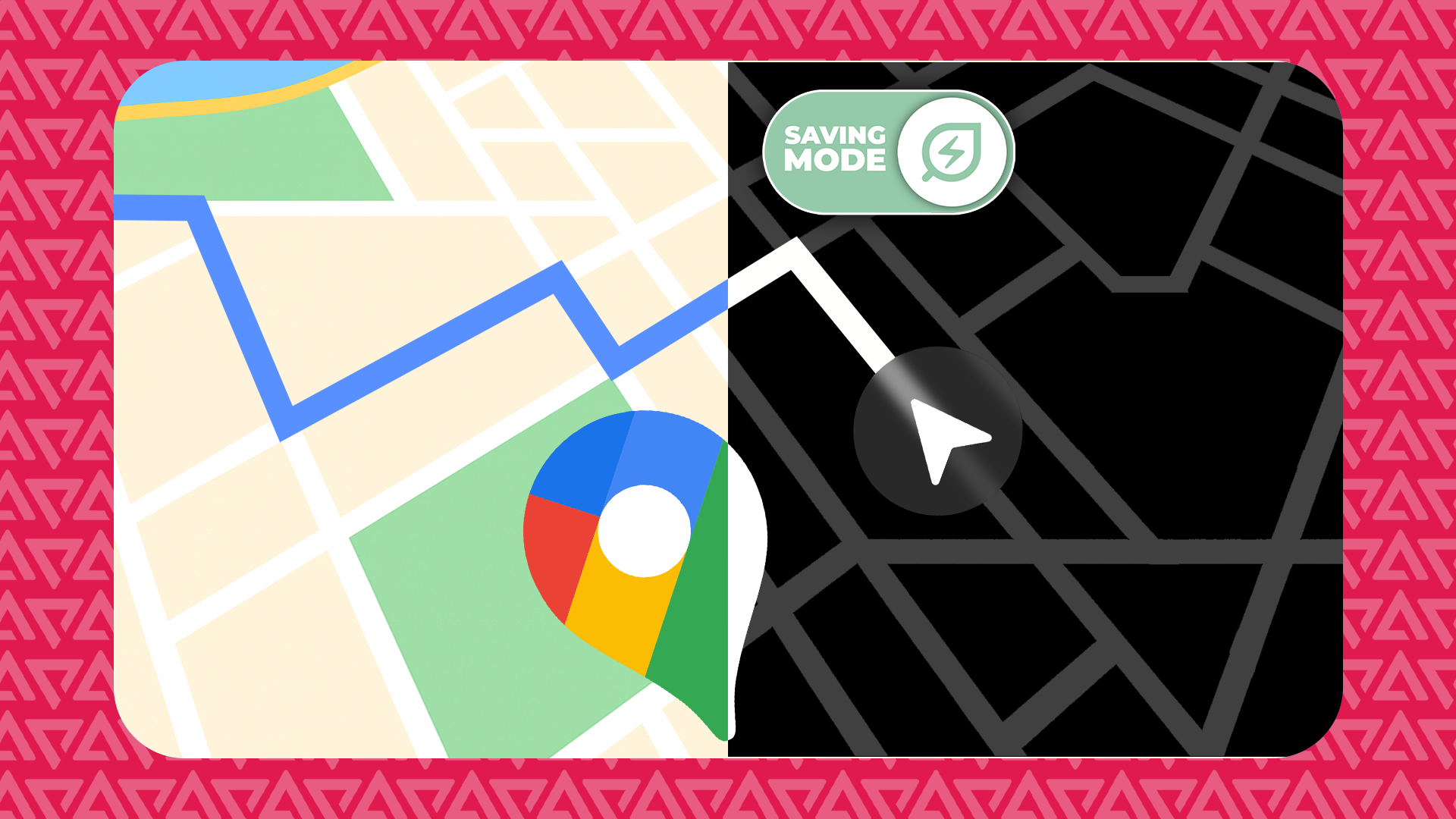
After recent Pixel updates, Google Maps gained a Power Saving Mode that places a high-contrast, black-and-white full-screen overlay on the phone’s always-on display while turn-by-turn navigation runs. The author ran multiple navigation sessions over the same route — covering more than 200 miles in total — and started each drive with a 100% charge. With the screen on in light mode for an hour, the Pixel 10 Pro Fold used about 8% battery. Repeating the route in dark mode reduced usage to roughly 5% for the hour. Using Power Saving Mode for an hour dropped measured drain to about 3%. The mode still provides voice prompts and will suggest reroutes, but it omits on-screen traffic visuals and most points of interest; some safety-related map elements (like train tracks and construction) remain highlighted in color. The author notes these are real-world tests rather than controlled lab measurements.
Why it matters
- Reduces battery drain during extended navigation sessions, which can matter on long drives or all-day outings without charging.
- Offers a distraction-reducing display that preserves essential directions and voice prompts while removing clutter.
- Introduces trade-offs — fewer on-screen details and no visible traffic overlays — so users must weigh information needs versus battery savings.
- Signals Google is iterating on practical, power-conscious features for Maps and Pixel devices.
Key facts
- Power Saving Mode displays a black-and-white, full-screen overlay on the device’s always-on display during navigation.
- The author tested on a Pixel 10 Pro Fold after recent Pixel updates; the setting was enabled by default on that device after the update.
- In the author’s drives, one hour of navigation used ~8% battery in light mode, ~5% in dark mode, and ~3% in Power Saving Mode.
- When locked, the overlay appears; unlocking the phone returns the regular Maps view.
- On-screen traffic updates are not shown in Power Saving Mode, although Maps will still suggest reroutes.
- Most points of interest are hidden in Power Saving Mode, but certain safety-related features (train tracks, construction) remain highlighted in color.
- The author reported no noticeable slowdown in rerouting or location tracking while Power Saving Mode was active.
- The tests were real-world drives and not conducted as controlled laboratory measurements; conditions like signal strength can affect results.
What to watch next
- Whether Google will roll Power Saving Mode out broadly to non-Pixel phones — not confirmed in the source.
- How battery savings vary across device models, screen types, and longer continuous navigation sessions — not confirmed in the source.
- Potential updates that might add selective on-screen traffic or POI options within Power Saving Mode — not confirmed in the source.
Quick glossary
- Power Saving Mode: A feature designed to reduce a phone’s battery consumption by simplifying or limiting visual and background activity.
- Always-on display: A screen state that keeps limited information visible while the device is locked, often with reduced brightness and fewer elements.
- Dark mode: A display theme that uses darker colors and backgrounds to reduce power use on some screens and ease eye strain.
- Turn-by-turn navigation: A navigation mode that gives stepwise directions (visual and/or voice) to guide a user along a route.
- Points of interest (POIs): Named locations such as restaurants, shops, or landmarks that map apps often display on route maps.
Reader FAQ
Does Power Saving Mode actually save battery?
In the author’s real-world tests on a Pixel 10 Pro Fold, Power Saving Mode used about 3% battery per hour versus 5% in dark mode and 8% in light mode.
Do I lose navigation features when using Power Saving Mode?
You still get voice prompts and reroute suggestions, but on-screen traffic visuals and most POIs are hidden; certain safety-related map elements remain in color.
Is Power Saving Mode available on non-Pixel phones?
not confirmed in the source
How do I access Power Saving Mode in Maps?
On the tested Pixel 10 Pro Fold the setting appeared after the update and was enabled by default; the source says the setting is easy to find if not enabled.
I tested the new Google Maps Power Saving Mode over 200 miles; here's what you need to know Credit: Lucas Gouveia / Android Police By Stephen Radochia Published 3 hours ago…
Sources
- I tested the new Google Maps Power Saving Mode over 200 miles; here's what you need to know
- Google Maps Power Saving Mode Adds 4 Hours to Pixel 10
- Google Maps Tests Ultra-Minimal 'Power-Saving Mode'
- Google Maps is testing a battery-saving mode you've …
Related posts
- Why I Trust Samsung Internet With My Passwords More Than Chrome
- Google updates Gemini overlay to let minimized conversations be resumed
- iOS 26.2 introduces app updates across six built‑in iPhone apps