
TL;DR
Malware increasingly targets developer machines to steal or misuse SSH keys. Storing keys in hardware that requires a physical touch — via FIDO2 security keys or the Secure Enclave/Touch ID on Macs — blocks silent exfiltration and unauthorized use.
What happened
A security-focused post from a CTO explains how adding a required physical touch to SSH authentication reduces two major risks: theft of private keys and background misuse by malware. The author describes practical setups for macOS and other platforms. On modern Macs, the Secure Enclave and Touch ID can host keys when paired with third‑party software (Secretive) to make SSH operations require biometric confirmation. For cross‑platform use, inexpensive FIDO2 USB security keys (such as YubiKey models) generate SSH key handles that only work when the device is touched. The piece also outlines operational practices — keep primary and backup keys, store authorized_keys in a versioned repository for auditing, and selectively reserve touch‑required keys for production access while using non‑touch keys for development. The post emphasizes low cost and modest operational overhead for substantially stronger protection against current malware techniques.
Why it matters
- Malware on developer laptops can capture or misuse SSH credentials without visible signs, enabling stealthy access to code and servers.
- Hardware-anchored keys prevent simple copying of private credentials and require a physical action, blocking many remote attack scenarios.
- Adopting touch-verified SSH provides an affordable, low-friction control that improves auditability and reduces blast radius for compromised endpoints.
Key facts
- Two core weaknesses of traditional SSH agents: private-key exfiltration and silent agent-driven usage without user awareness.
- Touch verification provides hardware isolation (private key material stays in device) and physical confirmation (user must touch the device).
- Macs with Secure Enclave/Touch ID can host SSH keys, but require third-party tooling (the author recommends Secretive) to integrate with SSH workflows.
- FIDO2 security keys cost roughly $10–$60 and can generate SSH keys using ssh-keygen -t ed25519-sk on systems with FIDO2-enabled OpenSSH.
- Apple's stock OpenSSH builds lack FIDO2 support; installing a different OpenSSH build (e.g., via Homebrew) enables FIDO2-based keys on macOS.
- Security keys produce a 'key handle' tied to private material inside the device; both the handle file and the physical device are needed to authenticate.
- Operators should keep at least a primary and a backup security key and keep a centralized, version-controlled authorized_keys inventory for visibility and auditing.
- Disabling OTP mode on some hardware tokens (e.g., YubiKey) avoids accidental keyboard output when the device is touched.
What to watch next
- Whether major OS vendors add native FIDO2/OpenSSH support without external builds (not confirmed in the source).
- Organizational adoption patterns for separating touch‑verified production keys from development keys and enforcing their use.
- not confirmed in the source
Quick glossary
- SSH agent: A background program that holds cryptographic keys in memory and provides them to SSH clients to authenticate without retyping passphrases.
- FIDO2: A standards family for hardware-based authentication allowing devices like security keys to perform cryptographic proofs instead of passwords.
- Secure Enclave: An isolated coprocessor found in some devices that stores sensitive keys and performs cryptographic operations without exposing private key material to the host OS.
- YubiKey: A brand of hardware security token that supports FIDO2, among other protocols, used for strong two-factor and hardware-based authentication.
- authorized_keys: A file on an SSH server that lists public keys permitted to authenticate for a given account.
Reader FAQ
Do hardware SSH keys still require a passphrase?
Yes; when generating ed25519-sk keys the author recommends setting an encryption passphrase for the local key handle.
Can FIDO2/YubiKey keys be cloned?
No — the post states these devices cannot be copied and require the physical token to authenticate.
Does macOS include FIDO2 support in its default OpenSSH?
The source says Apple's OpenSSH builds lack FIDO2 support; installing an alternate OpenSSH (e.g., via Homebrew) enables it.
How many hardware keys should staff have?
At the author's organization, staff are provided two keys (primary and backup); this practice is recommended in the source.
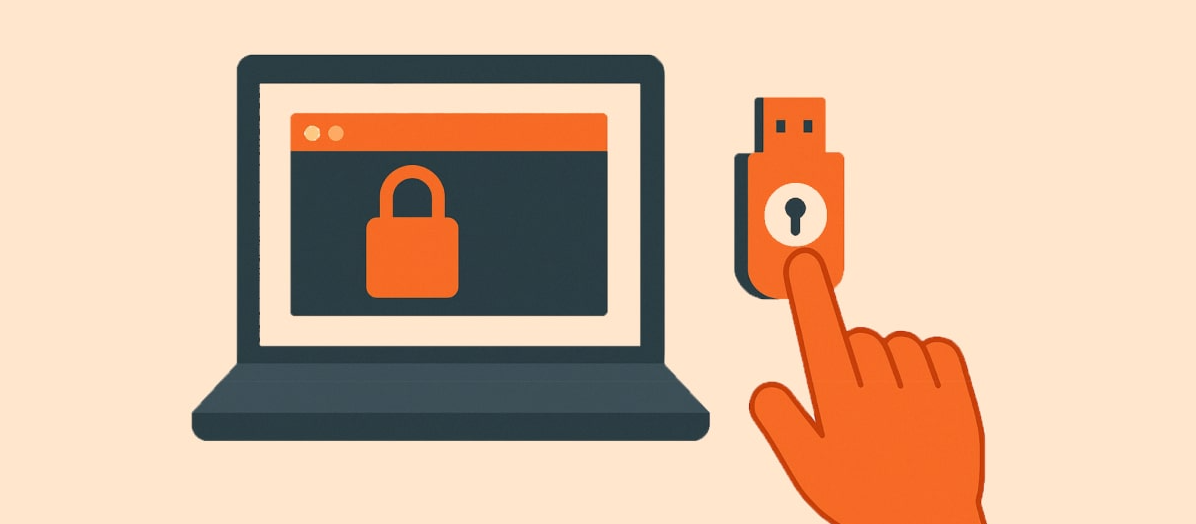
Hardware Touch, Stronger SSH October 9, 2025 · 6 min read Daniel Farina Founder / CTO Every time I log into a server or push code to GitHub, a small…
Sources
- Hardware Touch, Stronger SSH
- Securing SSH with FIDO2
- How to use FIDO2 USB authenticators with SSH
- What Are FIDO2 Security Keys and How Do They Work?
Related posts
- From Video Games to Cyber Defense: Think Like a Hacker to Win
- Top 9 cybersecurity startups from TechCrunch Disrupt’s Startup Battlefield
- The standout cybersecurity investigations of 2025 we admired elsewhere