
TL;DR
Users running Wear OS 6 or 6.1 on Pixel Watch and Galaxy Watch models are reporting display artifacts when the watch switches between a live face and the always-on display. Google and Samsung have been made aware; temporary workarounds exist but no permanent fix has been published in the source.
What happened
After the rollout of Wear OS 6 (and subsequent 6.1 builds), owners of Pixel Watch and Galaxy Watch devices began reporting a visual glitch where the transition from an active watch face to the always-on display leaves a visible afterimage. The behavior has shown up across multiple user reports and forums. Investigators cited in secondary reporting attribute the problem to Wear OS itself rather than a specific third‑party face or app, meaning the bug appears to stem from the platform's display transition handling. While the issue produces annoying visual artifacts, there is no indication in the source that it causes physical damage to the hardware. Users and community members have found temporary fixes—such as switching to a built-in watch face or altering transition settings in code—but the underlying software flaw remains unpatched at the time of reporting. Google and Samsung have acknowledged the issue on their issue-tracking pages.
Why it matters
- AOD (always-on display) artifacts can degrade the core user experience of smartwatches that rely on glanceable information.
- Because the problem appears tied to Wear OS itself, multiple device models from different manufacturers can be affected.
- Temporary workarounds require active user involvement or technical changes; many users will want an official software fix.
- Persistent visual bugs may erode user confidence in updates if they recur after platform upgrades.
Key facts
- Affected devices reported in the source include Pixel Watch and Galaxy Watch models.
- The issue appears after installing Wear OS 6 and also affects Wear OS 6.1 builds.
- Symptoms: an afterimage or residual artifact remains when switching from an active watch face to the always-on display.
- Reports indicate the problem is caused by Wear OS transition handling, not a specific third-party watch face or app.
- Google and Samsung are aware and the issue has been noted on websites that track such problems.
- The bug does not appear to cause physical damage to the watch hardware, per the source.
- Short-term workarounds include swapping to a stock watch face to reduce occurrences.
- More technical users have disabled the fade transition by setting the transition time to zero in code as a stopgap.
- Users report the problem has been discussed for months in community threads, indicating it is not a brand-new complaint.
What to watch next
- Monitor Google and Samsung support/issue-tracking pages for an official patch or guidance.
- Try switching to a factory or stock watch face to see if the afterimage stops; this is a temporary workaround mentioned in reports.
- not confirmed in the source
- not confirmed in the source
Quick glossary
- Wear OS: Google's operating system for smartwatches and wearable devices, used by multiple manufacturers.
- Always-on display (AOD): A mode where a simplified watch face or information remains visible on the screen while the device is otherwise idle to conserve power.
- Watch face: The visual design displayed on a smartwatch's screen that shows time and other complications; can be system-provided or third-party.
- Afterimage: A residual visual impression left on a display after the main image changes, appearing as a ghosted or persistent artifact.
Reader FAQ
Is my watch hardware damaged by this issue?
According to the source, the visual artifacts do not indicate hardware damage.
Which devices are affected?
Reports in the source specifically mention Pixel Watch and Galaxy Watch units running Wear OS 6 and 6.1.
Is there an official fix available now?
not confirmed in the source
Are there any workarounds I can try?
Yes. The source notes swapping to a stock watch face or disabling the fade transition (by setting transition time to zero in code) can reduce or remove the artifact temporarily.
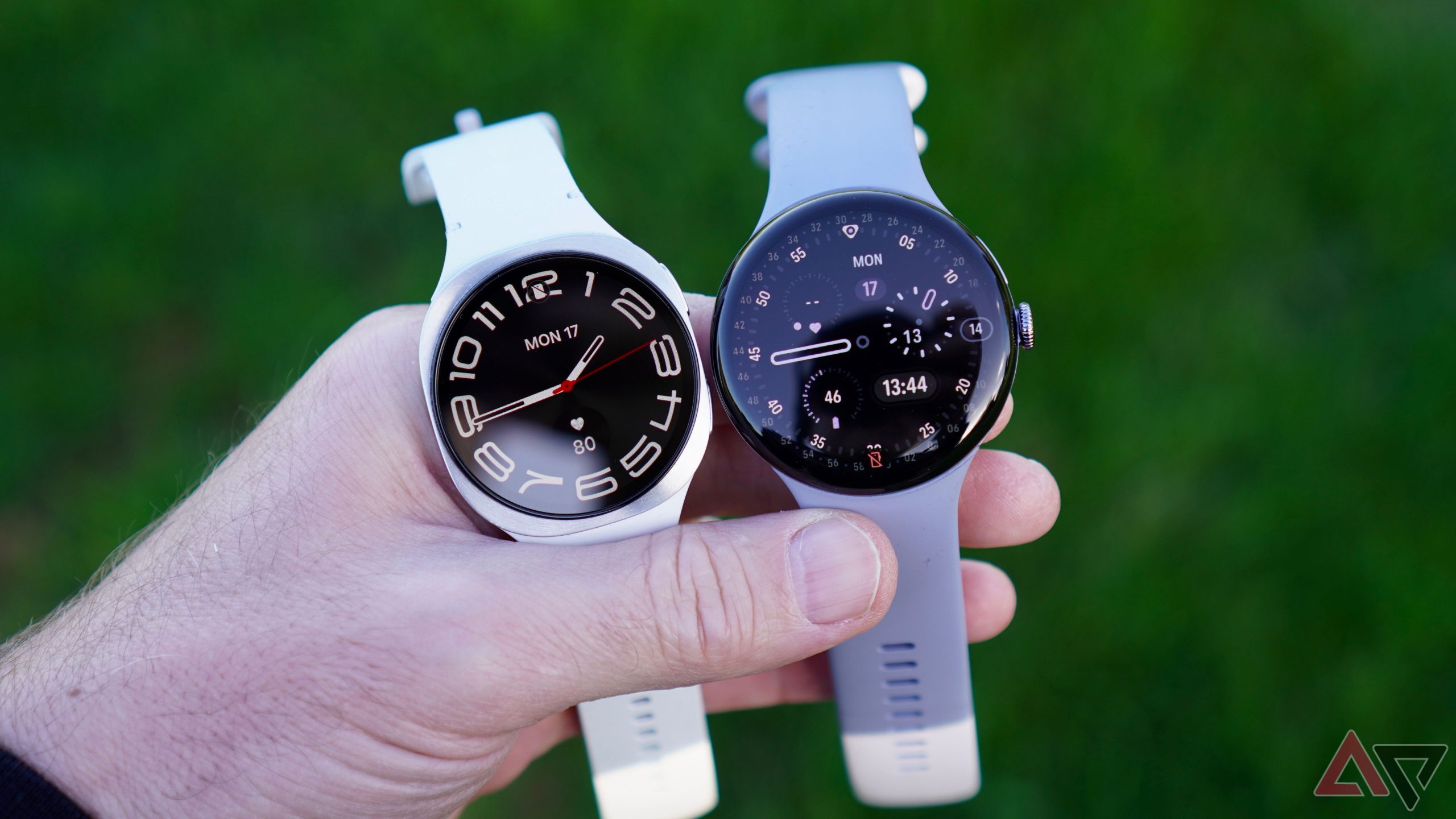
If your Pixel or Galaxy Watch is acting funny, we now know why By Timi Cantisano Published 22 minutes ago Timi is a news and deals writer who's been reporting…
Sources
- If your Pixel or Galaxy Watch is acting funny, we now know why
- Samsung smart watch screen flickers or has horizontal lines
- Wear OS 6 Will Fix an AOD Issue Present for Years
- Watch6 screen issues after updates..
Related posts
- How to Use AirPods Pro 3’s New Heart Rate Sensing Feature on iPhone
- Why I’m Keeping My Galaxy Watch 6 – One UI 8 Makes an Old Watch Newer
- Garmin Vivoactive 5: a sleek, feature-rich smartwatch for most users