
TL;DR
An Android Police columnist argues Samsung Internet offers stronger tracker blocking and a more isolated private mode than Chrome, and says business models explain the difference. Chrome remains ubiquitous on Android but lacks mobile extension support and built-in tracker defenses, making some users wary of storing sensitive data there.
What happened
In a recent column, an Android Police writer laid out why he prefers Samsung Internet over Google Chrome for handling passwords and sensitive browsing. He frames the issue around incentives: Google’s browser is tied to an advertising business model, while Samsung’s browser sits inside a hardware business where the company has less reason to harvest user data. The author contrasts Chrome’s Incognito — described as a local privacy feature that doesn’t block third‑party trackers and whose activity can still be visible to websites — with Samsung Internet’s Secret Mode, which the piece says isolates sessions and actively blocks trackers, including through machine‑learning detection of new trackers. The column also notes that Chrome for Android does not allow extensions, while Samsung Internet supports blockers, and that switching away from Chrome creates practical friction because Samsung’s mobile browser lacks the same desktop sync ubiquity.
Why it matters
- Browsers act as gateways to a large share of personal data — including passwords and search history — so their default behaviors shape user privacy.
- A company’s business model can influence design choices around tracking, extensions, and what user data is collected or exposed.
- Built‑in tracker blocking and extension support can reduce exposure to profiling and malvertising, potentially lowering security risks.
- Practical tradeoffs such as cross‑device sync and desktop availability affect whether users can realistically switch away from default browsers.
Key facts
- The author reports that most Android users default to Google Chrome as their primary browser.
- Chrome’s Incognito mode is characterized in the piece as a local privacy feature that does not natively block third‑party trackers and can leave activity visible to visited websites.
- Samsung Internet’s Secret Mode is described as an isolated vault within the browser that actively blocks trackers.
- Samsung uses machine learning in its browser to identify trackers not listed on standard blacklists, according to the article.
- Chrome for Android does not support extensions; Google cites performance, security, and battery reasons for that design choice.
- Samsung Internet allows use of content blockers and ad blockers on mobile, per the column.
- The author says ad blocking on mobile also functions as a security measure by reducing exposure to malvertising.
- Switching from Chrome to Samsung Internet carries friction around sync and desktop continuity; Samsung Internet for Windows exists in beta but is not equivalent to Chrome’s desktop ubiquity.
What to watch next
- Whether Samsung expands its desktop presence or improves cross‑device sync for Samsung Internet — not confirmed in the source.
- If Google changes policies for Chrome on Android to allow extensions or stronger native tracker blocking — not confirmed in the source.
- How effective Samsung’s machine‑learning tracker detection proves over time and whether trackers adapt — not confirmed in the source.
Quick glossary
- Web browser: Software that lets users access and navigate websites, manage bookmarks and passwords, and render web content.
- Tracker / third‑party tracker: Code, cookies, or network requests that follow users across sites to build profiles for advertising, analytics, or other purposes.
- Incognito / Secret Mode: A private browsing mode that limits local history and cookies; implementations vary in whether they block trackers or hide activity from websites and networks.
- Ad blocker: Software or an extension that prevents ads and related tracking scripts from loading on webpages; can also reduce exposure to malvertising.
- Sync: A feature that synchronizes browsing history, bookmarks, passwords and open tabs across devices signed into the same account.
Reader FAQ
Does the article show Samsung Internet is objectively more secure than Chrome?
The piece presents the author’s view that Samsung Internet blocks trackers and isolates private sessions more aggressively; it does not provide independent security testing or an objective ranking.
Does Chrome’s Incognito hide my activity from websites and trackers?
According to the article, Incognito is primarily a local privacy feature and does not natively block third‑party trackers; activity can still be visible to websites.
Will switching to Samsung Internet preserve desktop sync like Chrome?
The article says Samsung Internet lacks the same desktop ubiquity as Chrome; Samsung has a Windows beta app but full parity with Chrome’s sync is not available.
Is Google’s refusal to allow mobile extensions explicitly about protecting ad revenue?
The article notes Google cites performance, security, and battery concerns; the author argues financial incentives are likely a factor, but that interpretation is the author’s view.
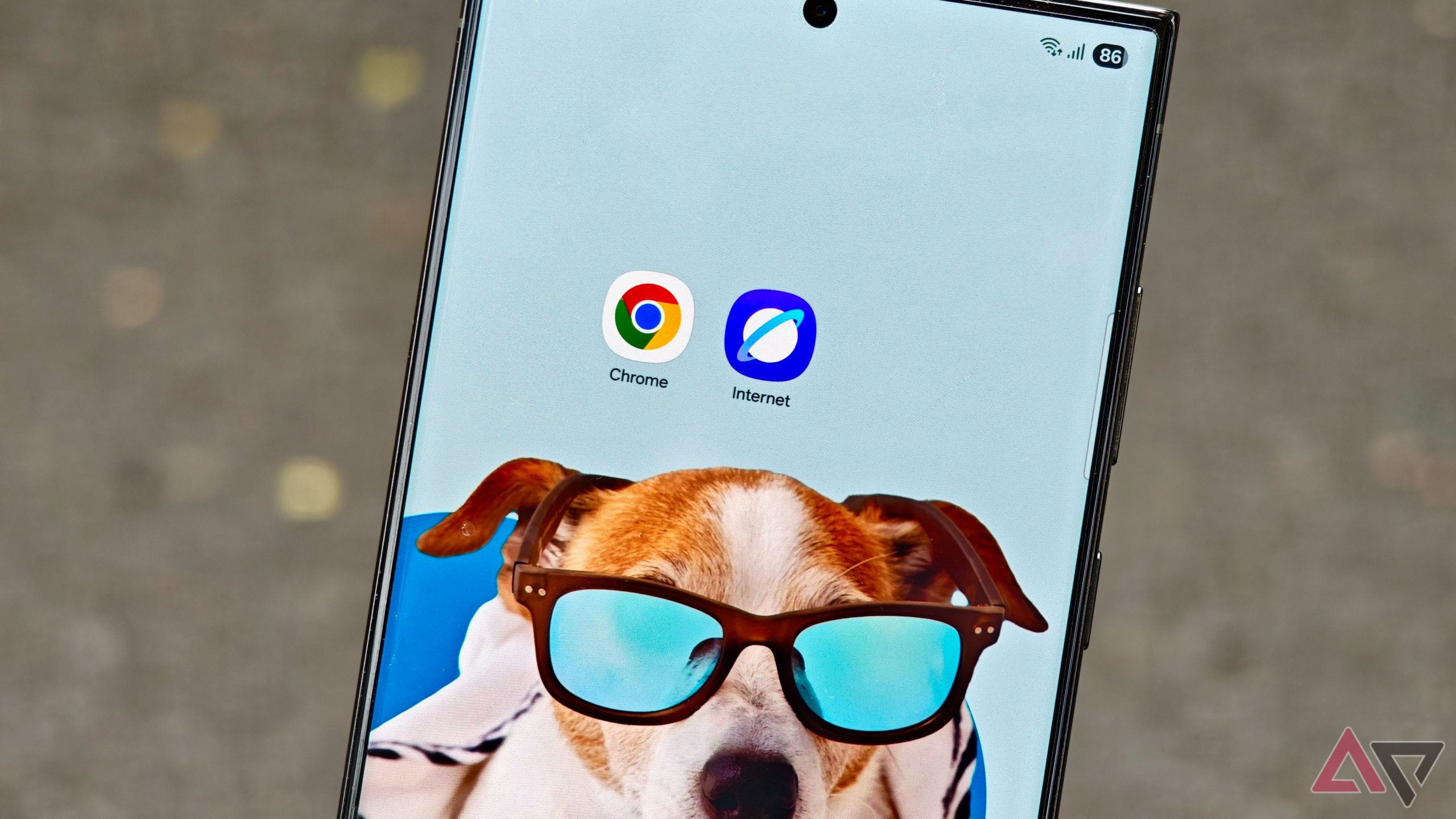
I trust Samsung Internet with my passwords more than Chrome — here's why By Ben Khalesi Published 53 minutes ago Ben Khalesi covers the intersection of artificial intelligence and everyday…
Sources
- I trust Samsung Internet with my passwords more than Chrome — here's why
- Why I switched from Chrome to Samsung Internet on Android
- 4 reasons why Samsung Internet is better than Chrome
- Chrome vs Samsung Browser
Related posts
- Google updates Gemini overlay to let minimized conversations be resumed
- iOS 26.2 introduces app updates across six built‑in iPhone apps
- Personalize iPhone Liquid Glass in iOS 26: Clear vs Tinted and Clock