
TL;DR
The author argues that heavy reliance on VS Code’s conveniences can obscure essential developer skills. They recommend shifting core workflows to the terminal—Git, editing, building, and debugging—to deepen understanding and increase flexibility.
What happened
A developer who previously spent years working in the terminal, then about a year using VS Code, describes moving back to terminal-centric development and argues the GUI IDE can become a practical crutch. The piece lists common VS Code conveniences—Git integration, file handling, autocompletion, formatting, test running and visual debugging—and contends that outsourcing these tasks to an IDE reduces hands-on knowledge of the underlying tools. The author highlights real-world situations where IDE dependence can be a liability, including emergency fixes on production servers, SSH sessions into cloud instances, minimal Docker containers, and constrained devices. As an alternative, the writer urges practicing command-line Git, learning basic vim motions, debugging without graphical breakpoints, and writing without constant auto-completion, acknowledging that an initial productivity decline is part of the learning curve.
Why it matters
- Terminal skills transfer across environments where GUIs may not be available.
- Understanding underlying commands improves troubleshooting when systems fail.
- Relying less on IDE automation can build deeper debugging intuition.
- Short-term productivity loss may yield longer-term developer capability gains.
Key facts
- The author reports years of terminal use, followed by roughly one year using VS Code, then a return to terminal-based development.
- VS Code conveniences cited include Git workflow management, file operations, auto-complete, code formatting, test execution, and visual debugging.
- Situations where terminal skills are valuable: emergency production hotfixes, SSH into cloud instances, minimal Docker containers, and resource-limited devices.
- The author recommends practicing Git via the terminal, learning basic vim motions, debugging without breakpoints, and writing code without depending on auto-completion.
- The author acknowledges an expected temporary drop in productivity when abandoning IDE crutches.
- The piece frames the issue as understanding versus abstraction—automated IDE features can mask underlying processes.
- The author proposes a one-month challenge to emphasize persistent practice and growth.
- Last Update on the original post is listed as January 20, 2025.
What to watch next
- Whether individual developers regain and retain skills after a month-long terminal challenge — not confirmed in the source
- How teams handle collaboration and onboarding if members adopt terminal-first workflows — not confirmed in the source
- Any measurable changes in incident response times when engineers rely less on GUIs — not confirmed in the source
Quick glossary
- VS Code: A popular graphical code editor and integrated development environment with built-in features and extensions.
- Terminal (Shell): A text-based interface used to run commands, scripts, and tools directly on an operating system or remote host.
- vim: A modal, keyboard-driven text editor often used in terminals for fast, efficient text manipulation.
- Git: A distributed version control system for tracking changes in source code and coordinating work among developers.
- IDE: Integrated Development Environment — a software application that provides comprehensive facilities to programmers, such as code editing, building, and debugging tools.
Reader FAQ
Do you have to uninstall VS Code to follow this advice?
The author explicitly says you don't need to uninstall VS Code immediately; gradual practice in the terminal is recommended.
Will switching to terminal workflows make me less productive?
The post notes a likely short-term productivity decrease as a normal part of learning, with potential long-term gains.
How long should I try working without VS Code features?
The author suggests committing to about a month of focused practice in the terminal.
Is the author saying VS Code is bad?
No — the author frames VS Code as useful but warns it can become a crutch that masks underlying skills.
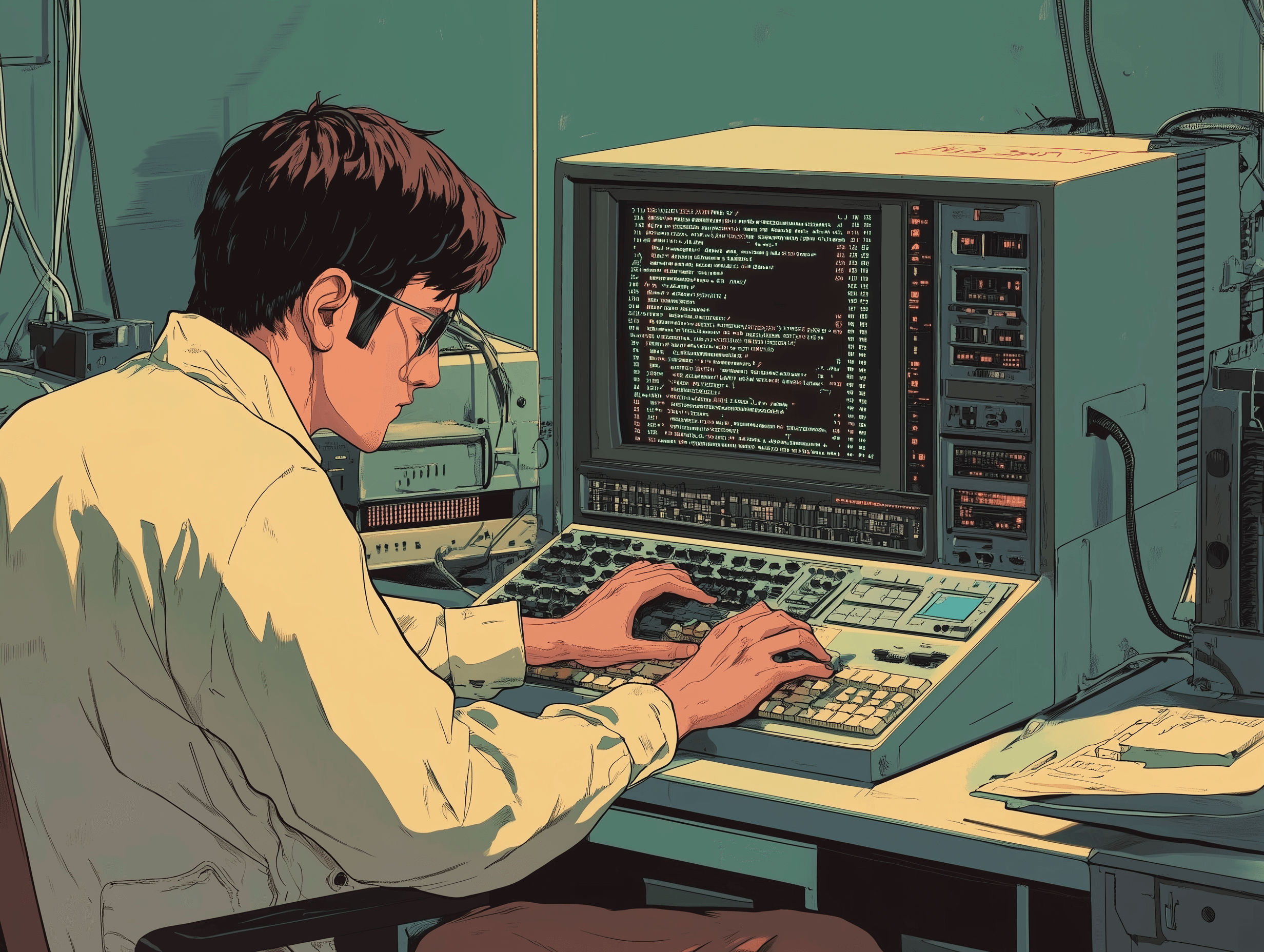
Why You Need To Ditch VS Code To Be a Better Programmer Categories: [Terminal], [Programming] Last Update: January 20, 2025 VS Code is holding you back as a programmer. I…
Sources
- You Need to Ditch VS Code
- 🚀 Crafting My Developer Workflow: VSCode, Vim, and Zsh
- Why I Switched From VS Code to Only Using the Terminal
- Ditch VSCode. Just use Neovim.
Related posts
- Flame Graphs, Tree Maps and Sunbursts Compared for Disk Usage
- Reverse-Engineering Washing Machines: Insights from 39c3 Talk (Video)
- Hacking Washing Machines: Reverse-Engineering BSH and Miele Appliances